SNOM D375
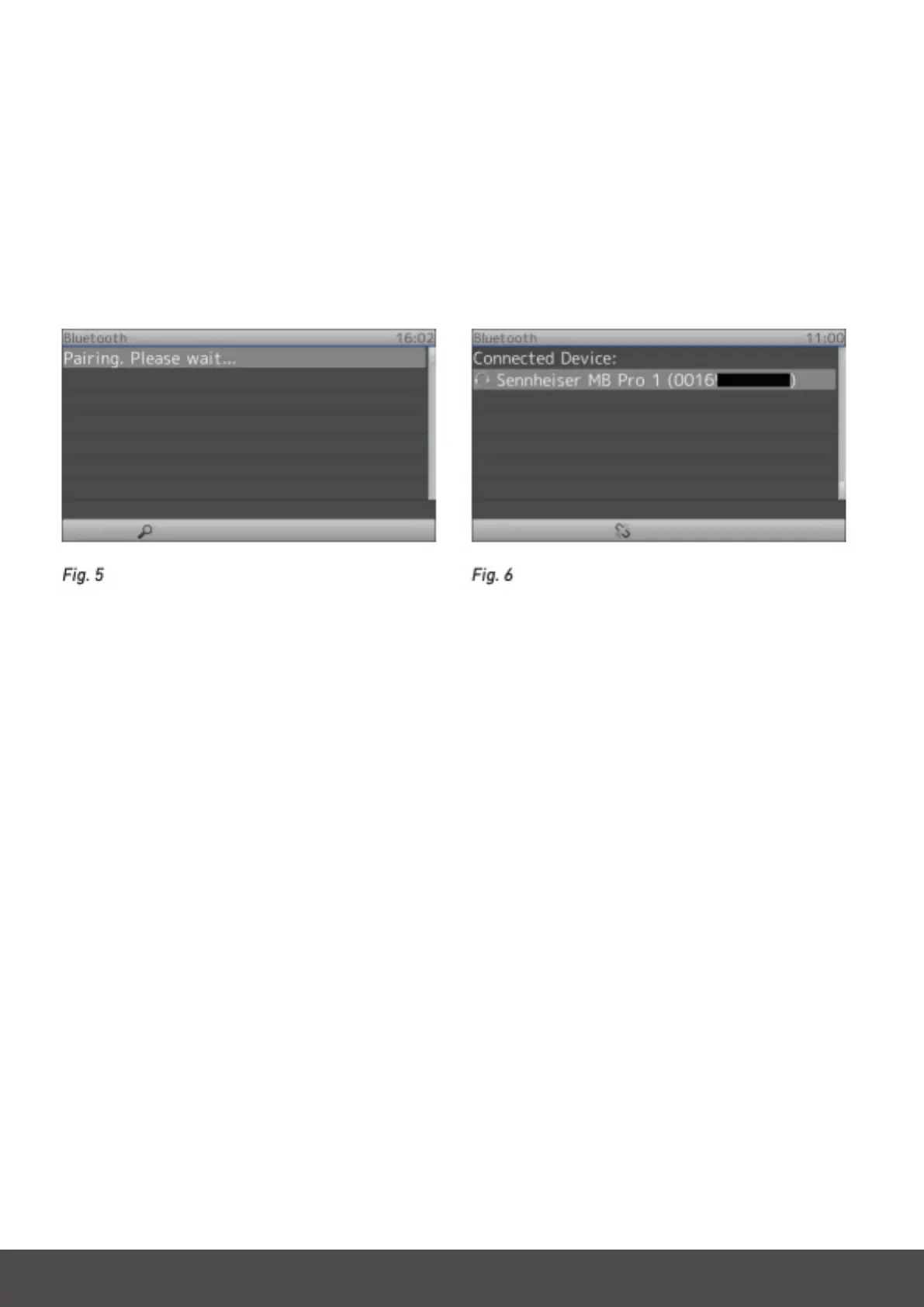
The display will show the message ”Pairing. Please wait...” (Fig. 5). When phone and headset have been paired, the display
will show the connected headset with the audio/video symbol, make and model, and MAC address (Fig. 6).
Unpairing
To be able to use a different headset with the phone, the currently connected headset must be unpaired from the phone
rst. This can be done whether the headset is turned on or off.
Open the phone’s Settings menu -> 1 Preferences -> 7 Bluetooth.
Press the function key underneath the ”Unpair” symbol (Fig. 6).



 To Previous Page