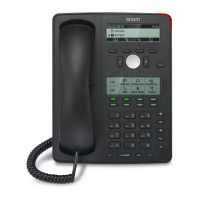
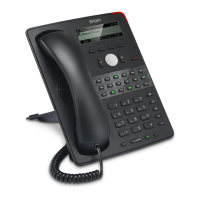
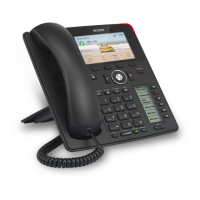
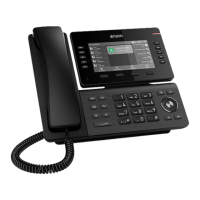
9
23
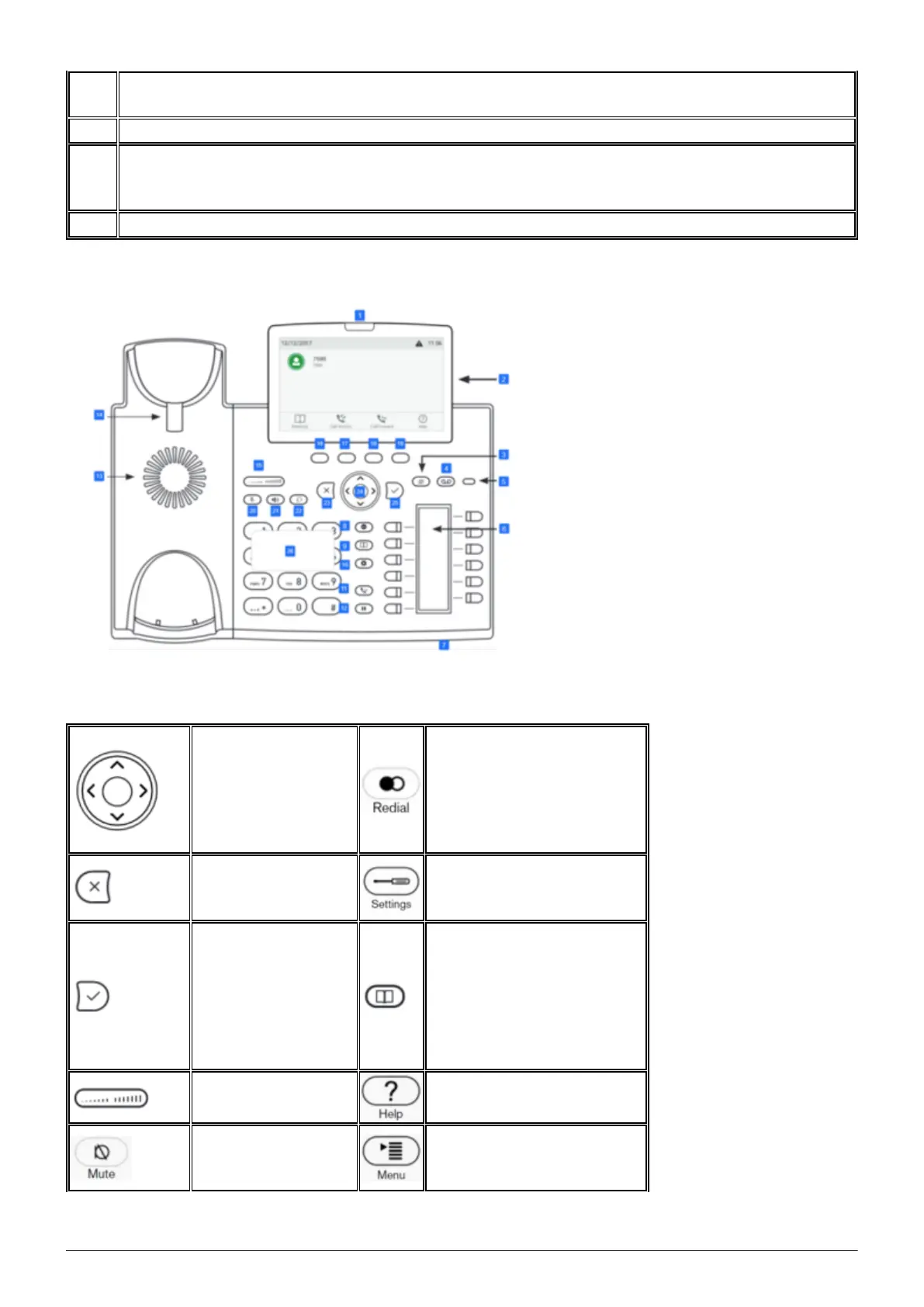
Navigation key: Canceling actions & input, and returning to previous screen / Terminating
calls on speakerphone and in headset & handset modes
24 Navigation key: toggle key
25
Navigation key: Confirming, saving actions & input, and returning to previous screen /
Accepting calls on speakerphone and in headset mode / From idle screen: Dialed calls
(redial)
26 Alphanumeric keypad
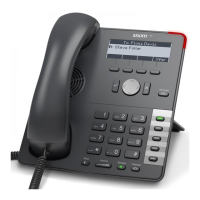
1.2. Keys in detail
You can use the
“toggle key” to
scroll in the display.
On the start screen:
Down: Settings
Up: Call lists
Redialing
Cancels an action or
entr
Maintenance menu: The
functions are visible but
not activated*
Confirms an action,
selection or entry
After pressing this key you
can enter a name to select
a party. The phone book
must first be set up on the
administration portal – see
administration portal
manual
Adjusts the receiver
or ringer volume.
Shows device SIP, IP and
MAC address*
Switches the
microphone off
during a call
Enables queues to be
enabled or disabled*


 To Next Page