[ 9 ]
Checking Battery Charge
Starting and Stopping Charge
Cycle
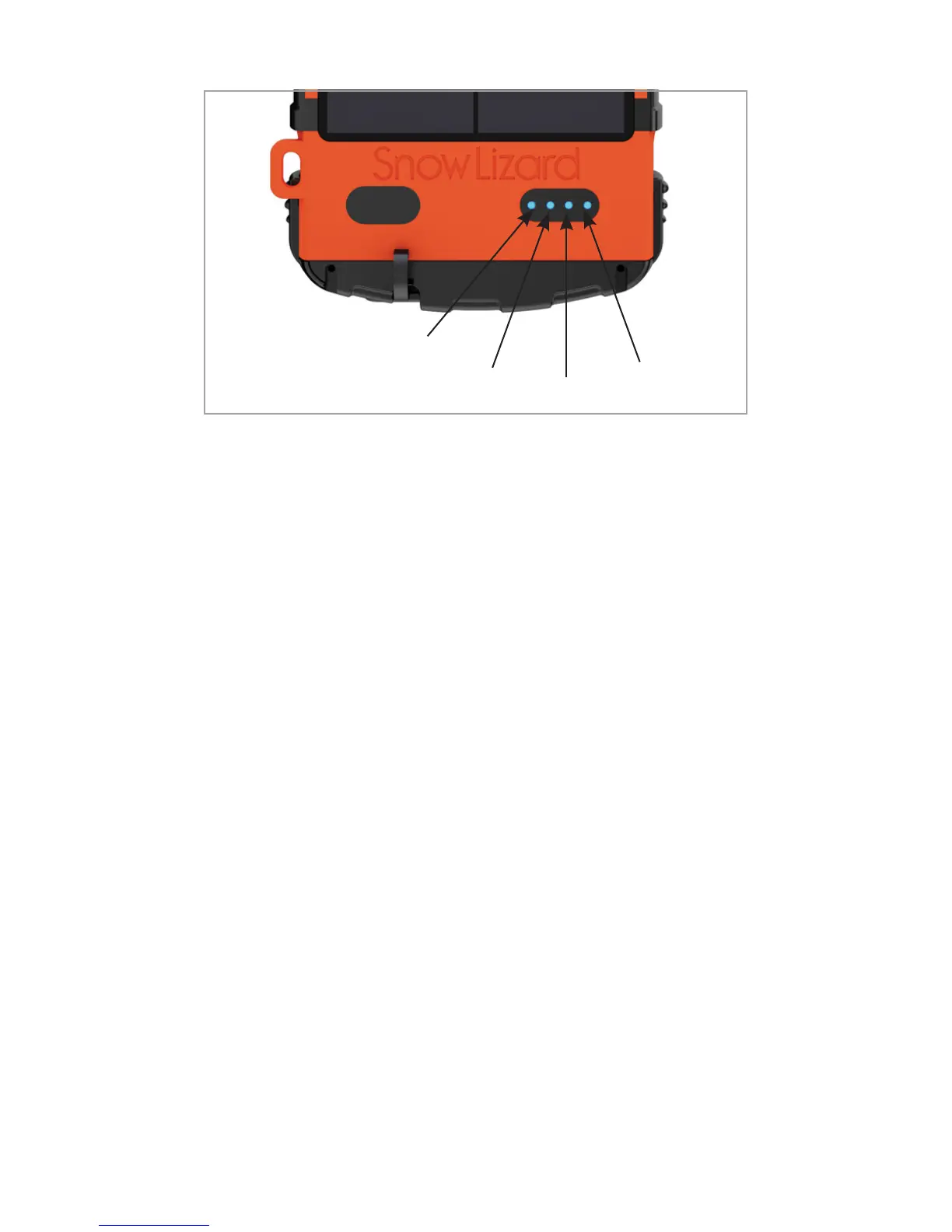
Press the battery button to check the remaining
charge of the SLXtreme’s battery.
• LED 1 steady blue = 0–25%
• LED 1 & 2 steady blue = 26–50%
• LED 1, 2 & 3 steady blue = 51–75%
• LED 1, 2, 3 & 4 steady blue = 76–100%
1. Pressing the battery button once will begin
the charge cycle in addition to indicating the
charge level by the LEDs. The phone will also
indicate that it is charging.
2. Pressing the battery power button twice will
stop the charging cycle. The phone will then
indicate it is no longer charging.
Note: While SLXtreme is actively charging the phone, the
solar panel will not charge the case battery.
1
2
3
4



 To Next Page