5
Subming a Test
1. Press the Power button to turn on the Device. The Device
screen will display a “Welcome to Soberlink” message.
2. Insert the small, anged end of the Soberlink mouthpiece
into the Device.
3. Use the left display button on the Device to select Submit.
Note: The Device screen is not a touch screen.
4. Follow the prompts on the Device screen, and wait for the
blue light to ash before submitting a test.
The test results will take approximately 60 seconds to display
on the Device screen and send to the Sober Sky Web Portal*.
Note: After a positive BAC (Breath Alcohol
Concentration) is received, wait 15 minutes
before submitting another test.
Retest Required
Wait 15 Minutes
.030
BAC
OK
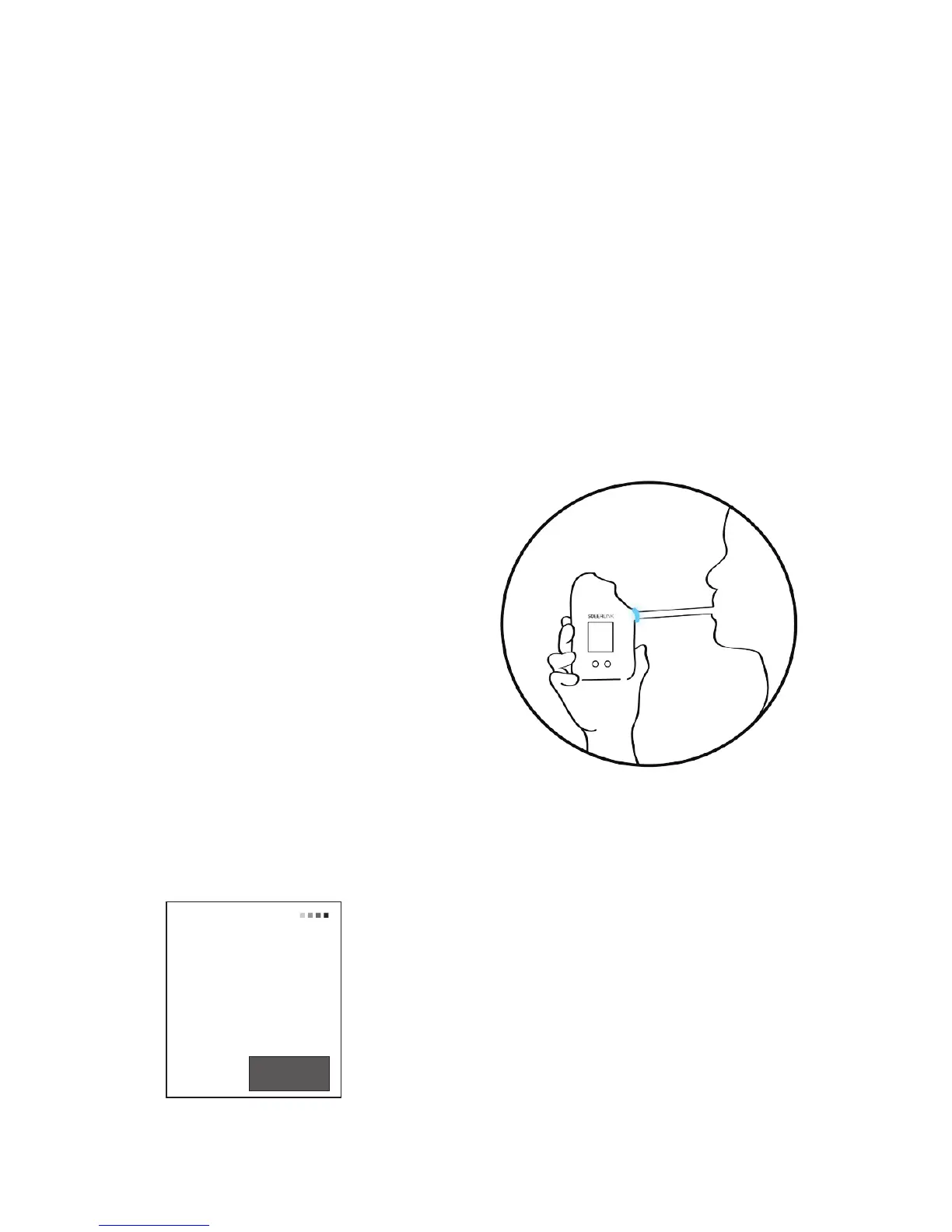
5. When prompted to blow,
look directly into the camera,
breathe in deeply and deliver
a rm, continuous breath for 4
seconds. The Device will click
when the test is complete.
Note: Do not hold the mouthpiece
or obstruct the camera.
*Refer to page 8


 To Next Page