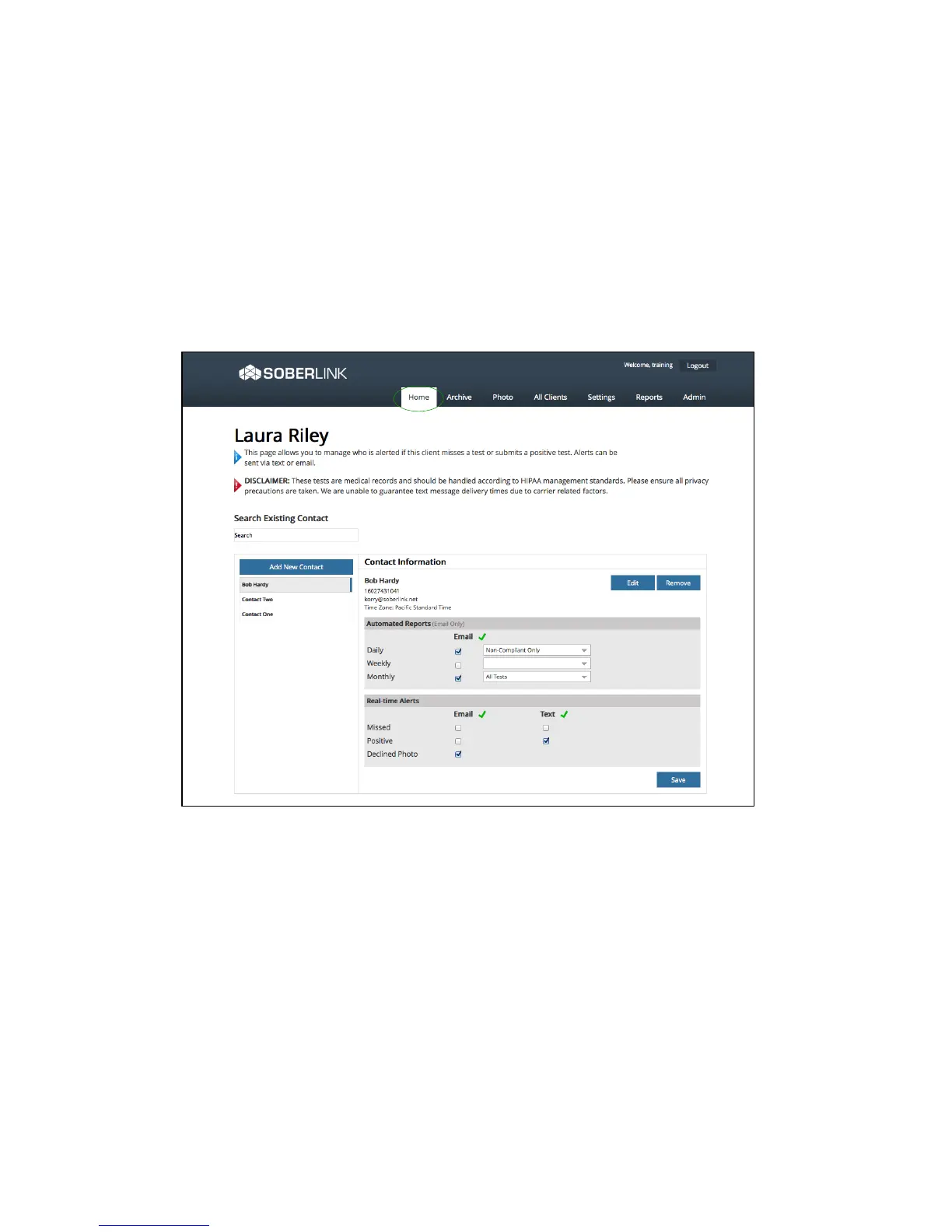
• The Alerts Page allows a contact to sign up for Real-time text or email Alerts based on
certain triggering events, and/or sign up to be emailed Automated Reports summarizing
all their clients’ activity.
• Upon first entry of a cell number or email address, the contact will receive an opt-in
request via text or email and must respond accordingly in order to receive the Alerts.
K&
><#-7(&;66<?)*&B&3<-*(9&D"E67&
A62-&F&'-<-$(-,&><#-7(&F&3<-*(9&



 To Next Page