12
Function (15) Set time:
Example: 18 hour 00 minute 00 second => 18:00:00 (pre-setting figure is 00:00:00)
Function (16) Set date:
Example 2000/04/30 Sunday => 2000/04/30 (1) (pre-setting is 2000/01/01 (5))
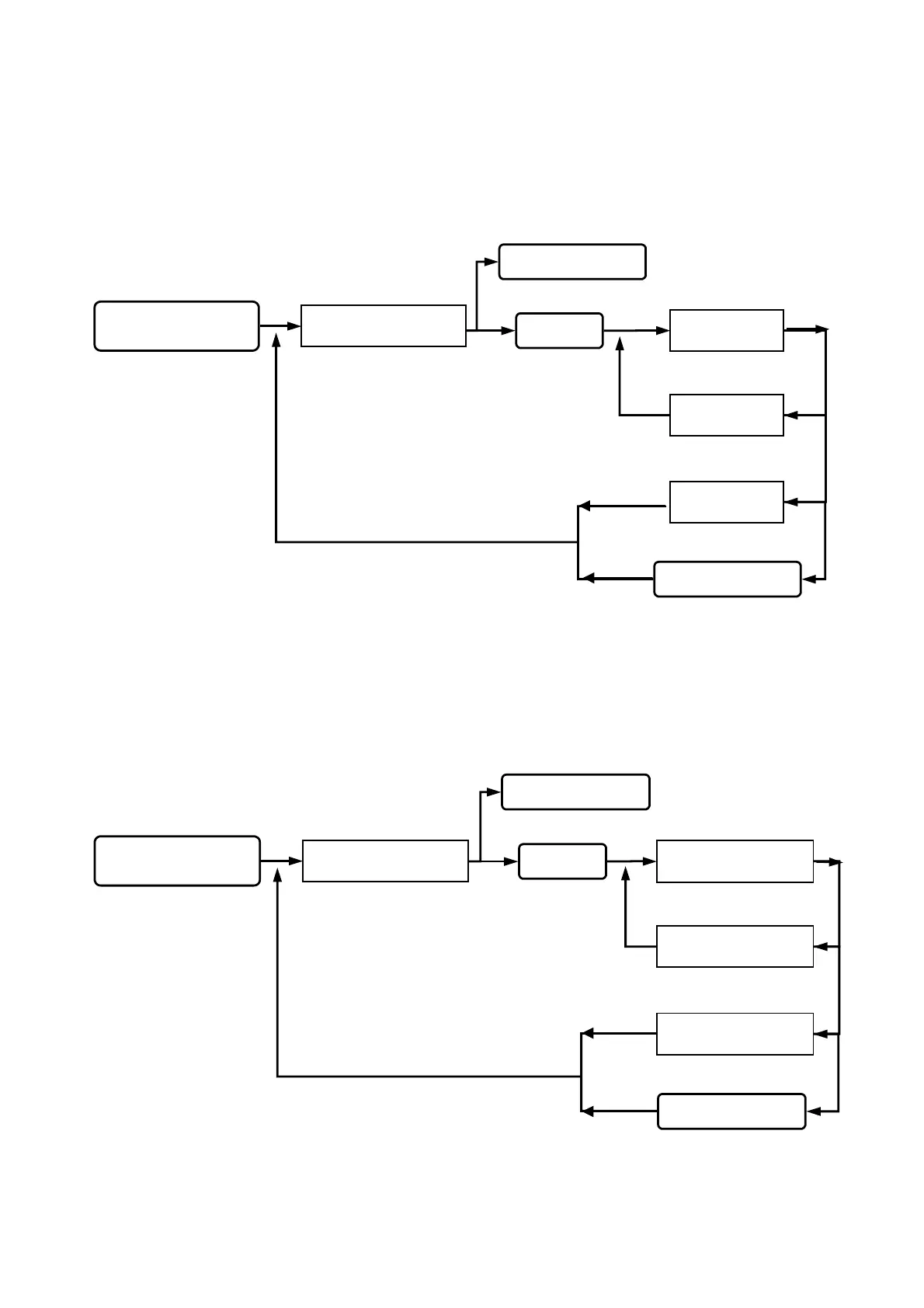
Queuing for system
time input.
SET TIME
17 : 50 : 99
SET TIME
18 : 00 : 00
SET TIME
1
17 : 50 : 50
Key in 15
Key in
#
or
*
Esc system function selection.
Key in the
#
or
*
Go into function 15.
SYSTEM FUNCTIONS
SELECTION : _ _
status light on, display
function selection.
Key in
#
system password
#
Go into system function setup.
Setting successfully,
beep sound occurred.
Wrong input, beep
sound on continuously.
back to system function selection.
Queuing for system
date input.
SET DATE
1999 / 03 / 29 (0 )
SET DATE
1999 / 03 / 29 ( 1 )
SET DATE
1999 / 01 / 01 ( 5 )
Key in 16
Key in
#
or
*
Esc system function selection.
Key in the
#
or
*
Go into function 16.
SYSTEM FUNCTIONS
SELECTION : _ _
status light on, display
function selection.
Key in
#system password#
Go into system function setup.
Setting successfully,
beep sound occurred.
Wrong input, beep
sound on continuously.
back to system function selection.


 To Next Page
 Loading...