18
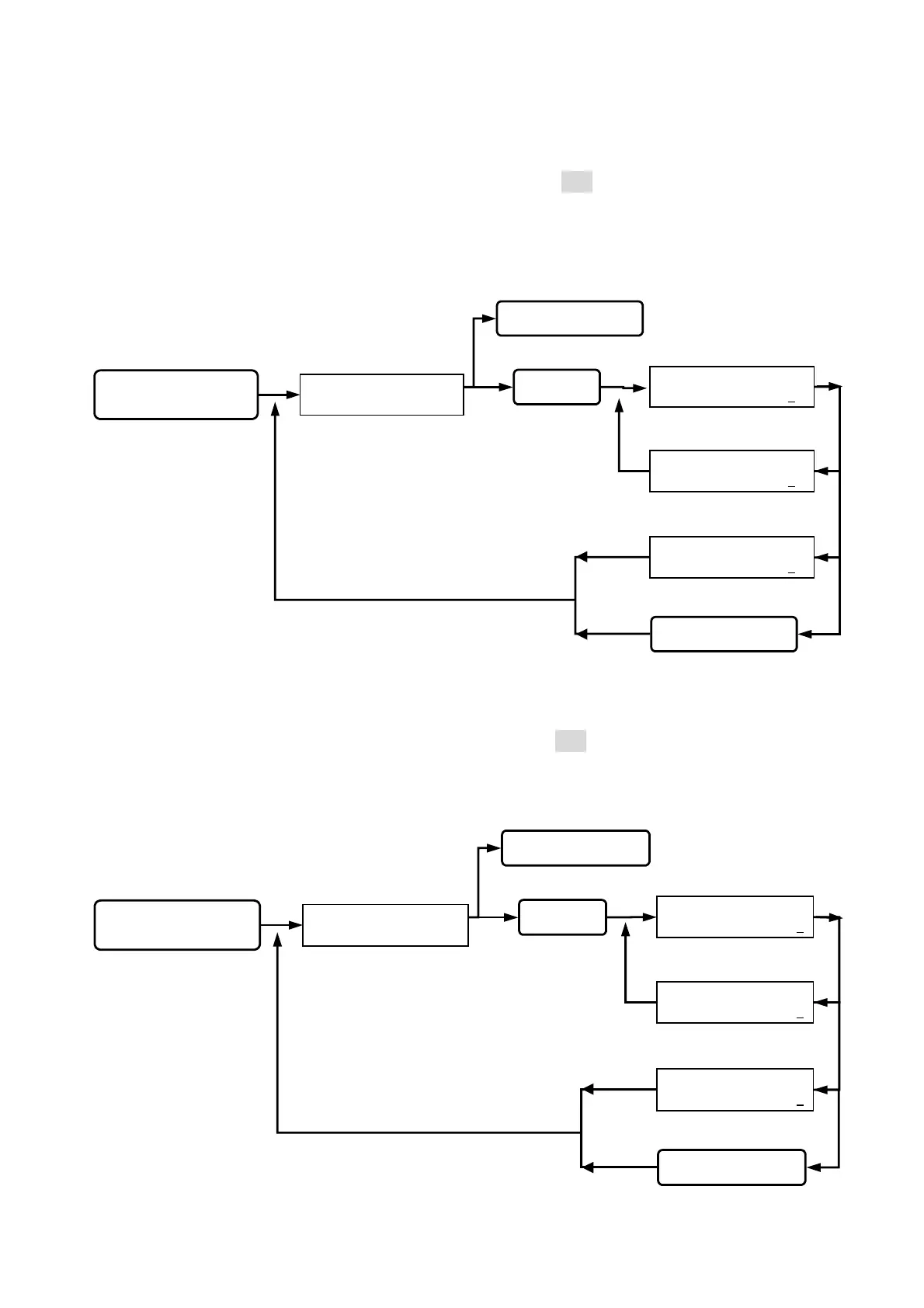
Function (27) Anti-pass mode:
(0) shows “ ON”, (1) shows “OFF”. (pre-setting figure is 001) Once set at “ON”, the card
could only be used for matching single entry and exit. This is to prevent double entry by
using the same card if card has been duplicated.
Function (28) Display card number mode:
(0) shows “ON”, (1) shows “OFF”. (pre-setting figure is 000). Once set at “OFF”, LCD will
not display the card number.
Queuing for anti-
pass mode input.
ANTI - PASS MODE
( 0 / ON , 1 / OFF ) : 2
ANTI - PASS MODE
( 0 / ON , 1 / OFF ) : 0
ANTI - PASS MODE
( 0 / ON , 1 / OFF ) : 1
Key in 27
Key in
or
Esc system function selection.
Key in the
or
Go into function 27.
SYSTEM FUNCTIONS
SELECTION : _ _
status light on, display
function selection.
Key in
system password
Go into system function setup.
Setting successfully,
beep sound occurred.
Wrong input, beep
sound on continuously.
back to system function selection.
Queuing for display card
number mode input.
DISPLAY USER ID
( 0 / ON , 1 / OFF ) : 2
DISPLAY USER ID
( 0 / ON , 1 / OFF ) : 1
DISPLAY USER ID
( 0 / ON , 1 / OFF ) : 0
Key in 28
Key in
#
or
*
Esc system function selection.
Key in the
#
or
*
Go into function 28.
SYSTEM FUNCTIONS
SELECTION : _ _
status light on, display
function selection.
Key in
#
system password
#
Go into system function setup.
Setting successfully,
beep sound occurred.
Wrong input, beep
sound on continuously.
back to system function selection.


 To Next Page
 Loading...