4
* Anti-duress - It will operate when password and duress code are keyed in to send help
signal to the nearest police station. It must be done manually to disable
anti-duress function.
* Exceed door shut time - Alarm will be activated, when door is not closed exceeding initial
time setting control.
* Door open button sensing - Door will open immediately when the button is pushed.
2. Reader Front Panel & Types of Proximity Card
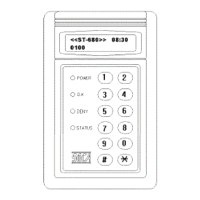
(a) Front Panel Indicator Lights
(1). POWER (red) : power indicator.
(2). OK (green) : door open indicator.
(3). DENY (yellow) : operation error or unregistered card indicator.
(4). STATUS (yellow) : system starts and setup mode indicator.
(b) 10 entry (buttons), two function keys: “#”&“*”.
# key : input data confirm key (Enter)
* key : clear or escape key (CLR/ESC)
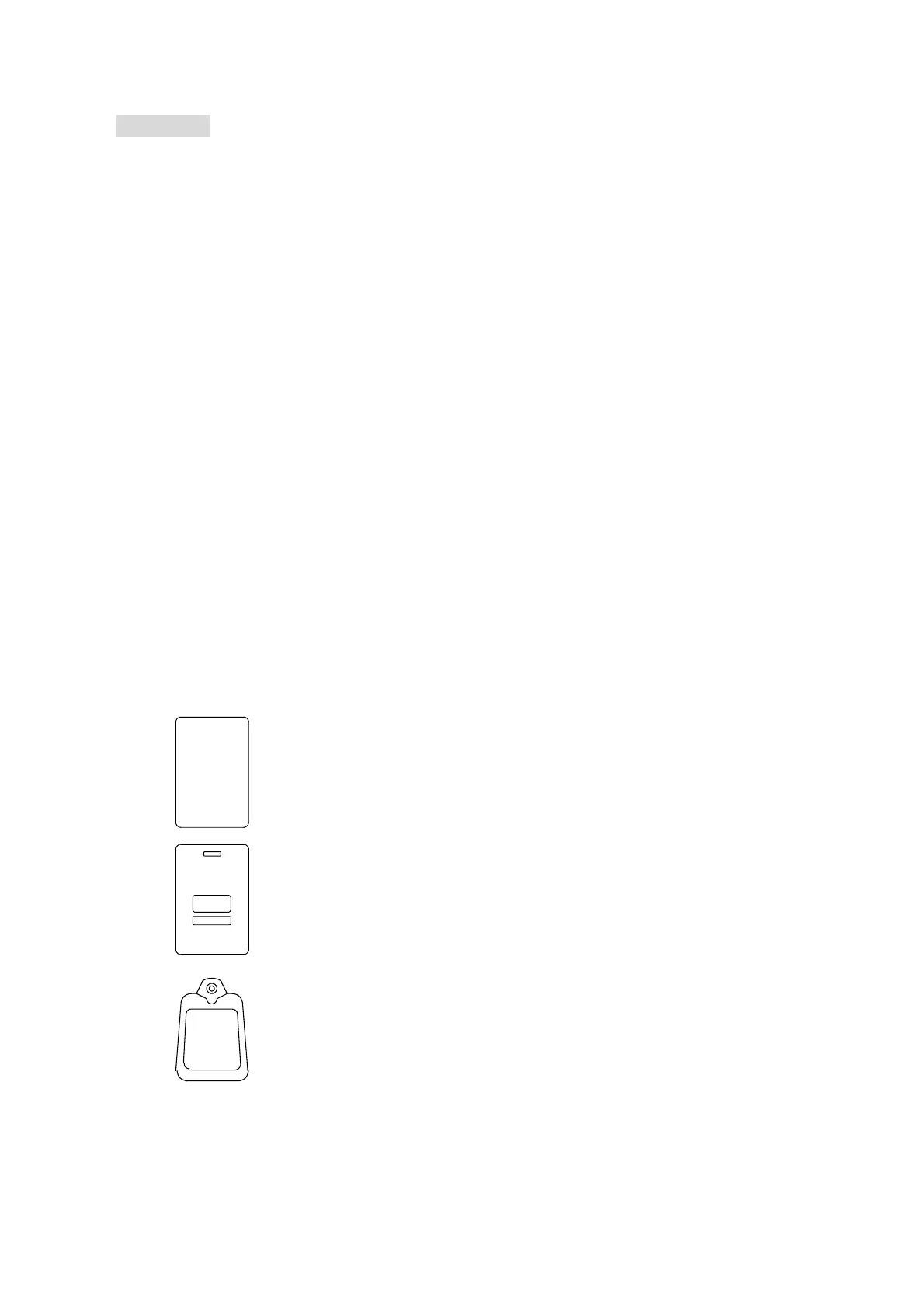
(c) Types of proximity card
SC-10 thin card:
ISO standard card size, thickness 0.8 m/m. Card-printing machine can
be used to print user photo or picture directly. Read range, 25cm
SC-20 thick card:
ISO standard card size, thickness 1.78 m/m. Card-printing machine
can be used to print user photo or picture directly. It can also be used
as hang plate. Read range, 25 cm.
SC-30 key tag:
Key ring type designed, easy hand carrying, supersonic welding,
waterproof, shockproof. Dimensions: 51mm (L), 32mm(H), 7.8mm(W).
Read range, 10 cm.
12345678


 To Next Page
 Loading...