5
SYSTEM FUNCTIONS
SELECTION
:
_ _
MD ADR YYYY/MM/DD
2 001 1999 / 01 / 01
3. Operation instructions
Start reader: It will begin self-testing function when power is switched on. Its operation
procedures are as follow:
LCD DISPLAY INSTRUCTIONS
SRAM TESTING
Memory testing
RTC TESTING
Real time clock testing
INITIAL FUNCTION
Initial system setting
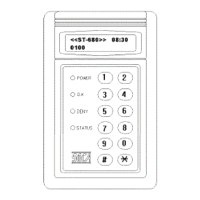
<<ST680>> 08:05
0010
Model (ST680), present time (08:05), 10 registrations.
Note: Card must not exceed the read range (refer to different models) to gain induction.
a). OK (green) light is on to indicate registered card to gain access.
b). DENY (yellow) light is on and consecutive beeping sound is on to indicate
unregistered card or used under unauthorized time zone. (Please refer to
troubleshooting if neither of above statuses occurred)
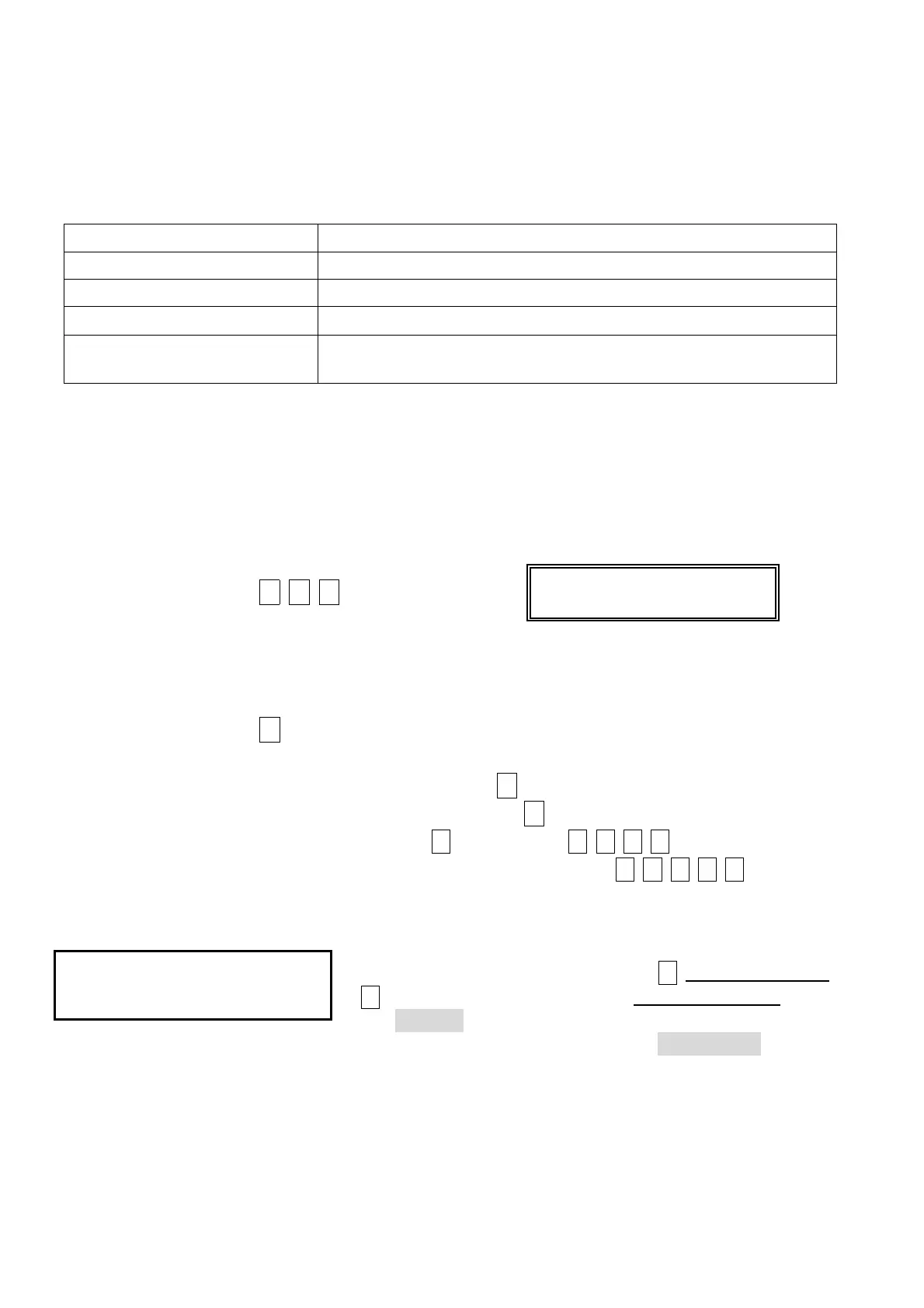
Mode inquiry: Press * # #, LCD will display:
MD: open door mode (2 shows door open by proximity card sensing, 3 shows
door open by proximity card sensing with password.)
ADR: main reader number. YYYY/MM/DD: current date.
Re-press * to escape.
Anti-duress: When under duress, user may press * button before keying in password to
activate alarm.(Duress code presetting is *, it can be changed by user)
Example : anti-duress code is
1
, password is
1
2 3 4
, then to activate
anti-duress alarm, the user should key in
1 1 2 3 4
.
Setup Mode:
User must get into setting mode first before changing any
system functions. User must key in
#
system password
#
for system function selection. System password is being
set
5678
initially by manufacturer. (Example: User can
get into the set up mode by keying
#5678#
).


 To Next Page
 Loading...