7
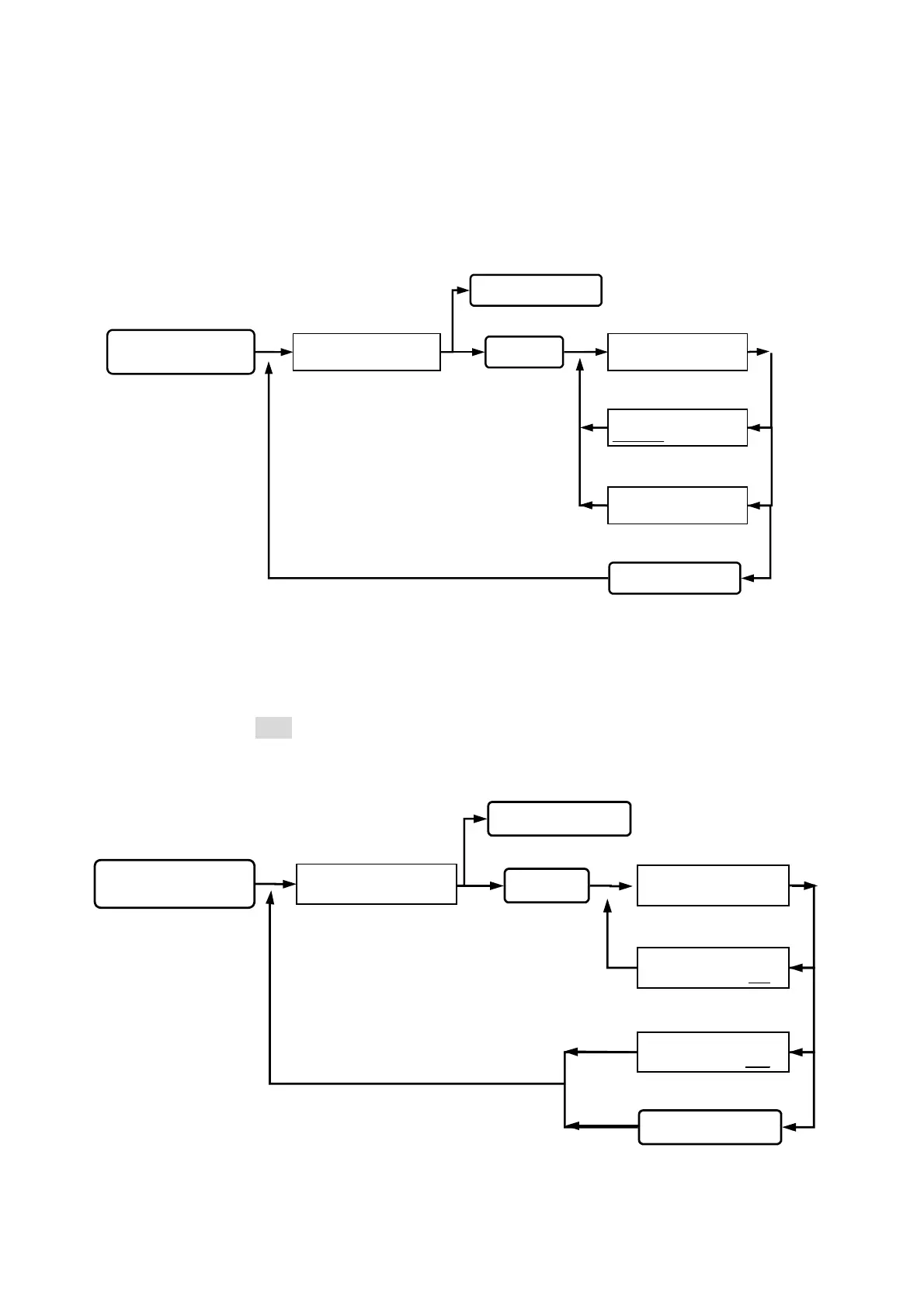
Function (02) Delete card:
Deletion of user’s card (such as loss of card or to prevent specific user to gain access) can
be achieved by keying 8-digit card number indicated on the proximity card.
Function (04) Shunt time:
Setting of relay’s ON/OFF time in the proximity reader can be set from 01-255 seconds.
(pre-setting time is 003)
NO such card, beep
sound on continuously.
DELETE ONE CARD
00000001
DELETE ONE CARD
ACCESS DENIAL
DELETE ONE CARD
_ _ _ _ _ _ _ _
SYSTEM FUNCTIONS
SELECTION : _ _
Key in 02
Key in #or *
Key in the #or *
Esc system function selection.
Go into function 02.
back to system function selection.
Deletion successful, a
beep sound occurred.
Key in
#system password#
status light on, display
function selection.
queuing 8-digit card number input,
key in manually or by proximity.
Go into system function setup.
Queuing for shunt time input.
SET SHUNT TIME
( 1 - 255 ) : 003 000
SET SHUNT TIME
( 1 - 255 ) : 003 005
SET SHUNT TIME
( 1 - 255 ) : 003 _ _ _
Key in 04
Key in
#
or
*
Key in the #or *
Go into function 04.
Esc system function selection.
SYSTEM FUNCTIONS
SELECTION : _ _
Key in
#
system password
#
status light on, display
function selection.
Go into system function setup.
Setting successfully,
beep sound occurred.
Wrong input, beep
sound on continuously.
back to system function selection.


 To Next Page
 Loading...