4
Make sure the scanner is not connected to a host computer or device before scanning a
command barcode.
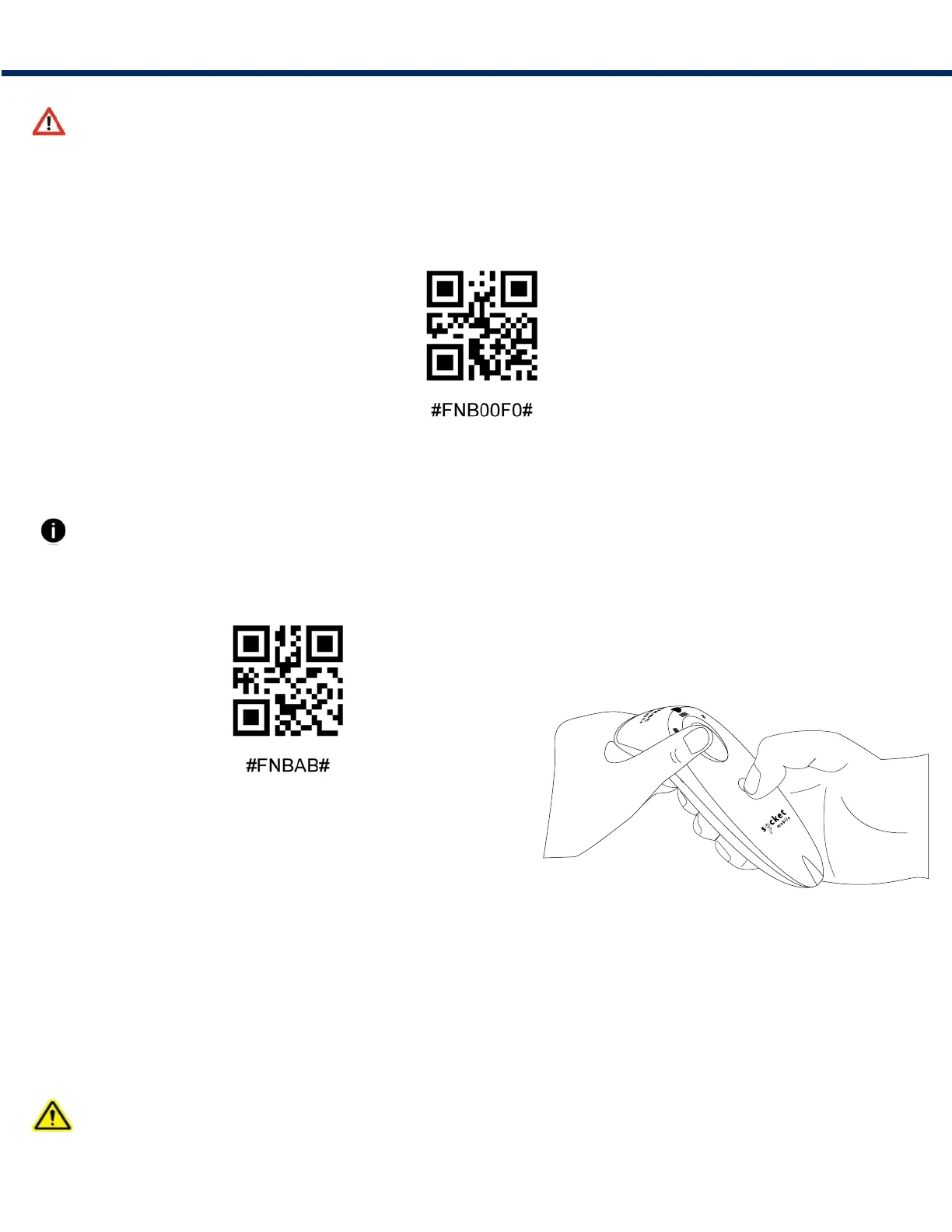
Fctor Reset
Configures the scanner to factory defaults. The scanner powers off after scanning this barcode.
Prn Reset
If the scanner is paired with a device, unpair it before trying to connect to a different device.
Step 1 Scn brcode (for serl number tht bens 1931 nd bove onl)
Or follow steps to manually reset scanner:
A. Power on the scanner.
B. Press and hold down the scan button.
C. Press and hold down the power button.
D. After you hear 3 beeps, release both buttons.
The scanner will unpair and automatically power off.
Step 2 Remove or foret the scnner from the Bluetooth lst on the host devce
The scanner is now discoverable.
Both steps above must be done to complete the unpairing.
RESETS















 To Next Page