copyright by www.soflow.com 9/52
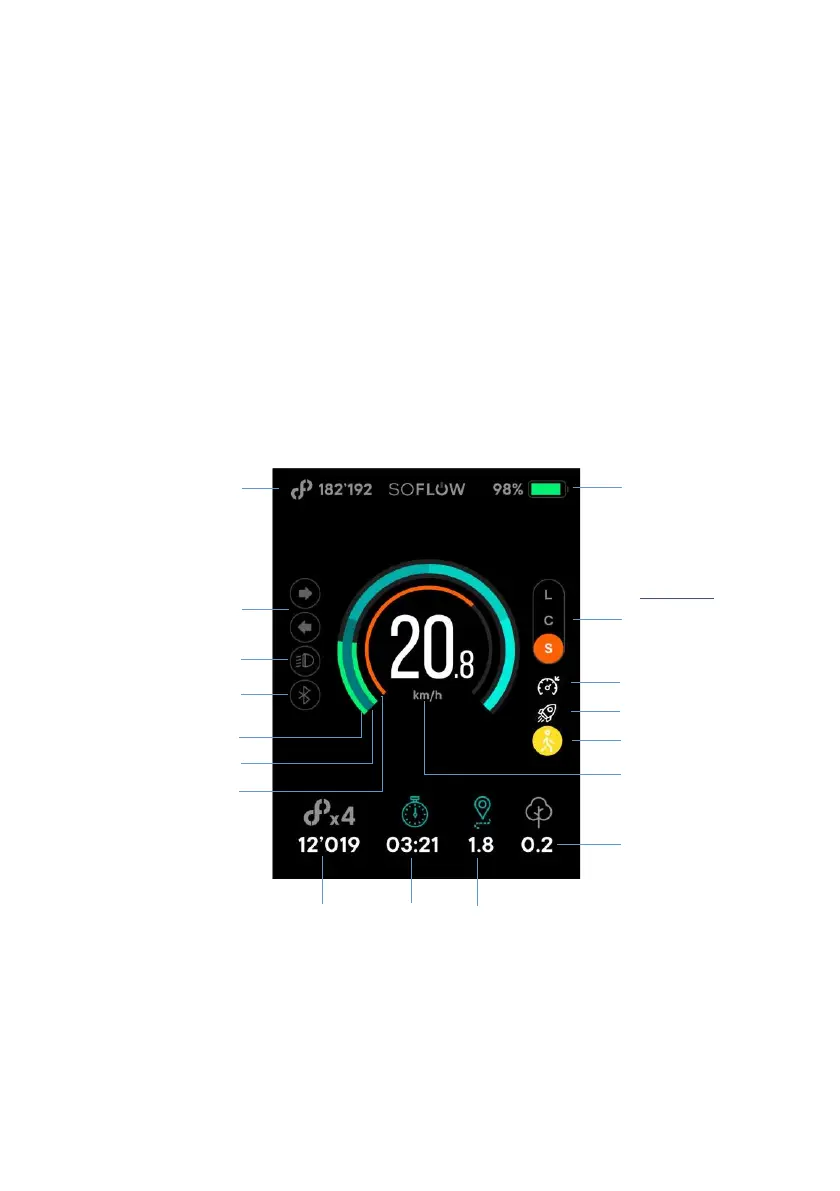
To change the Drive mode, double press the power button.
To change the speed unit between miles/hr and km/h triple press the power button.
You can use NFC to lock and unlock the scooter. The location of NFC is shown in the figure
above. Use your phone to touch the NFC area. For Android, open the SoFlow App, connect your
scooter, and then touch NFC to lock or unlock it. For iOS, except operating as Android you also
need click the notification to lock or unlock your scooter.
2.3. Display


 To Next Page