copyright by www.soflow.com 12/52
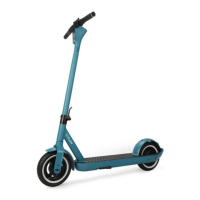
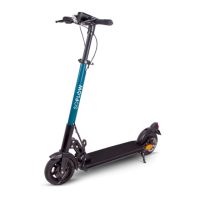
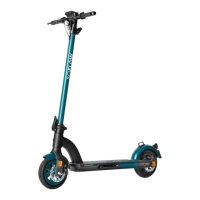
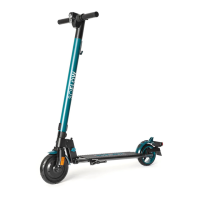
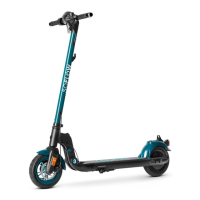
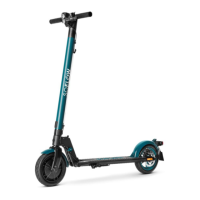
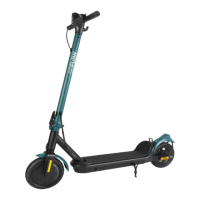
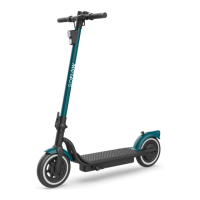
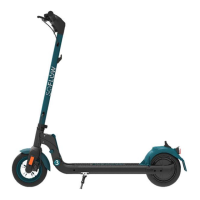
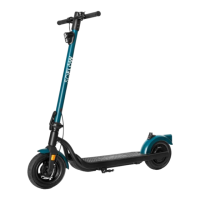
Ø The following steps show the instruction for the model SO ONE+.
Important, for all steps below the scooter screen must be on.
Setup your scooter / Add scooter
1. Open the “Find My” APP
2. Keep the SO ONE+ near your Iphone, then tap
on + and “add other item”
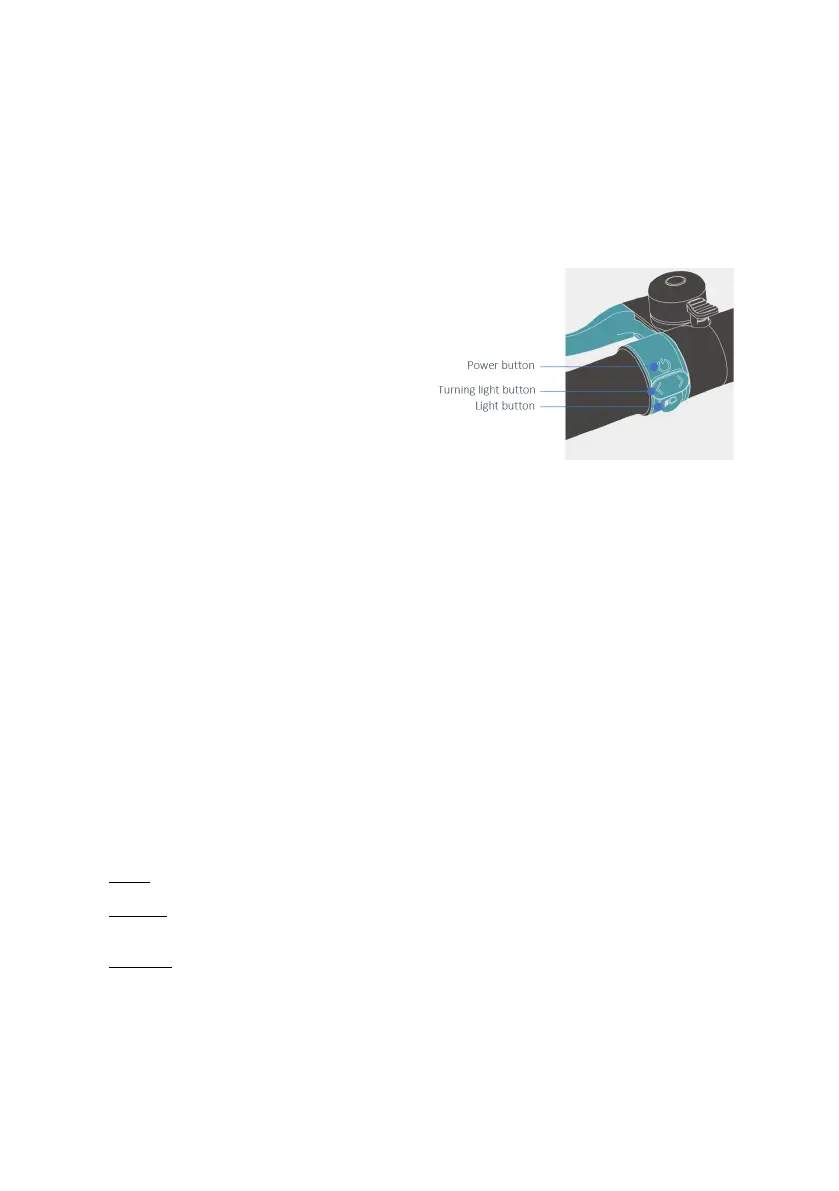
3. Press the power button on the scooter for 1
sec. to power on the scooter
4. Press the left turning button for 5 seconds until
you hear a signal tone.
5. “SO ONE+” will pop up on the Iphone screen,
then tap “connect”.
6. Enter a name and choose an Emoji, then tap
continue.
7. Tap “Register item to your Apple ID”, then
continue again.
8. Tap “Done” to complete the setup
Learn More - Serial number lookup
Press and hold the right turning button and brake lever for 5 seconds until you hear a signal tone, afterwards
release both.
How to Disable
Press and hold the right turning button 5 seconds until you hear a signal tone, afterwards release the right
turning button.
Factory Reset
Press and hold the left turning button and brake lever for 5 seconds until you hear a signal tone, afterwards
release both.
How to exit «Disable» state
Press and hold the left turning button 5 seconds until you hear a signal tone, afterwards release the turning
button.
How to switch between «Nearby», «Separated» and «Disconnect»
Nearby
Connection Status Disconnected.
Separated
Nearby status timeout:
Reboot (The battery of this device cannot be removed. Reboot is not supported).
Disconnect
Turn off the Bluetooth on your iPhone.


 To Next Page