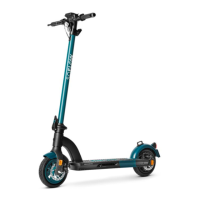
4.2 Display
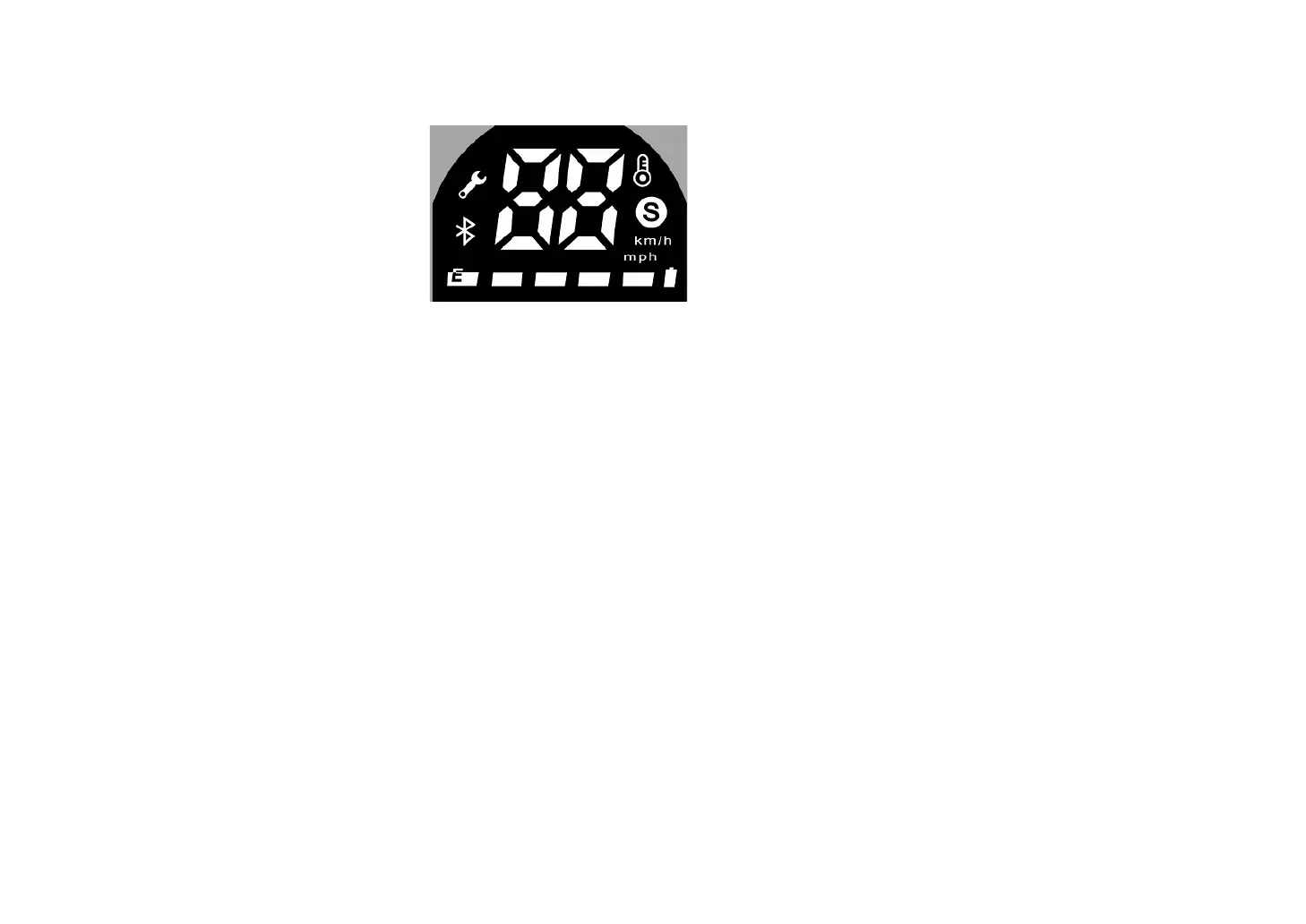
You will find the following information on the display:
• Light
• Speed
• Bluethooth
• km absolut
• Flowmiles
4.3 Error codes
The control electronics of your SO2 AIR 3rd Gen continuously check the correct function of all important components. If your SO2 AIR 3rd Gen detects a malfunction,
this is indicated on the display:
Error message
• E1: Error with throttle
• E2: Error with the brake
• E3: Error with low voltage
• E4: Error with the control
• E5: Error with motor hall
• E6: Error with communication failure
• E7: Error with controller over voltage protection
• E8: Error with controller static currency
• E9: Motor over temperature
Stop using SO2 AIR 3rd Gen immediately if the display shows one of these error messages. Switch the unit off and on again. Check the plug connection between the
handlebars and the front bar that no dirt will affect the contacts of the plugs. Make sure that the battery is fully charged. If the error message still persists, contact the
SoFlow service at info@soflow.com.


 To Next Page