copyright by www.soflow.com 16
Definition IPX6
First digit for protection against solid particles
Digit 2 for protection against liquids
Protection against strong water jets
4. Driving instructions
4.1 Operation
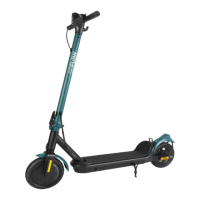
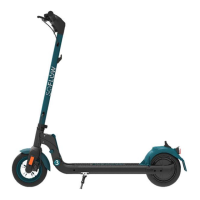
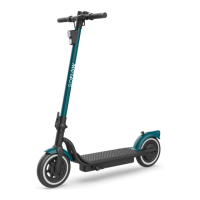
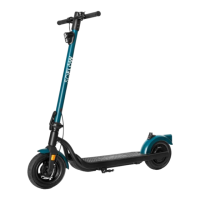
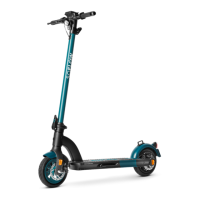
First, switch on your SO4 2ND GEN / SO4 PRO / SO4 PRO 2ND GEN by pressing and holding the start button for a few seconds. You can switch off your SO4 2ND GEN / SO4 PRO / SO4 PRO
2ND GEN by pressing and holding the same button for a few seconds. If you only press the light button for a few seconds, you will switch off the light that is on by default. By pressing it
again, you switch the light back on
Before starting your journey, make sure that the handlebars click into place.
You start with the SO4 2ND GEN / SO4 PRO / SO4 PRO 2ND GEN by using one leg to accelerate yourself and the device by pushing your foot off the ground (like a conventional scooter).
Now you can accelerate by pushing down the throttle lever on the right side of the handlebar.
You can operate the front disc brake by using the brake lever on the right side of the handlebars. By pulling the left brake lever you operate the rear disc brake. Shift your body weight
slightly to the rear to compensate for the braking effect of the brake. This allows safe and controlled braking. Always be careful when using the brake. Pull both brake levers to perform
a full stop of the SO4 2ND GEN / SO4 PRO / SO4 PRO 2ND GEN.


 To Next Page