252
Direct Device Configurations (Solar-Log 1200 and 2000)
19.1.1 Accessing the Dashboard
From the Power menu, you can swipe to go from the start page to the Dashboard.
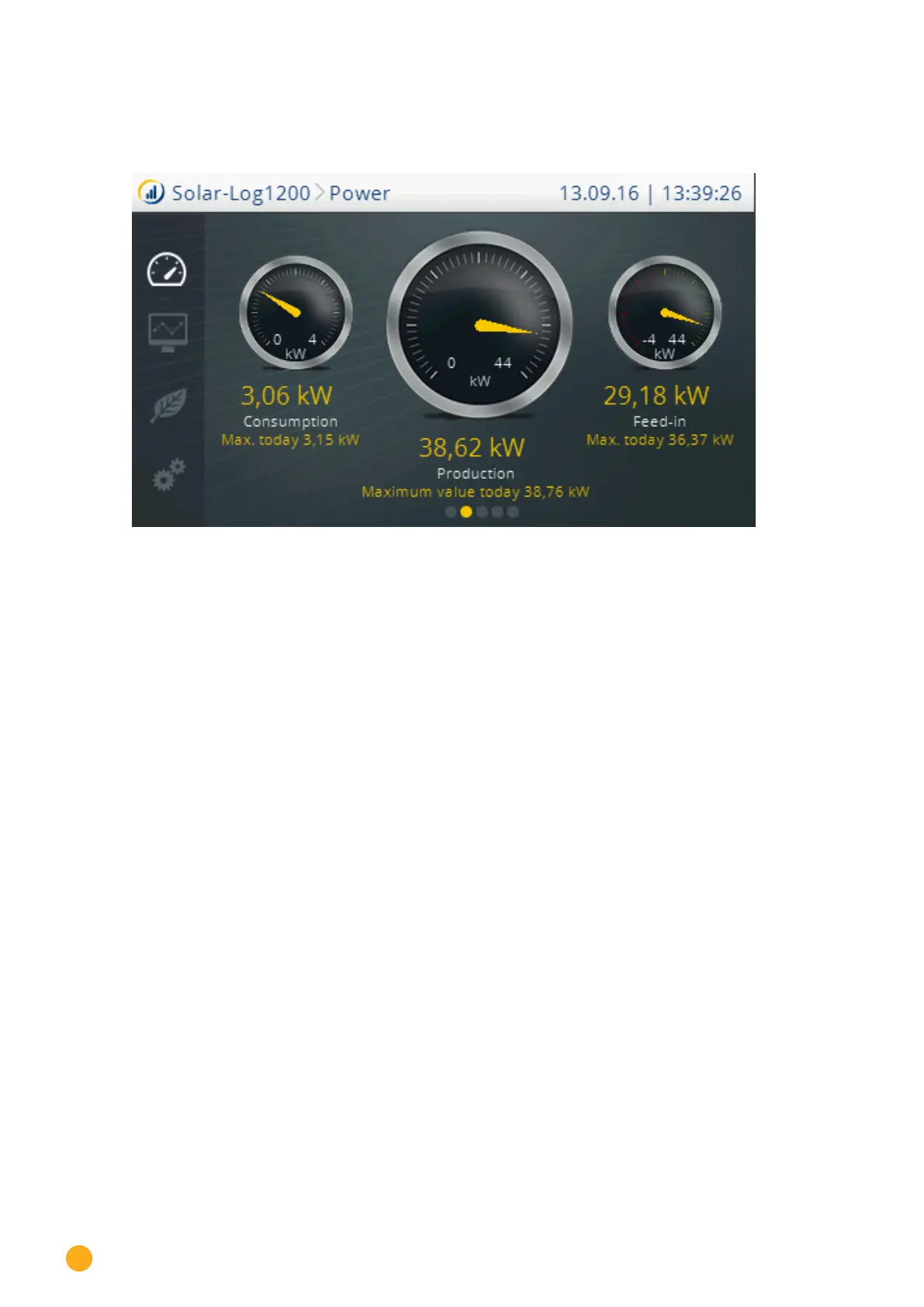
Fig.: Dashboard view
In the view from left-to-right:
Current consumption and today’s consumption high (only with connected meters).
Current production and today’s production high.
Current grid feed and today’s grid feed high (only with connected meters).



 To Next Page