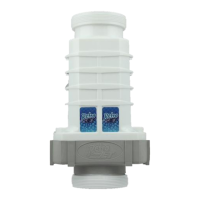
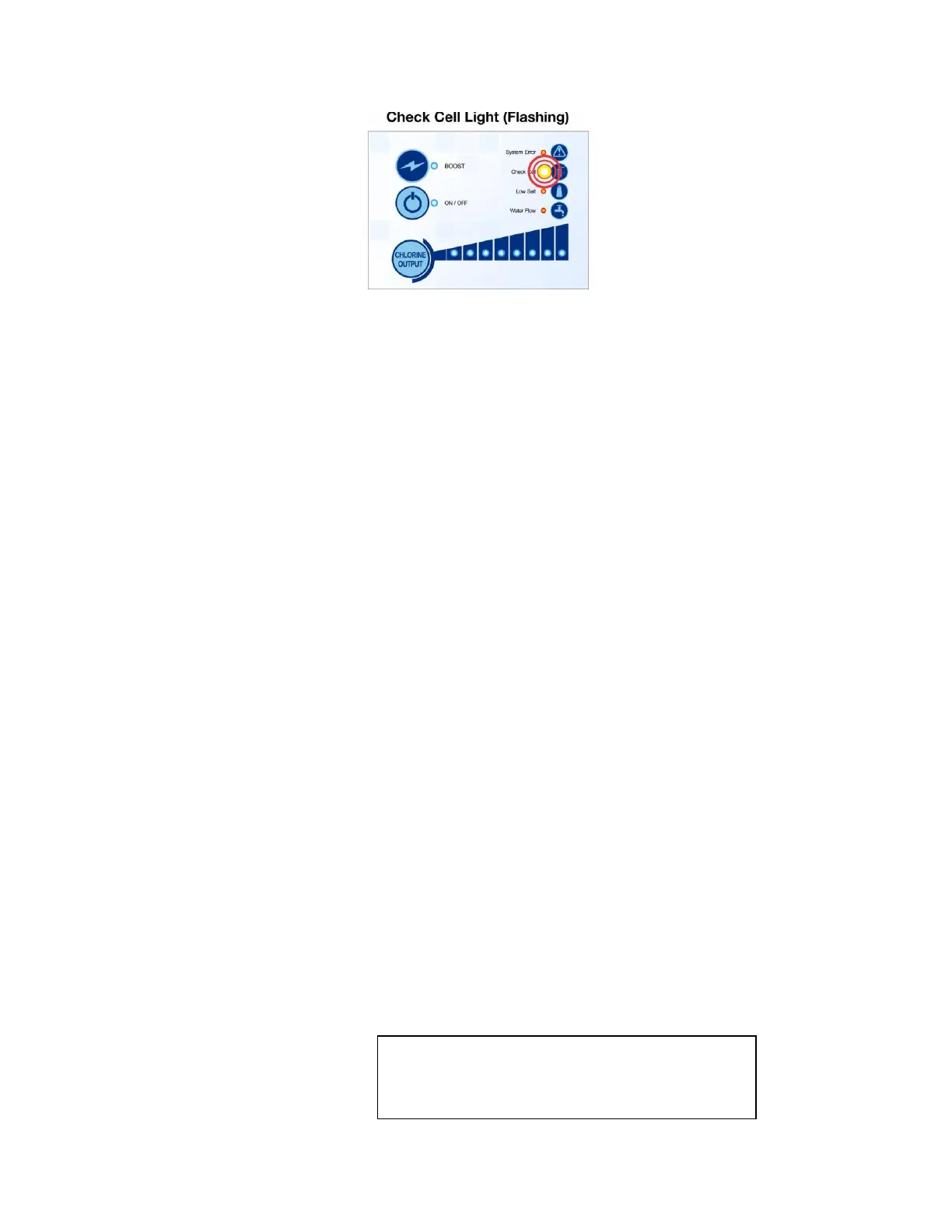
Check Cell Light Flashing is a warning that the cell has been running for 8,000 hours. It
comes on when the power supply shows the hours and has to be reprogrammed off to
turn off the check cell flashing. First check the amps and volts if they are good, than
reprogram the power supply on the last page of the guide. When the cell has hit the
end of it life, the check cell solid will come on.
Check Amps:
Tap the Chlorine Level Button until all 8 LEDs are on.
Wait to allow the system to ramp up and then hold Super Chlor Button or Boost
Button for 3 seconds until the water flow light comes on. The LED lights above
Chlorine Level Button will alternate back and forth with the ON/OFF LED light.
How many LED lights are on with ON/OFF LED on and how many alternates with the
ON/OFF LED off?
Example: 5 lights on with ON/OFF LED on and 8 lights alternate with ON/OFF
LED = 5.8 amps or 6 lights on with ON/OFF LED on and 0 lights alternate with ON/OFF
LED = 6.0 amps.
Optimal ranges for amps are between 5.8 and 6.0
Anything less the cell has come to the end of its useable life, cell needs cleaning or the
blades are damaged
Check Volts:
Check volts by tapping the Chlorine Level Button once, and the low salt light will come
on. The LED lights above Chlorine Level
Button will alternate back and forth with the
ON/OFF LED light.
How many LED lights are on with ON/OFF LED on and how many alternates with the
ON/OFF LED?
1 light on with ON/OFF LED on and 4 lights alternate with ON/OFF LED = 14
13-14 volts good for 15K
18-20 volts good for 25K
25-27 volts good for 40K
Volt levels are based on 3,500ppm of salt. If salt is low
volts are higher than range and if salt is high volts are
lower than range


 To Next Page
 Loading...