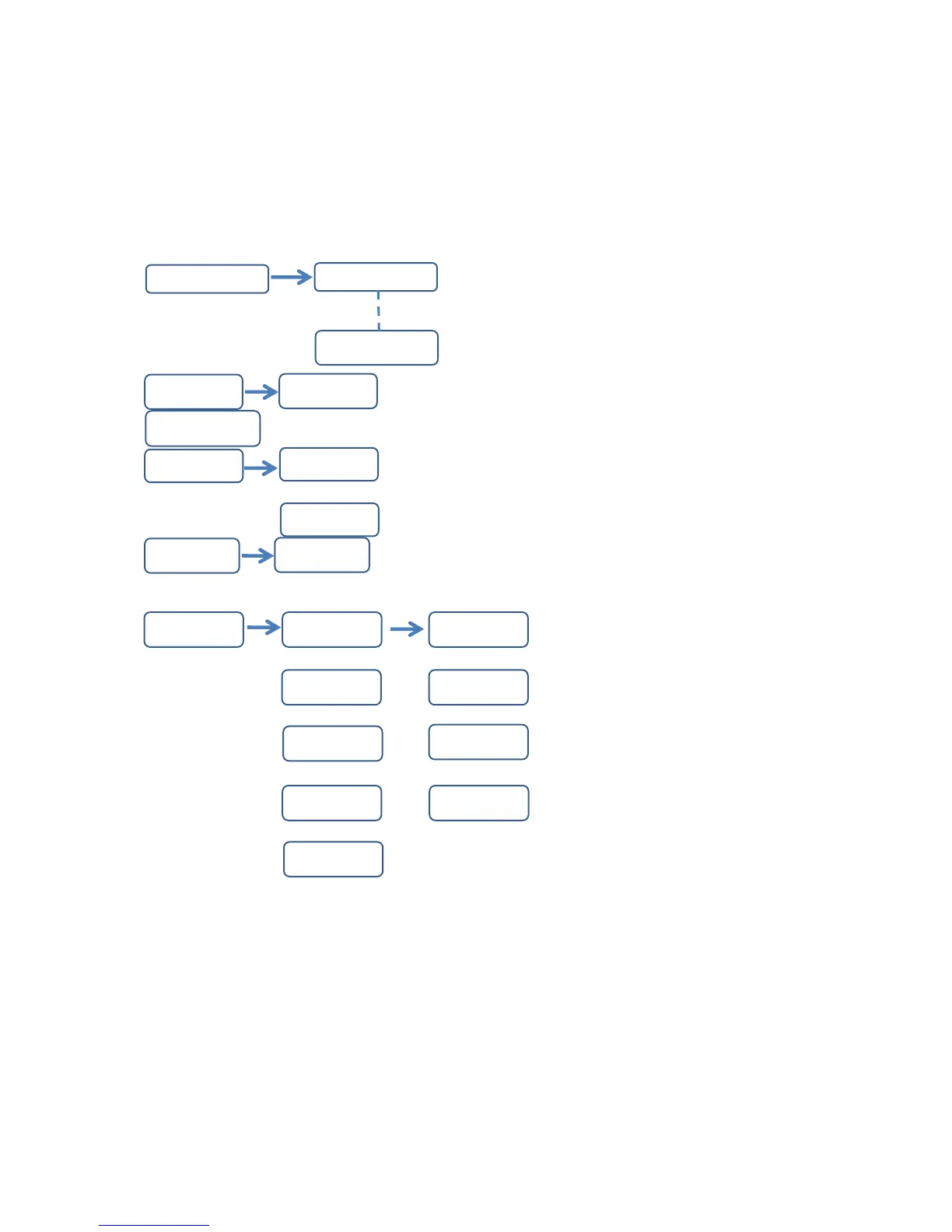
(1) Color brightness adjustment
P/DOWN for the increase/decrease value 0-255, press ENTER to save the value. Press MENU to the previous
setting.
Page 9
Sod1
Soud
Sod5
d001-d512
d001-d512
SLAu
CH05
Ch
CH08
LCD Dig
ital Operation Details
001----100
SEnS
r000-r255 r000-r255
rgbu
* On the MENU [rgbu], press ENTER to set color selection
*Press UP/DOWN, then press ENTER to set color brightness adjustment. Press MENU to the previous setting
* Press U
b000-b255
g000-g255 g000-g255
b000-b255
u000-g255 u000-g255
S 00-S 16


 To Next Page