FIRST-TIME TRACKING • 5
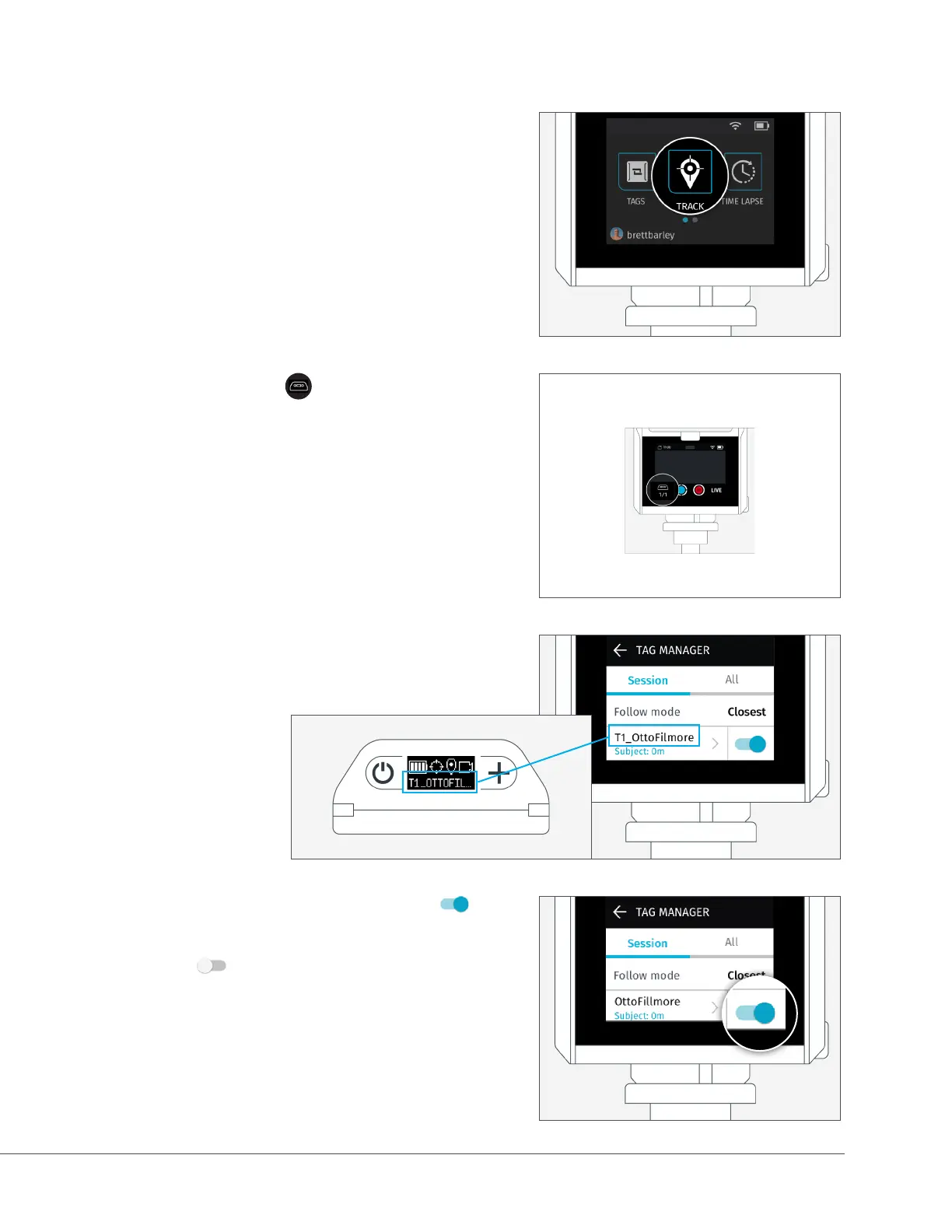
A. From the Home Screen on the back of the
Camera, Tap the Track icon to launch the
Track App.
B. Tap the Tag icon ( ) to view available Tags.
D. Ensure that Tracking is toggled ON ( ) by
tapping slider.
If OFF ( ), tap the slider to toggle on.
C. The name of the Tag will match what’s
displayed on the Base.
Left number:
Tags being tracked
Right number:
Paired tags in range


 To Next Page