Need help?
Do you have a question about the SoluM SLG-EN102S and is the answer not in the manual?
Details information on SOLUM Newton Gateway, including specifications, drawings, and installation guides.
Identifies the intended users of the manual, such as store managers, associates, and installers.
Lists and defines terminology and abbreviations used in the manual, such as ESL, GW, RF, IT, PoE, SMPS, TBD.
Details physical and operational characteristics like communication, dimensions, weight, enclosure, and operating temperatures.
Outlines RF parameters including frequency band, antenna types, gain, and coverage range.
Details power input options, including PoE and DC input voltage ranges and power consumption.
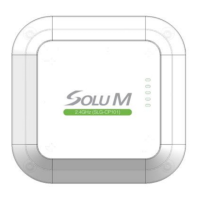
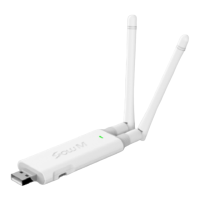
Illustrates the physical appearance of the Gateway from top, bottom, and side views.
Explains the meaning and behavior of the Gateway's status LEDs for network and RF modem.
Provides step-by-step instructions for mounting the Gateway using a bracket, including required components.
Shows optimal antenna positioning for ceiling mounting and lists recommended distances from floor and walls.
Advises on cautious use near other electronic devices and in potentially hazardous areas.
Lists important guidelines for storing and using the device, covering moisture, temperature, magnetism, and physical impact.

 To Next Page
 General