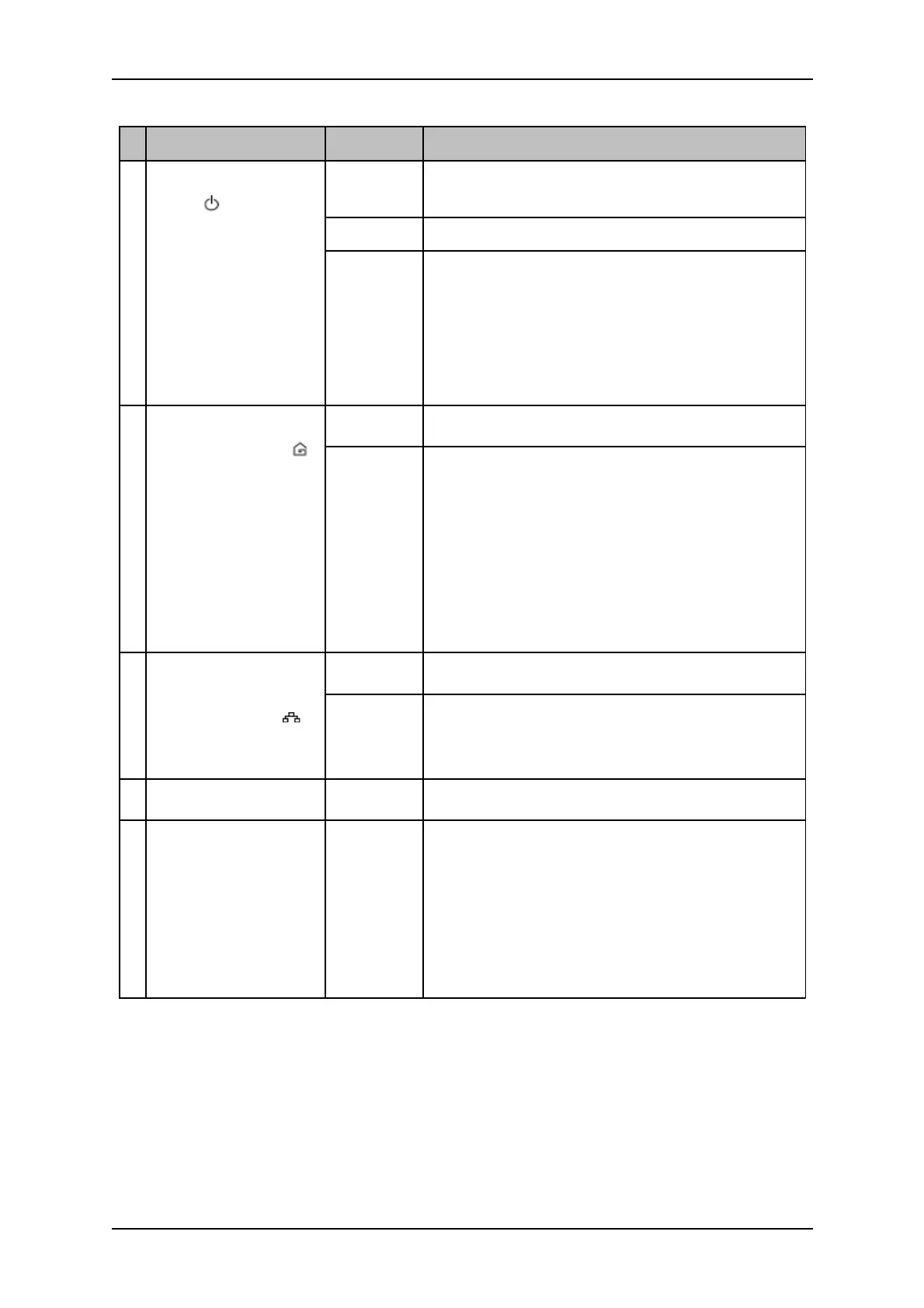
Label Status Description/ Function
A
Power
Blinking
slowly
When LED is blinking slowly in Green color
HomePlug AV is on a Power Saving status.
Off No power.
On After Simple Connect is pressed for 2-4
seconds, this LED will blink to confirm the
button press.
When Simple Connect is pressed for 5-8
seconds, this LED will blink to confirm the
Private Network Name reset.
B
Powerline Activity
Off Device is not connected to a HomePlug AV network.
On This LED remains on when the device is part
of a HomePlug AV network.
The LED colors represents the connection
rate within the HomePlug AV network
whether it is good (red), better (amber), or
best (green).
The LED flashes to indicate network
activity.
C Ethernet Activity
Off An Ethernet device is not connected.
On An Ethernet device is connected.
The LED flashes to indicate Ethernet
activity.
D Ethernet Port
Accepts either cross or straight Ethernet cable.
E
Simple Connect
Button /
Reset Button
Press to create or join a HomePlug AV network. It
can also be used to reset the Private Network Name
to a random key.
Press for 10-13 seconds to reset to the factory
default settings. When you reset to the factory
default, all your configuration changes will be
removed.



 To Next Page