User Manual
To simulate a Simple Connect function:
1. Connect HomePlug AV to your computer.
2. Select a Simulate Simple Connect Button action:
a. Simple Connect
b. PNN Randomize
c. AVLN Status
3. Click Simulate Button Push.
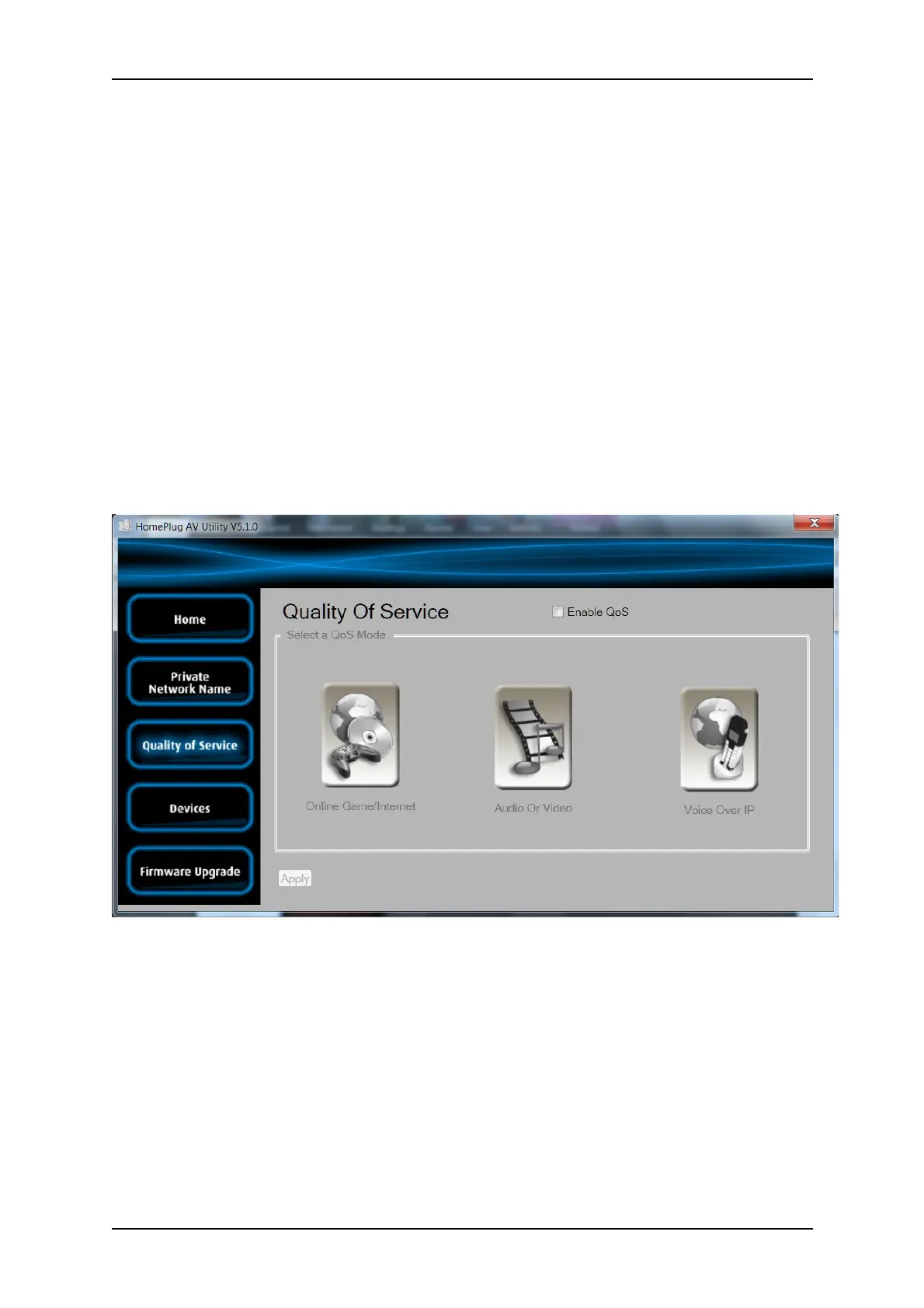
Quality of Service
Quality of Service gives you the capability to prioritize particular applications within your network.
QoS is not enabled by default.
Quality of Service
Page 37 of 43



 To Next Page