User Manual
To create a Secured HomePlug AV network using Simple Connect:
Step 1
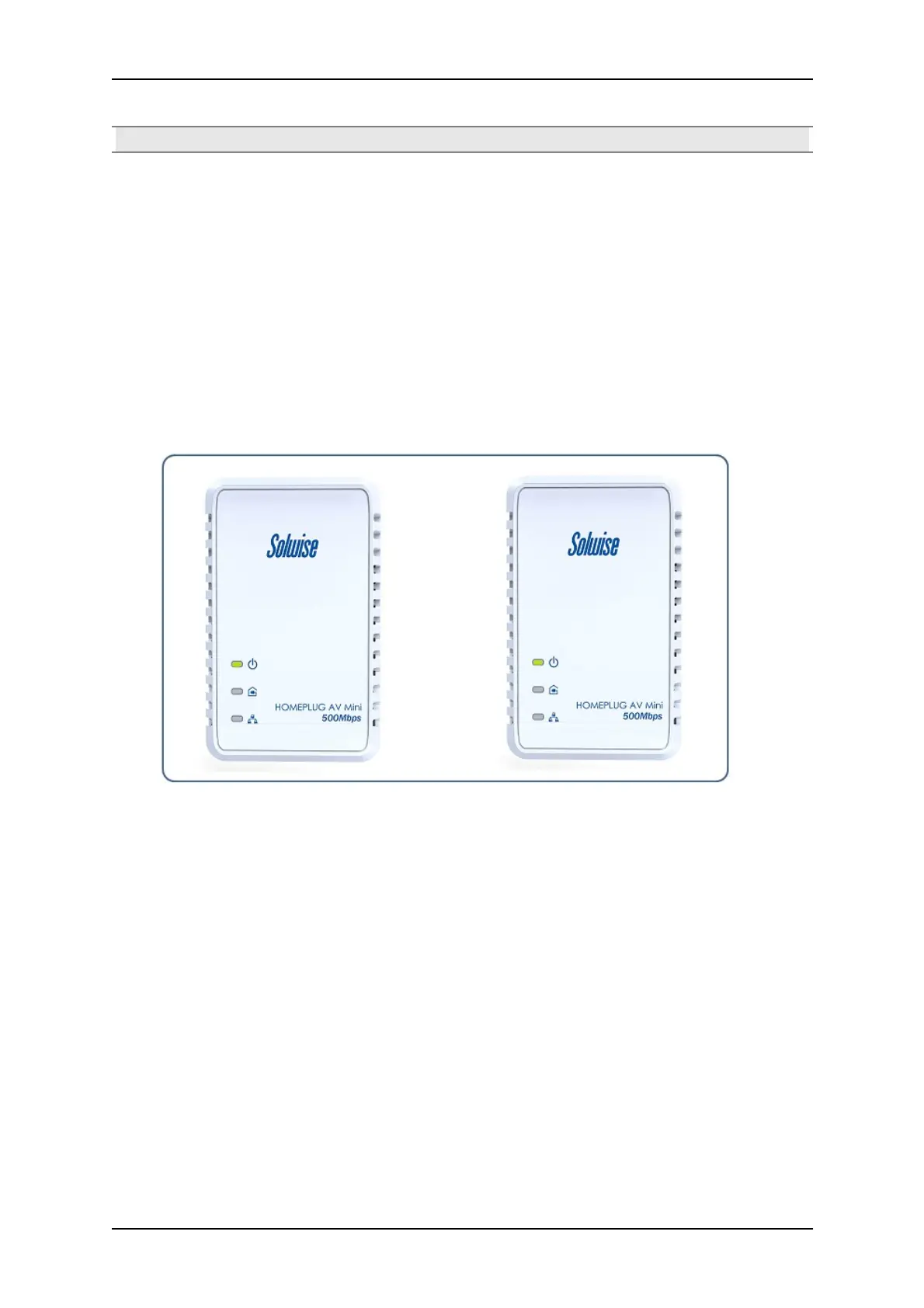
Plug your HomePlug AVs side by side where you can easily observe the LED behavior.
Upon connection, the LEDs will blink simultaneously and then the Power LED lights on steadily.
Press the Simple Connect button of the HomePlug AV X for ten seconds. All LED will blink
indicating that the Private Network Name has been randomize.
Press the Simple Connect button of the HomePlug AV Y for ten seconds. All LED will blink
indicating that the Private Network Name has been randomize.
Step 2
Page 14 of 43



 To Next Page