User Manual
Step 2
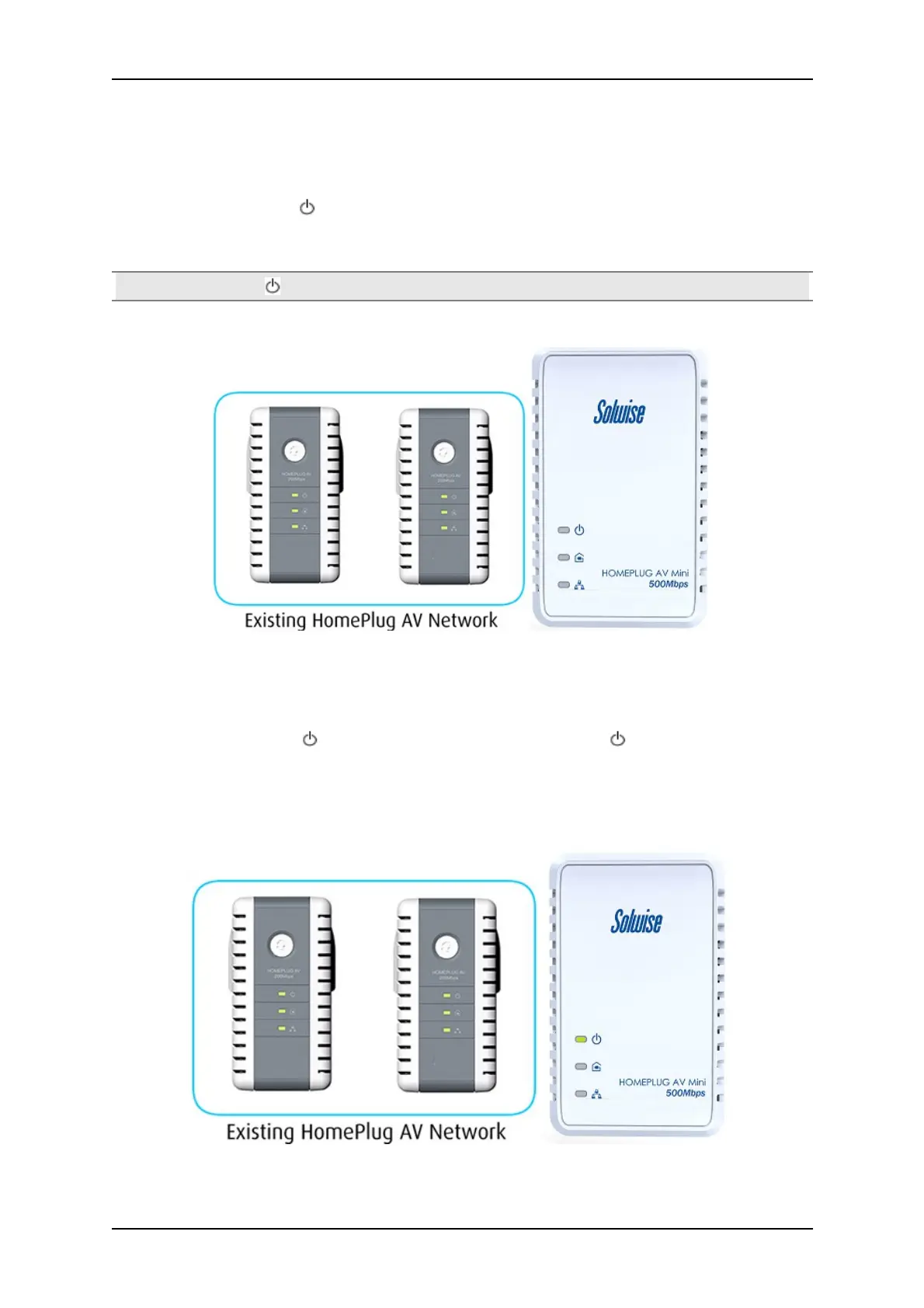
Press Simple Connect for ten seconds from a HomePlug AV Z. After you release the button, All LED
will blink. The Power LED will stay ON.
Note: If the all LED did not blink, press Simple Connect again for ten seconds.
Step 3
Press Simple Connect Button for two seconds on the existing HomePlug AV device. After you release
the button, the Power LED will continuously blink. If the Power LED did not blink, press
Simple Connect again for two seconds.
Make sure to press Simple Connect Button again on the HomePlug AV Z within two minutes after
you press Simple Connect from the existing network.
Page 20 of 43



 To Next Page