1. Turn on the Somnox by pressing the power button briefly.
2. After you have signed in onto the app, the app will ask you to connect to your Somnox. Click on “Connect
Somnox”.
3. To be able for the app to connect to the Breathe & Sleep Robot, you need to have Bluetooth and location services
enabled on your phone. Please enable them if you haven’t done so already.
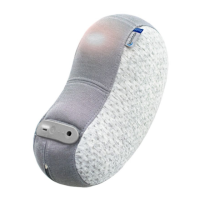
4. If the above is all enabled, your phone will start searching for your Somnox. When it is found a Somnox 2 thumbnail
will appear on the screen. It might take a couple of seconds before your phone can find your Somnox 2.
5. Select the Somnox 2 thumbnail. Somnox 2 is now connecting to your phone. This might take a couple of seconds.
Please wait patiently.
6. When it’s connected the status light on the button panel will blink blue.
Connecting your Somnox 2 with the app
17
Somnox © 2021
The mobile app


 To Next Page