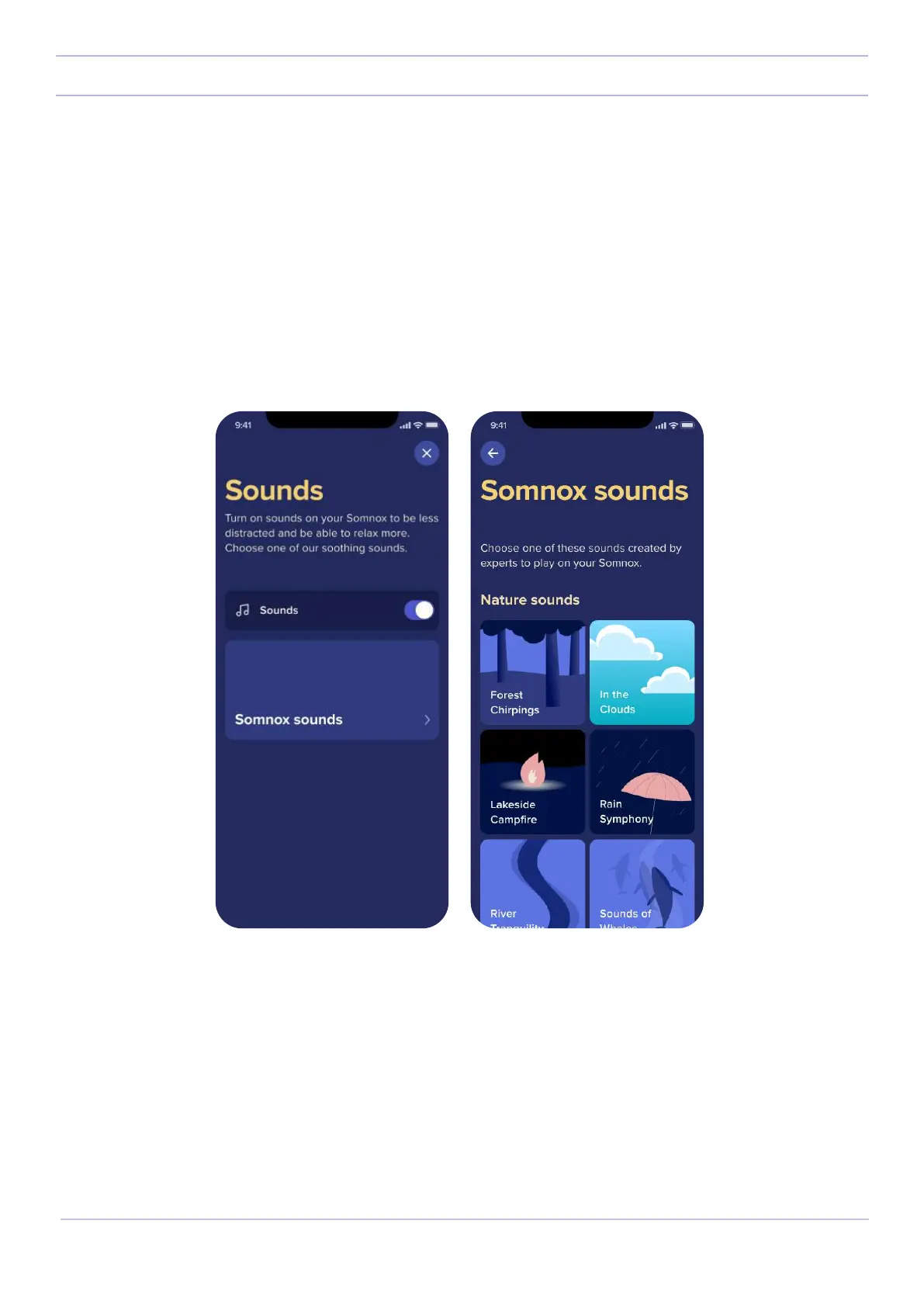
Sound-menu
The sound menu shows the sound that is currently set on your Somnox 2. Similarly to the breathing menu, the sound
menu will be empty the first time you use it. On default the track is set to “When the sun sets”.
To select a dierent sound, press the sound menu. Next, press on “Somnox music”. This will take you to our list of
specially crafted soundtracks.
21
Somnox © 2021
The mobile app



 To Next Page