26
Somnox © 2021
Updating your Somnox
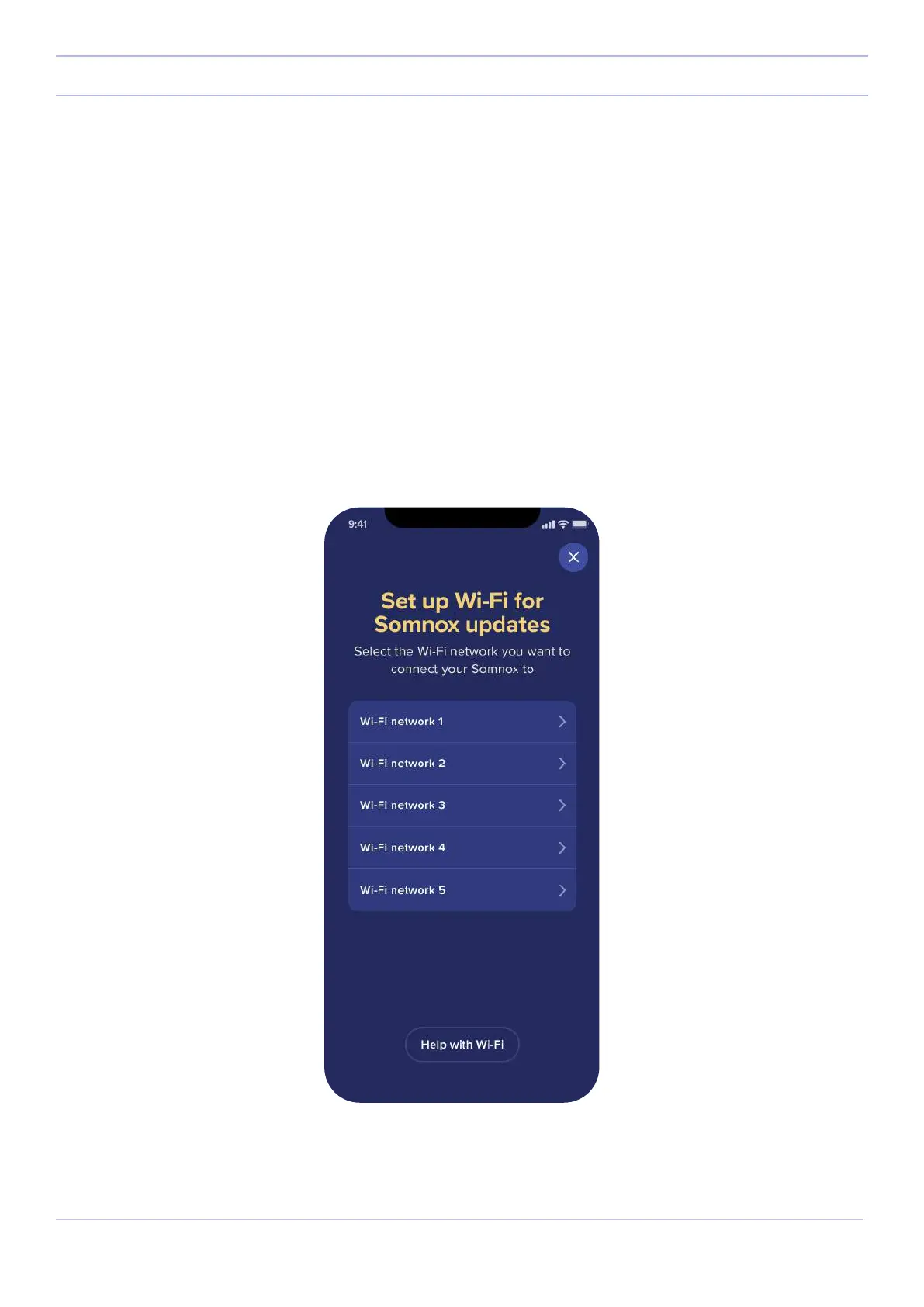
Step 4.1
A screen will pop up with all the available Wi-Fi networks your Somnox 2 can connect to. Select your Wi-Fi network
and fill in the password if you have one. Somnox 2 is now successfully connected to Wi-Fi. Please mind that Somnox
2 is only compatible with 2.4 GHz networks. You will find more information about this on page 27.
Continue on page 28 for the next steps
Setting up Wi-Fi for Android



 To Next Page