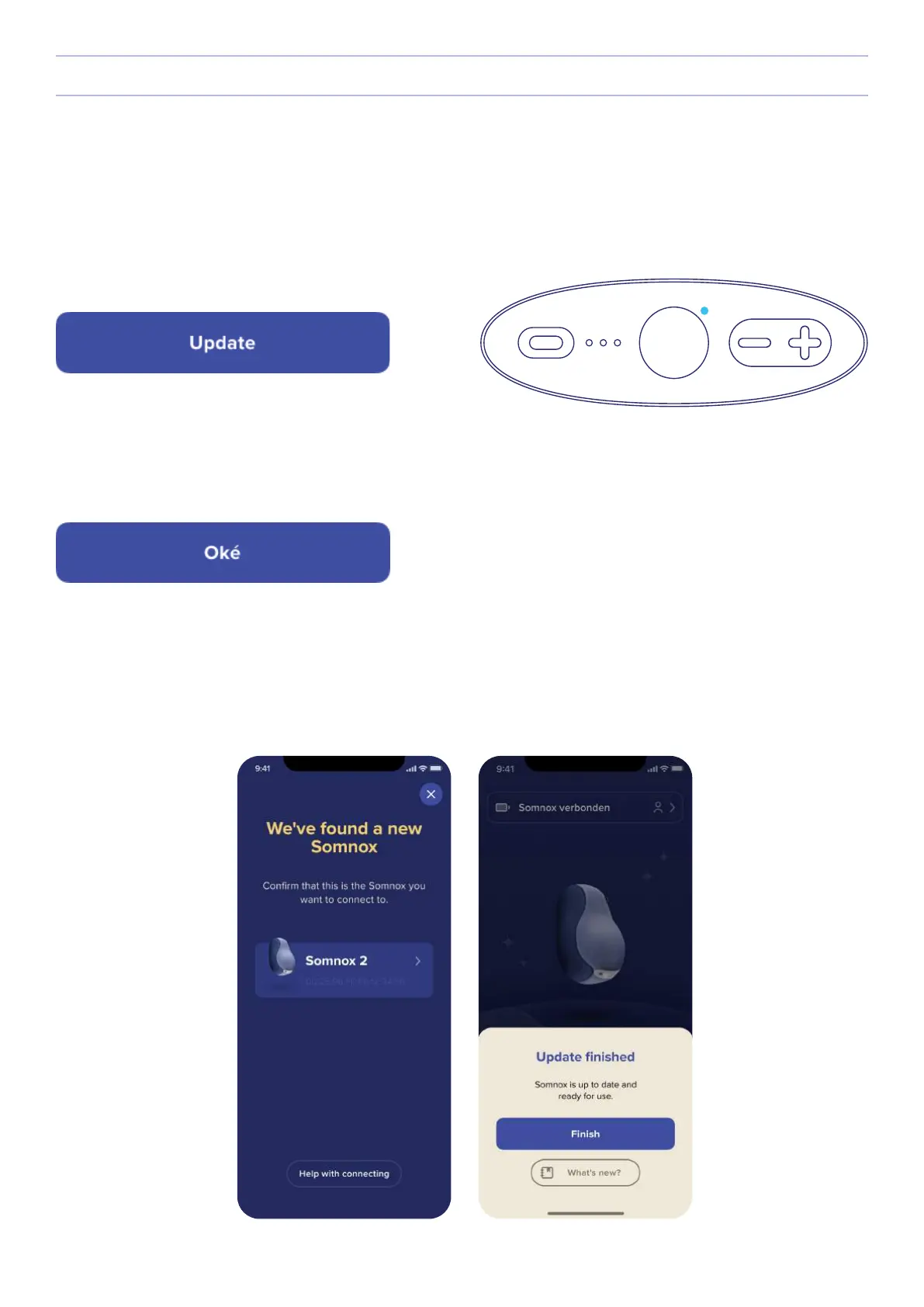
Step 5
Press the update button to start updating your Somnox. While updating, the status light on the button panel will show a
shimmering blue light. The update may take a few minutes. In the meantime you cannot use your Somnox 2.
Step 6
When the update is completed, Somnox 2 will automatically restart. When that happens, press “Okay”.
Step 7
Finish the update by reconnecting the app to your Somnox 2. After reconnection, a pop-up should appear saying that
Somnox has been updated successfully. (It might take a couple of seconds before the pop-up appears.)
28
Somnox © 2021
Updating your Somnox


 To Next Page