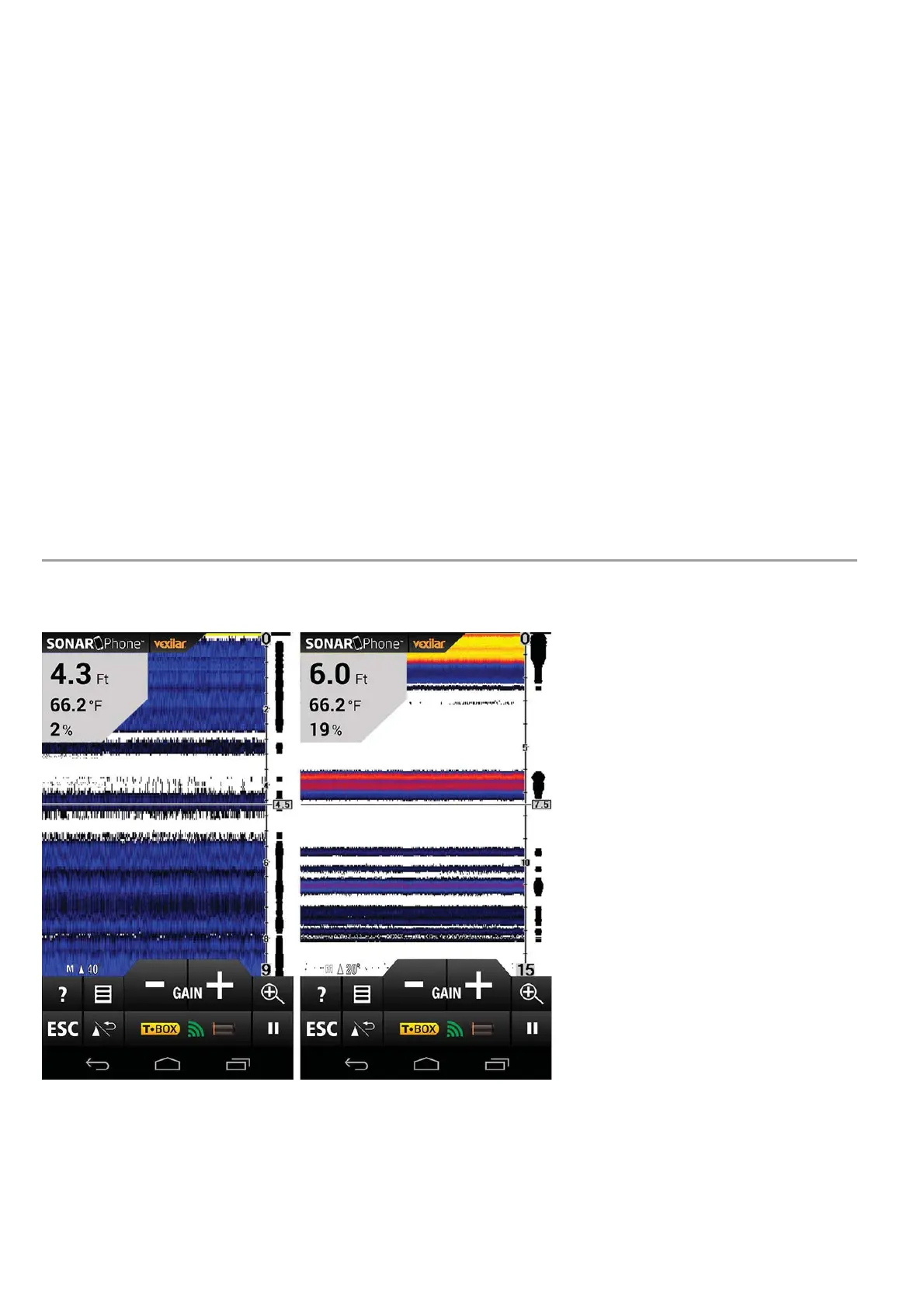
Press the Zoom key or use the Zoom Gesture to manually enlarge the
bottom signal in the main screen by 2. Press it again and the screen
will be returned normal operation.
In the Split Screen Zoom View, the display is split to show the
full range view on the right and the zoomed view on the left. The
full range view on the right also contains the Zoom Preview Box
that shows what part of the full range view is shown in zoom view
on the left; the Zoom Preview Box tracks the bottom in the full
range view.
Beam Angle Selection
(SP200/SP300 Only)


 To Next Page