Overview
The NP30 is
able
to
receive and
play
back media from
several
distinct types
of
source. Here we have attempted
to
give an overview
of
the
various types
of
service
available
and
the
terminology
you may encounter.
UuVoi/UuVol
Radio
UUV.OL
UuVol
is Cambridge Audio's
evolvi
ng
platform for streaming
...
~,.
client
devices.
It
incorporates amongst other things
UuVol
Radio
our
Internet
Radio service
checked for broadcast
reliability
and
quality
and
UuVol
.com
our
website/ porta
l.
The
portal
aspect
of
our
website is
the
mechanism
that
allows
transparent
connection (and update)
of
all
UuVol
enabled
units
to
the various services.
The website is our
visible
presence
at
www.
UuVol
.com which amongst other
things
allows
you
to
also
browse and
play
back
the
same stations from
an
internet connected
PC
and manage your presets and other preferences for
your
UuVol
client
products.
You
can
also
add stations
to
your units
that
are
currently
not
in
the
UuVol
database, suggest new stations
to
us and more. There are
also links
and
help
for
setting
up
third
-party Streaming Services from a wide variety
of
other
suppliers. Other UuVol
features
will
be launched in
the
future
, check
the
website from
time
to
time
to
see the
latest
developments.
Streaming Services
Streaming Services are
similar
to
Internet Radio
but
come from
other suppliers
and often have an element
of
interaction with
the
user. Because Streaming Services
generally allow
the
user some choice over
the content they
listen
to, they are
also
licensed differently
to
iRadio
by
the
music companies and often each service
only
has arrangements in certain
countries and may
also
charge a subscription for membership.
Examples
of
such services are Last.FM,
Pandora,
Rhapsody, Napster and
others.
All allow
some
control
of
the
content
from
'play
me
somet
hing
that
sounds
like
U2'
to
the
ability
to
select
and
play whole albums
of
your choice.
Some also
offer
the
ability
to
download content for use off-line as
well.
The NP30
supports many
of
these services, navigate
to
Streaming Services on
the unit for a
list
or
even better check
out
our
portal
at
UuVol.com
for more
details
of
which services are
available
in
your area, what they do and how
to
sign up. These services come from
third
parties and although we suppo
rt
connections
to
them they do not come from us and we are not responsible for
their
service in any way.
Your account
will
be with the service, we
are
merely
acting as a
portal
to
make
the
connection
simpler and more convenient
plus
we
support
the
correct software on our
unit
to
allow
playback and browsing
of
their content.
Network Media
The NP30 supports a wide range
of
compressed formats; MP3,
AAC,
WMA
and
Ogg Vorbis
CODEC
types are
all
supported,
plus
for
true
audiophile use
it
also
supports either uncompressed
PCM
(in
a
WAV
container) or
losslessly
compressed
FLAC,
both can contain
from
16
bits 44.1kHz from
COs
right up
to
24
bit
1
96kHz for better than
CD
quali
ty
from suitable download sites.
Note:
For
this
to
work your server
will al
so
need
to
support the
CO
DEC
you wish
to
play
as some have limitations and may not serve
FLAC
for instance.
Always
check
that
the
server you wish to use
also
supports your favoured
CODECs.
Also for lossless
;uncompressed
formats both
the
server and network
connection
will
need
to
sustain
the
high bitrate necessary.
Note:
It
is not recommended
to
use Wi-
Fi
connections for content above
16
bits
44
.1/48k
Hz
if
losslessj uncompressed.
Local Media
The NP30
also
supports
local
media from
USB
Flash-disks
or
USB
hard-drives
and has
two
USB1.1
ports for
this
purpose. Here
the
NP30 simply
browses
the
folders
present
on
the media attached and displays them.
Only
content
tha
t the NP30 can
play will
be shown. This feature is provided for convenient
access
to
temporary storage devices.
It
is
however highly recommended
that
UPnP
is used for continued use
of
stored media as
the
UPnP
system is
able
to
support
album
art
, sophisticated
content browsing and filtering and other features not possible with simple
folder browsing.
Note: Currently only
th
e
FAT3
2 file
sys
tem
is supported.
Podcasts
Podcasts
are
archived audio recordings
downloadable
over
the
!
intern
et
. Often podcasts are recordings
of
previous
live
broadcasts
I
or
episodic content.
The
NP
30
supports various third party podca
st
ser
vice
s,
navigate
to
Podcasts
on
the
unit
for
the
list available
in your area.
In
addition
the
NP30 supports
your own personal choice
of
podcasts where you know its
URL
(weblink) via
the
UuV
ol portal, see
l
ater
s
ection.
Sonata
NP30
Getting connected
Basic connections
Sonata AR30/ DR30+
Network connections
Before
you
can use your
NP30 for iRadioj Streaming
you
must
have
the
following:
•
A broadband in
ternet
connection (such as
ADSL)
to
a suitable internet
service provider
(ISP).
•
A network connection either
wirelessly
via
802.11b/g
or
n
Wi-Fi
or
wired
Ethernet connection (10 or
100
M bits; sec via an RJ45 connection).
Note:
If
you wish
to
play
24/48
or
24
/
96
content from a
UPnP
serve
r,
a wired
Ethernet connection
will
be required as the high data rate
of
th
ese
files
is
beyond mo
st
Wi
-Fi networks
capability.
In
many cases the broadband modem, router and wireless access point
will
be
a single combined unit supplied by your Internet Service
Provider
or
bought
from a computer store.
If
your wireless network
is
configured to use Wired
Equ
ivalent
Privacy
(
WEP)
or
Wi-
Fi
Protected
Acce
ss
(WPA)
data encryption then you
will
need to know
yo
ur
WEP
or
WPA
key so
you
ca
n get the NP30
to
communicate with the network.
IMPORTANT:
Before you continue,
make
sure
that
your wireless access point
or
router is
powered
up
and
working
with
your broadband
internet
service (use your
computer
to
verify this).
To
get
this
part
of
the
system working you
must
read
the instructions
supplied
with
the
wireless
access point
or
router.
The NP30 can be configured
to
connect
to
a Wired
or
Wireless network or has
a (default) Auto setting.
In
Auto
the
NP30
looks
for a each connection type
and selects whichever is present.
You
can also
force the unit
to
one
or
the
other connection type, see
later
Settings section.
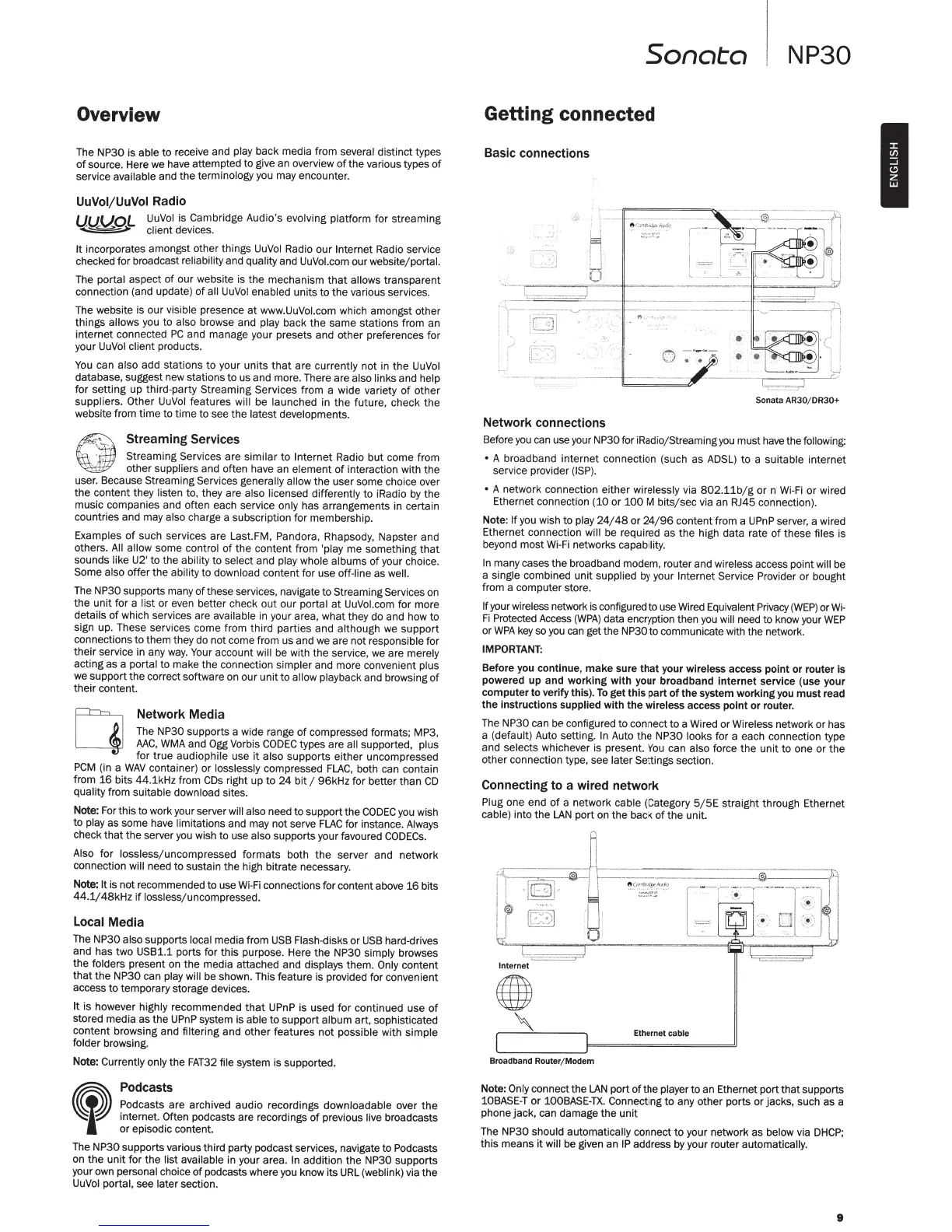
Connecting
to a wired network
Plug
one end
of
a network
cable
(Category
5/5E
straight through Ethernet
cable) into
the
LAN
port on
the
back
of
the
unit.
i
,~
-=====r
.)
Internet
Broadband Router/ Modem
Ethernet cable
Note:
Only
connect
the
LAN
port
ofthe
player
to
an Ethernet port
that
supports
10BASE-T
or
100BASE-
TX.
Connecting
to
any other ports
or
jacks, such as a
phone jack,
ca
n damage the unit
Th
e NP30
should automatically
connect
to
your network as
below
via
DHCP;
this
means
it
will
be given an
IP
address by your router
automatically.
9
I



 To Next Page
 Loading...