· Balance: press [SEL] button to “BAL” display, turn to [VOL] switch to
up / down to adjust balance.
· Loud: press [SEL] button to “LUD” display, turn to [VOL] switch to up /
down to adjust loudness.
2-2 Radio
2-2-1 Frequency Band Change
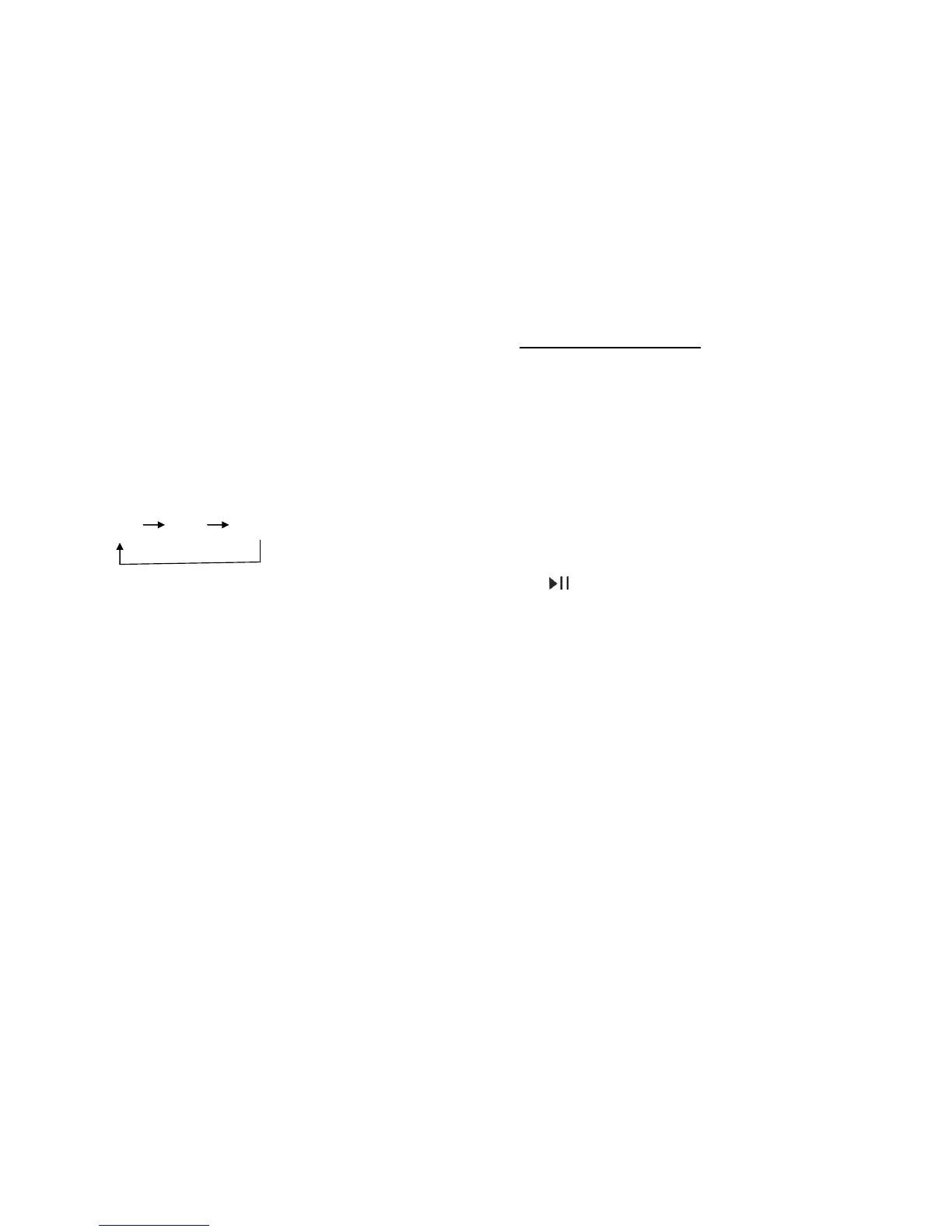
In radio state, press (BND) button to change frequency band as
following order:
LCD displays currently selected FM band (FM1, FM2 or FM3)
2-2-2 Preset Radio Station
Press any one of the Preset Button long during (1-6) button key
to select a station store the current frequency in to number
button.(FM can store 18 station)
2-2-3 Choose preset station
Press (1-6) button preset button to select a station which had
been stored in the memory.
2-2-4 Station search
Press (∣<<) (>>∣) button to scan for next station. When a
station is found, it will begin playing. If a Stereo FM Radio
station is found, the LCD screen will display “ST” text.
3.MP3 FUNCTION
When in radio station, press (MOD) Button can switch to the MP3 mode.
It will play the USB song priority if last playing is USB song mode; it will
play the SD/MMC card song priority if last playing is SD/MMC card song
mode. When playing USD song, if remove the USB, it will change to
SD/MMC card playing mode. When playing SD/MMC card, if remove the
SD/MMC card, it will change to USB playing mode.
3-1 USB, SD/MMC card play changing
When insert the USB, SD/MMC card at the same time, press MOD button
to change to current playing mode – USB or SD/MMC card
3-2 PAUSE
Press button to pause playing, press again to release the pause.
3-3 TRACK|
Press(∣<<)、(>>∣)button to move to nest or previous track.
3-4 Track FF/REW|
· Press and hold(∣<<)、(>>∣)button, track will fast forward
(FF) or fast reverse (REW), stop to press button will return regular.
· Press the (3/-10) or (4/+10) button once to skip 10 tracks backwards or
forwards.
3-5 Play Mode Change
· When playing USB or SD/MMC card, press (5/REP) button to repeat,
press (6/RDM) button to random.
· When want to cancel current playing mode, press again.


 To Next Page
 Loading...