SonicWallSMAConnectTunnel12.0DeploymentPlanningGuide
CommonVPNConfigurations
37
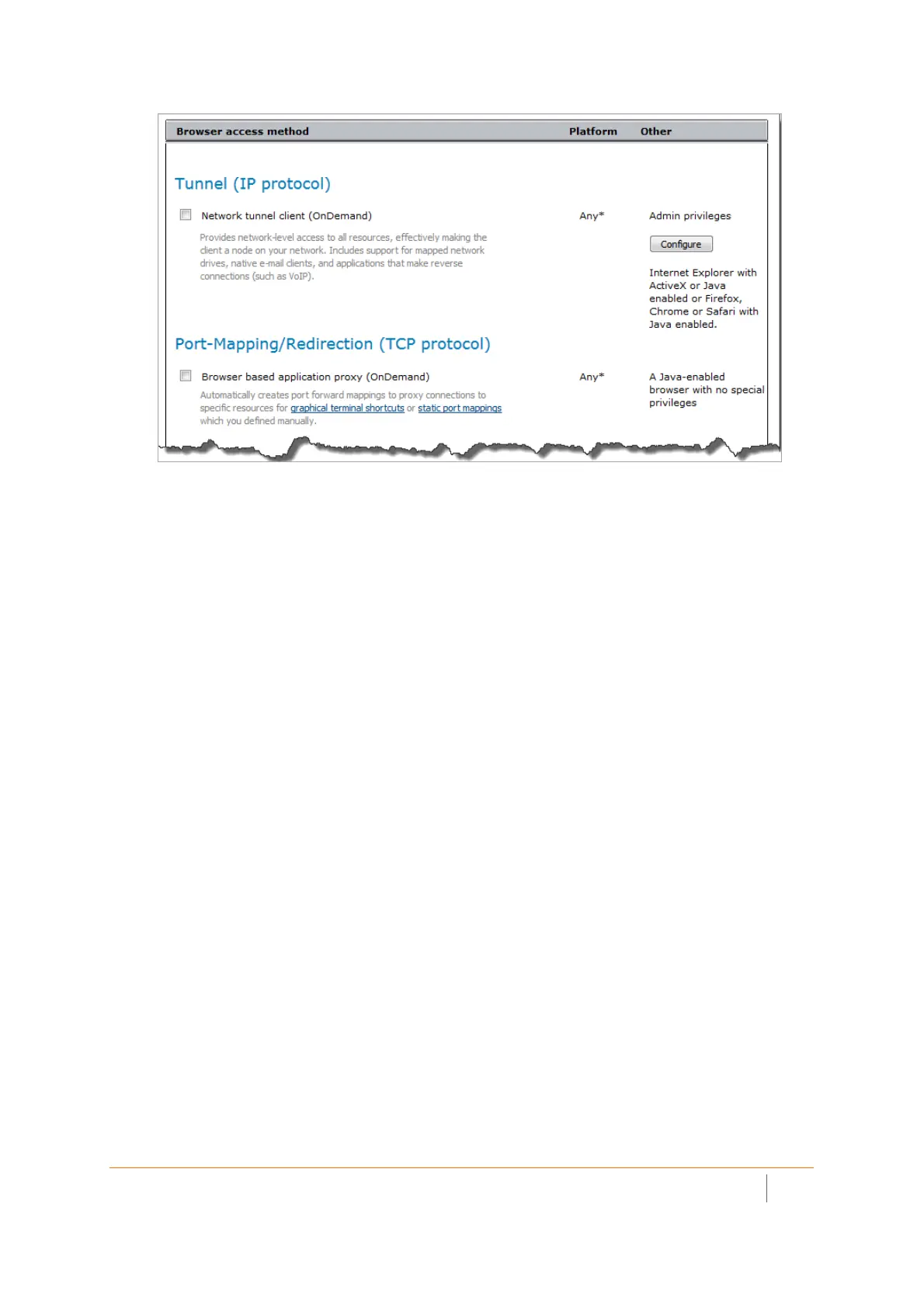
2 ClickConfigure.TheNetworkTunnelClientSettingspageisdisplayed.
3 ClickEditnexttoAddresspools.
4OntheAddressPoolspage,clickNew.
5IntheNamefield,enteralabelfortheIPaddresspoolthatwi llbeusedtoallocateaddressestothe
networktunnelclients.
6Thereareseveral
waystospecifyanaddresspool.Ifyou’renotsurewhichonetochoose,select
Translatedaddresspool(SourceNAT)sothattheappliancewillassignnon‐routableIPaddressesto
clientsanduseSourceNATtotranslatethemtoasingleaddress.Thedrawbackisthatapplicationsthat
requirereverse
connections,suchasVoIPoractive‐modeFTP,maynotfunctionproperly.
7 ClickSave.TheaddresspoolappearsintheAddressPoolslist.
8 Selectthecheckboxnexttotheaddresspoolyoujustconfigured.
9 ClickSave.
10 ClickOK.YoushouldnowbebackontheConfigureCommunity‐AccessMethodspage.
11 ClickNexttodefinethezoneoftrustforemployees.GotoCreatingZonesofTrustonpage31.
ConfiguringEndPointControlforEmployees
ConfiguretheEmployeescommunitytousethezoneoftrustyouconfiguredin CreatingaStandardZonefor
TrustedUsersonpage32.(Theconditionsyousetinarealdeploymentwillofcoursebedifferent—thisisjusta
demonstrationofhowEPCworks.)
TospecifytheTrustedzoneforEmployees:
1IntheStandardzoneslist,selectthecheckboxnexttoTrustedandthenclicktherightarrow(>>)button.
ItisnowintheInuselist.
2UnderZonefallbackoptions,clickPlaceintoquarantinezoneandthenselectUntrustedfromthe
drop‐downmenu.
3 ClickNexttoselectWorkPlace
appearancesettingsforemployees.














 To Next Page