Saving and Managing Patterns
Renaming patterns
1
Press
PTN
.
2
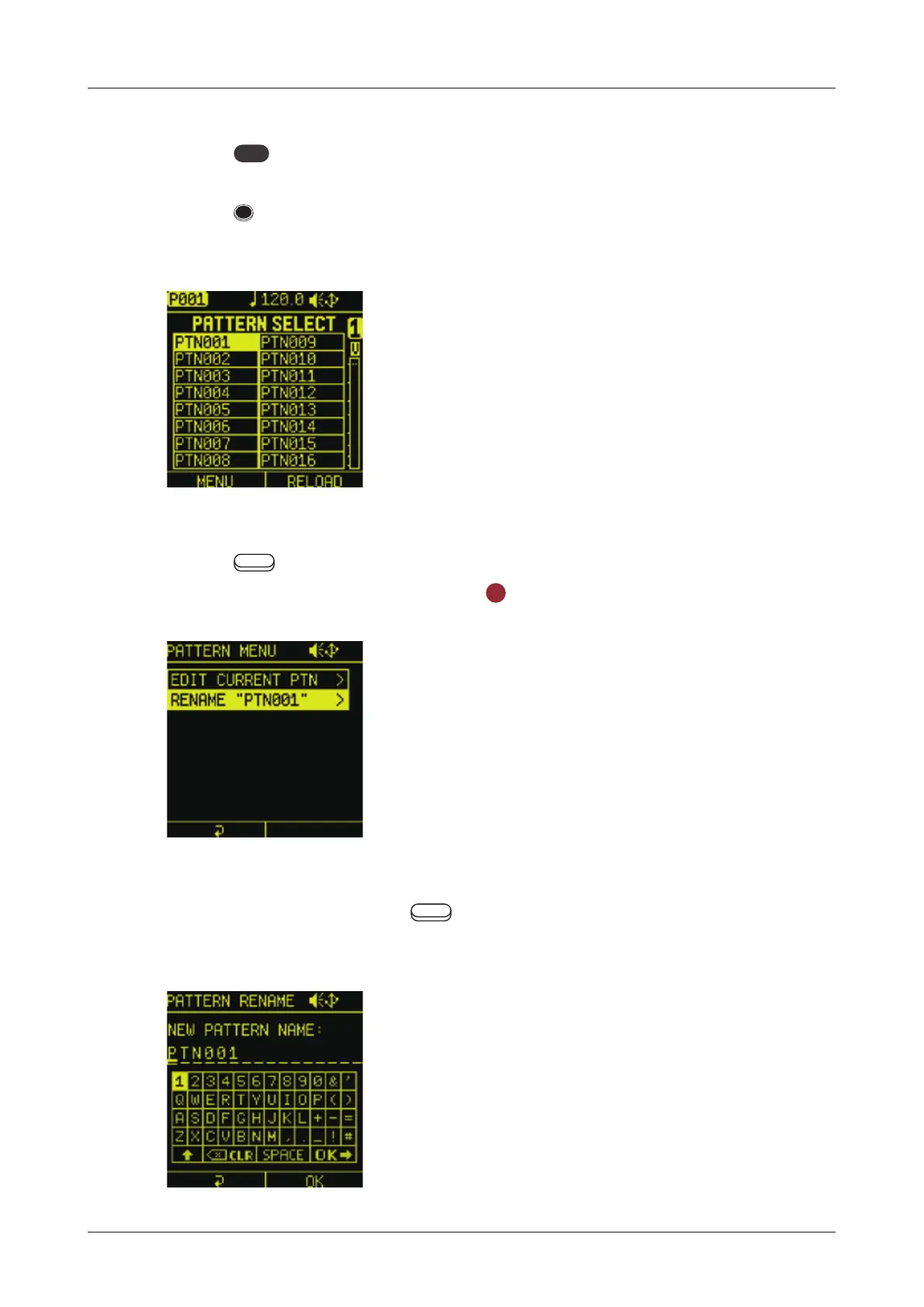
Press STEP to select the pattern for renaming.
( STEP1= Pattern1 … STEP16 = Pattern16)
3
Press Auxiliary left button MENU to open PATTERN MENU.
Select RENAME and press the
OK
button.
4
Finished rename, Press Auxiliary left button OK to save
pattern name.
107



 To Next Page