Saving and Managing Patterns
Clearing(Initialize) patterns
1
Press
CLR
+
PTN
.
2
Select the item to clear, and press the
OK
button.
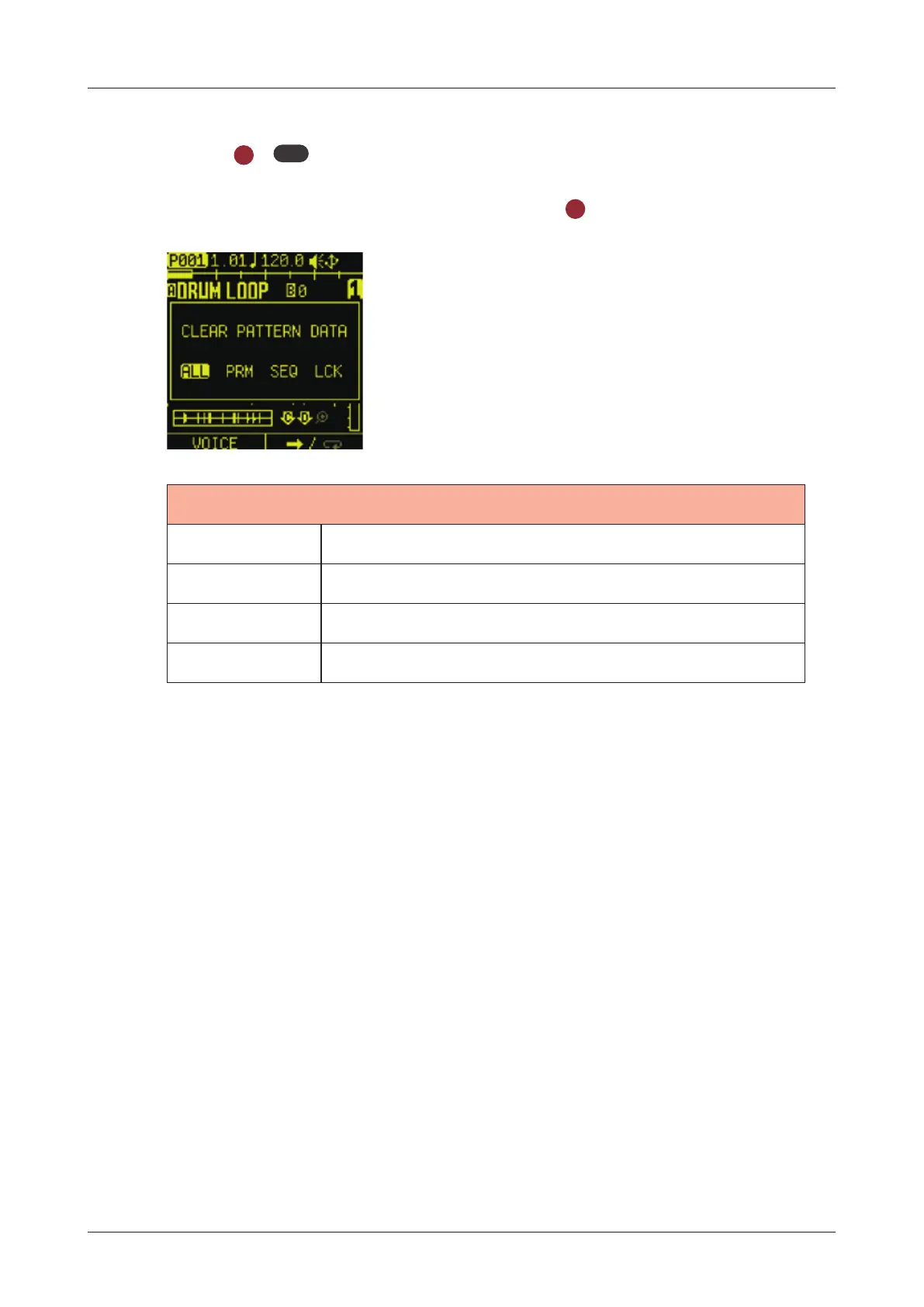
CLEAR PATTERN DATA
ALL Clears all parameters in the pattern.
PRM Clear track settings.
SEQ Clear the note information.
LCK Clear parameter lock information.
106



 To Next Page