Saving and Managing Patterns
Saving patterns
1
Press
func
+
PTN
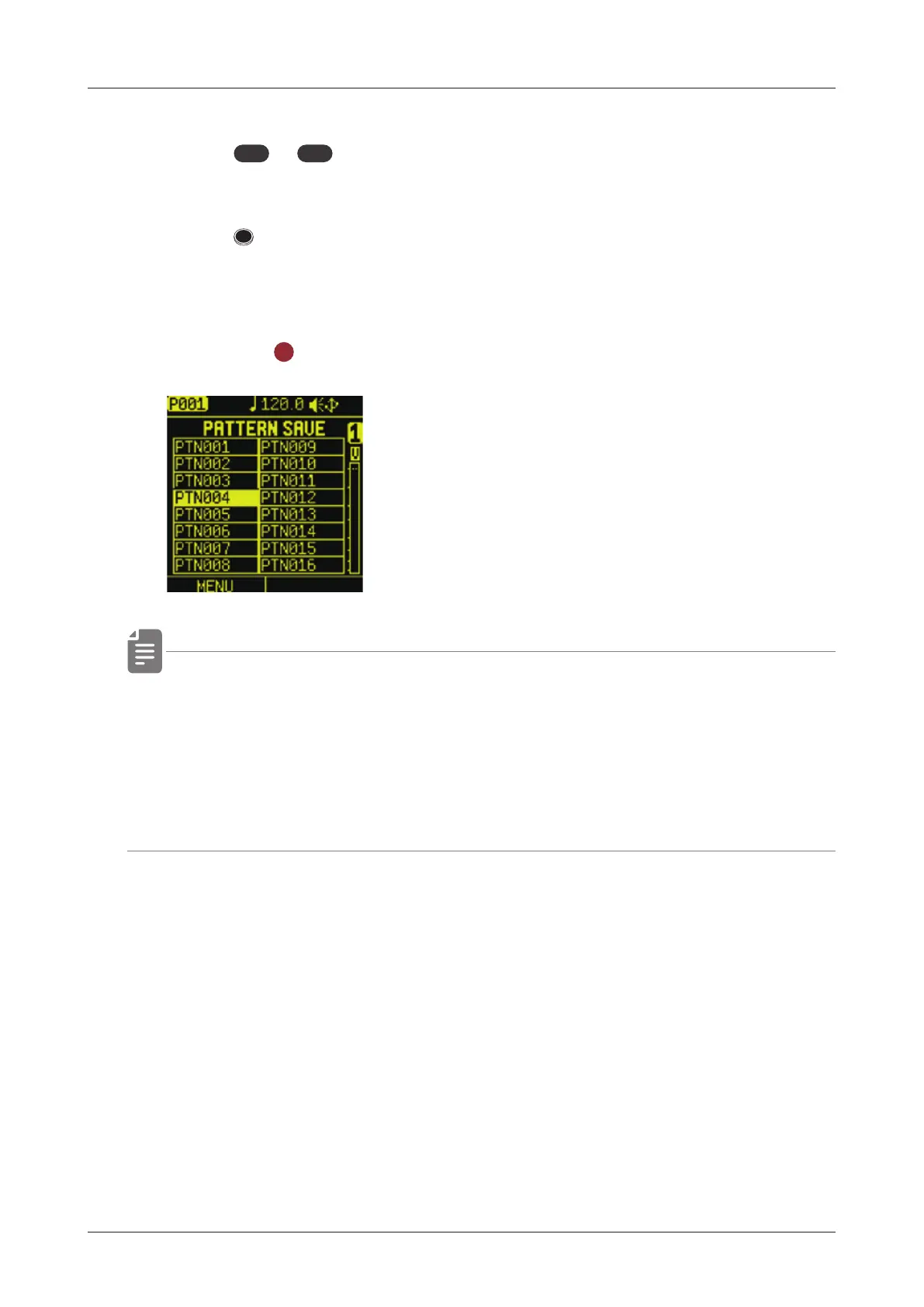
to open PATTERN SAVE menu.
2
Press STEP to select the save destination pattern.
( STEP1= Pattern 1 … STEP16 = Pattern 16)
See "Selecting patterns" on ( → P.18).
3
Press the
OK
button to save pattern.
• Saved patterns will be lost if the project is not saved. Be sure to
save the project before turning o the power.
Saving projects ( → P.12 2 )
• If you have accidentally saved a pattern, you can cancel saving
the pattern by reloading the project.
105



 To Next Page