Pattern Playback and Basic Functions
18
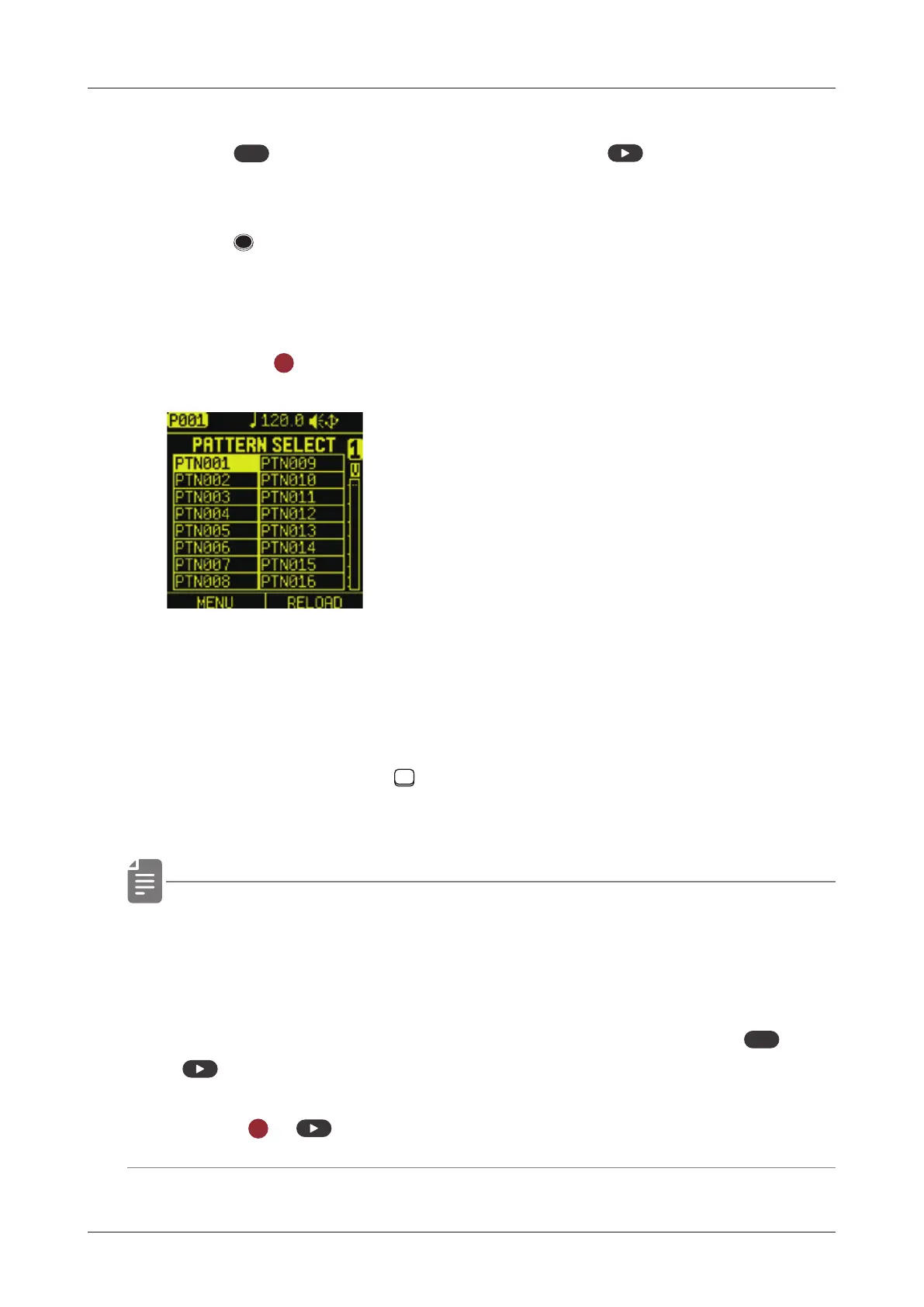
Selecting patterns
1
Press
PTN
to open
PATTERN SELECT.
2
Press STE P.
This selects a pattern.
(STEP 1 for pattern 1… STEP 16 for pattern 16)
3
Press the
OK
button to enter a pattern.
Playing patterns
4
Press .
Press PLAY it again to stop.
Selecting pattern 17 and higher
Press Page switches and TRACK PAD after procedure 1 to change
16 chunks, enabling selection of pattern 17 and higher.
• If a dierent pattern is selected during pattern playback, it will
be readied but will not start playing immediately.
Playback will switch to the selected pattern after the playing
pattern completes.
(You can also switch patterns immediately by pressing
func
+
.)
• Press
OK
+ to play a song ( → P.113).



 To Next Page