MIDI
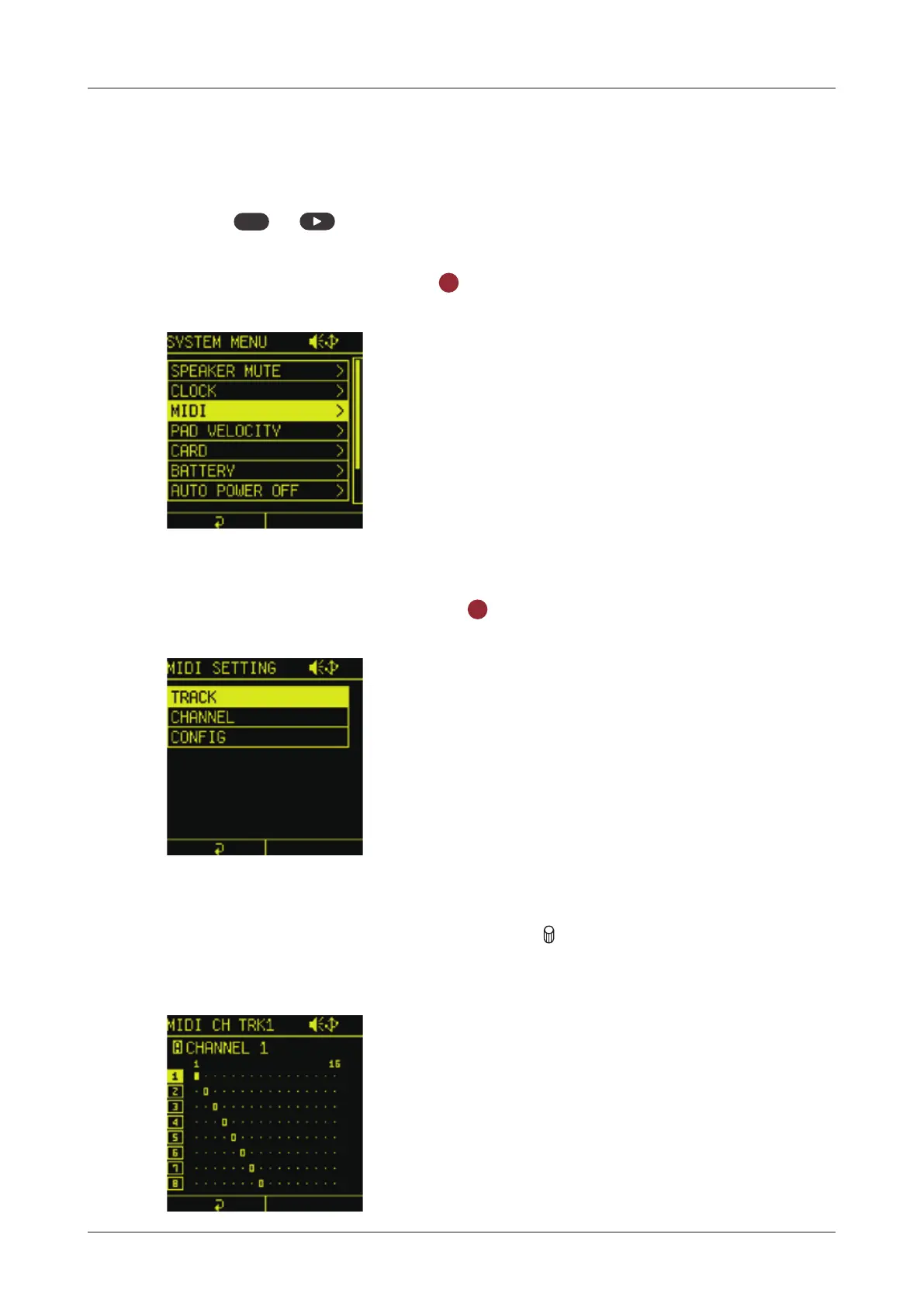
Setting track MIDI channels
MIDI channel numbers can be set for every Lo-12 XT tracks.
1
Press
func
+ system to open the SYSTEM MENU.
2
Select MIDI and press the
OK
button
to open the MIDI SETTING.
3
Select TRACK and press the
OK
button.
4
Select the track to change, and turn A knob to change the
channel.
131



 To Next Page