Card functions
Card reader mode
You can access sampling audio les, Mix Tape les, user backup les,
etc. from your PC/Mac.
It is also used when updating rmware.
1
Connect to PC/Mac with USB cable.
2
Press
func
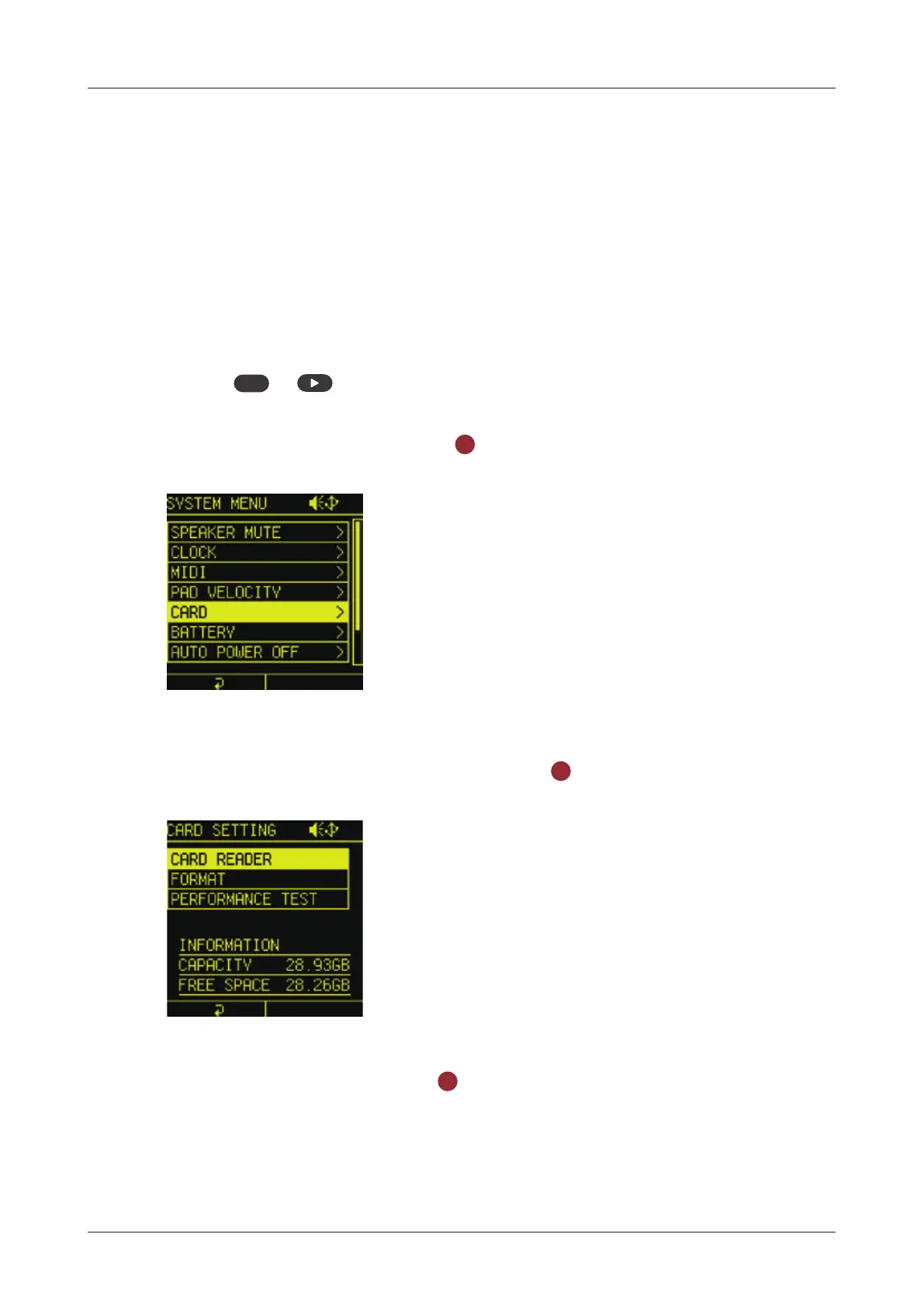
+ system to open the SYSTEM MENU.
3
Select CARD and press the
OK
button.
4
Select CARD READER and press the
OK
button.
5
Select YES and press the
OK
button.
139



 To Next Page