Card functions
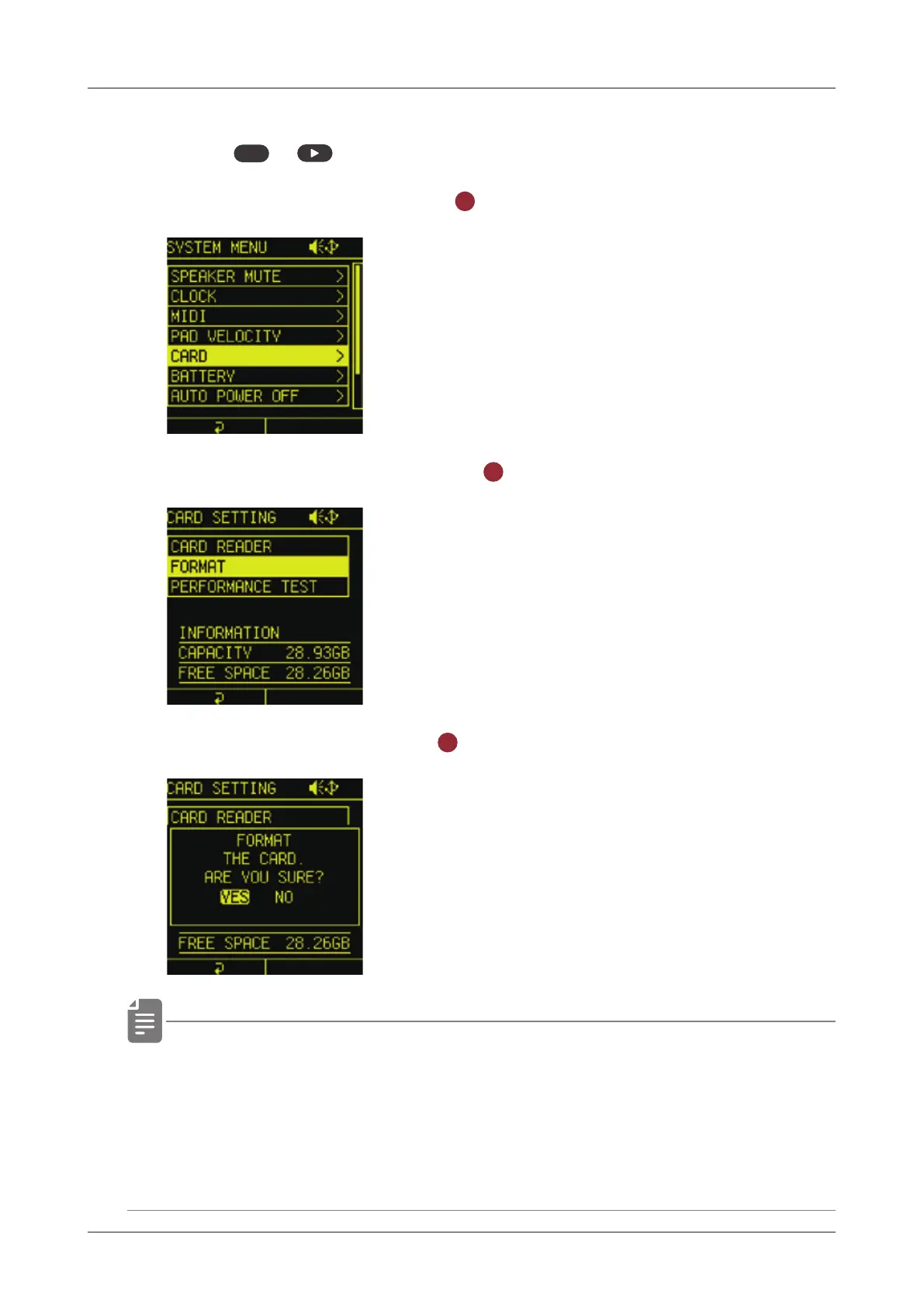
Formatting cards
1
Press
func
+ system to open the SYSTEM MENU.
2
Select CARD and press the
OK
button.
3
Select FORMAT and press the
OK
button.
4
Select YES and press the
OK
button.
• Supports up to 32 GB SDHC card.
• Formatting cards takes a few minutes.
• All data on the card will be erased. It is recommended to back
up the preset data to your PC/Mac.
140



 To Next Page