Basic Operations
15PA D s
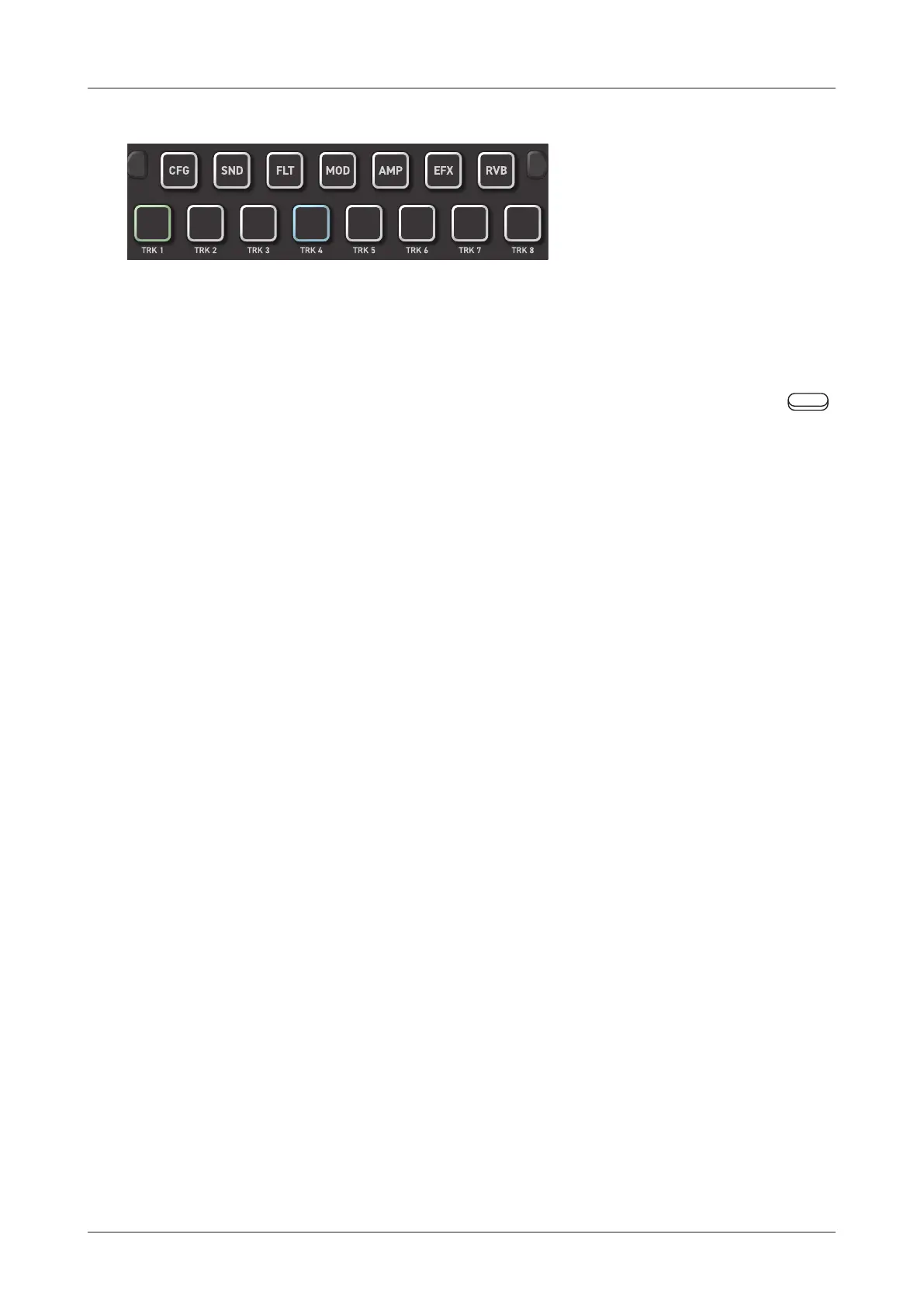
PARAMETER PAD
Pressing these 7 parameter pads will open parameter editing pages.
Some pages have sub-pages that can be opened by pressing the
Auxiliary buttons.
These sub-pages can also be opened by pressing the same parameter
pad again.
TRACK PAD
Pressing any of the 8 track pads to select a track and trigger the
sample assigned to the track.
Edit each track by switching pages using the parameter pad.
14



 To Next Page