Changing POWER Settings
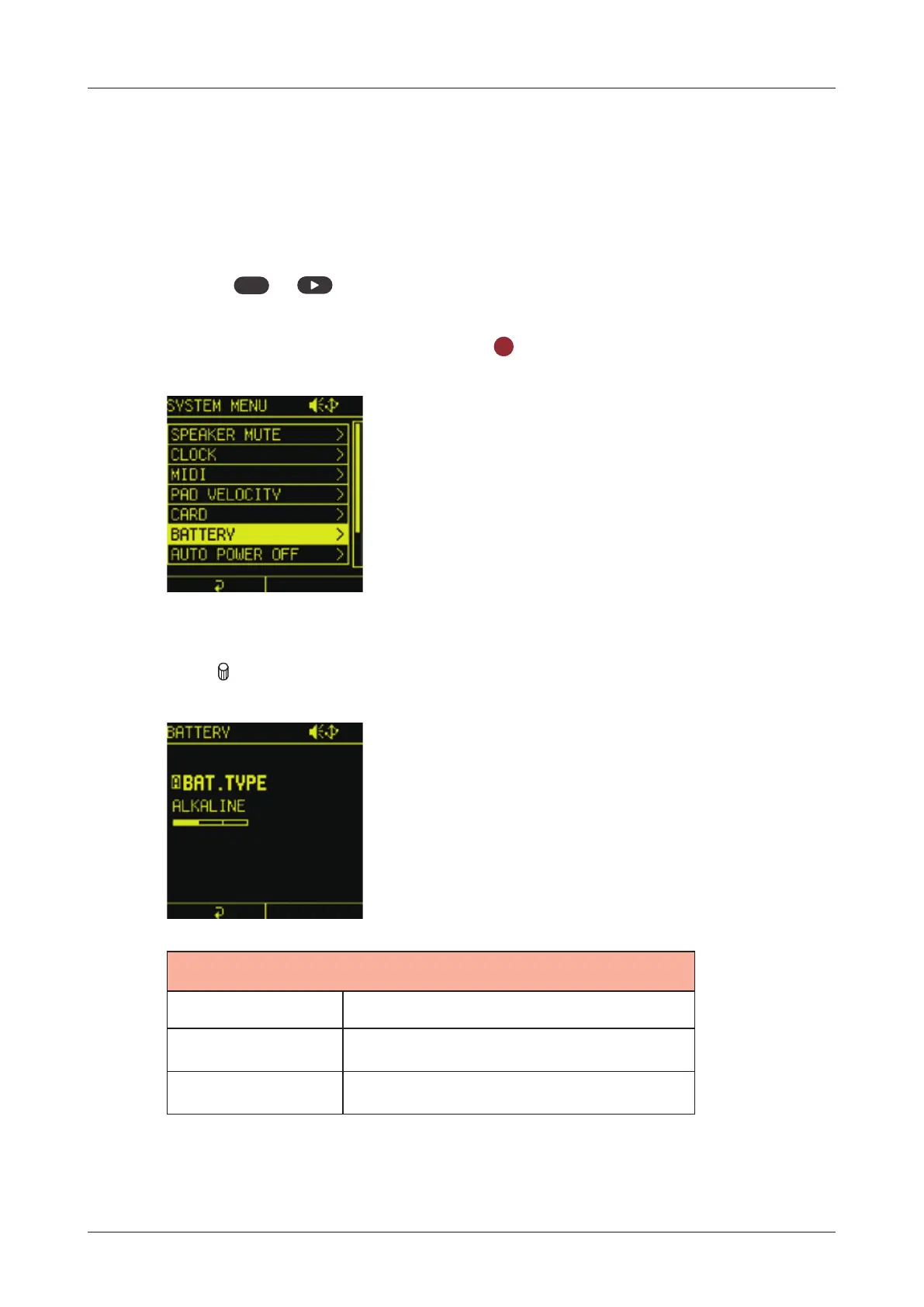
Battery setting
By changing the type of batteries used in Lo-12 XT, the battery icon
on the screen will be displayed correctly.
1
Press
func
+ system to open the SYSTEM MENU.
2
Select BATTERY and press the
OK
button.
3
Turn A knob to adjust it.
BATTERY TYPE
Alkaline Alkaline batteries
NiMH Nickel-metal hydride batteries
Lithium Lithium batteries
142



 To Next Page