Changing POWER Settings
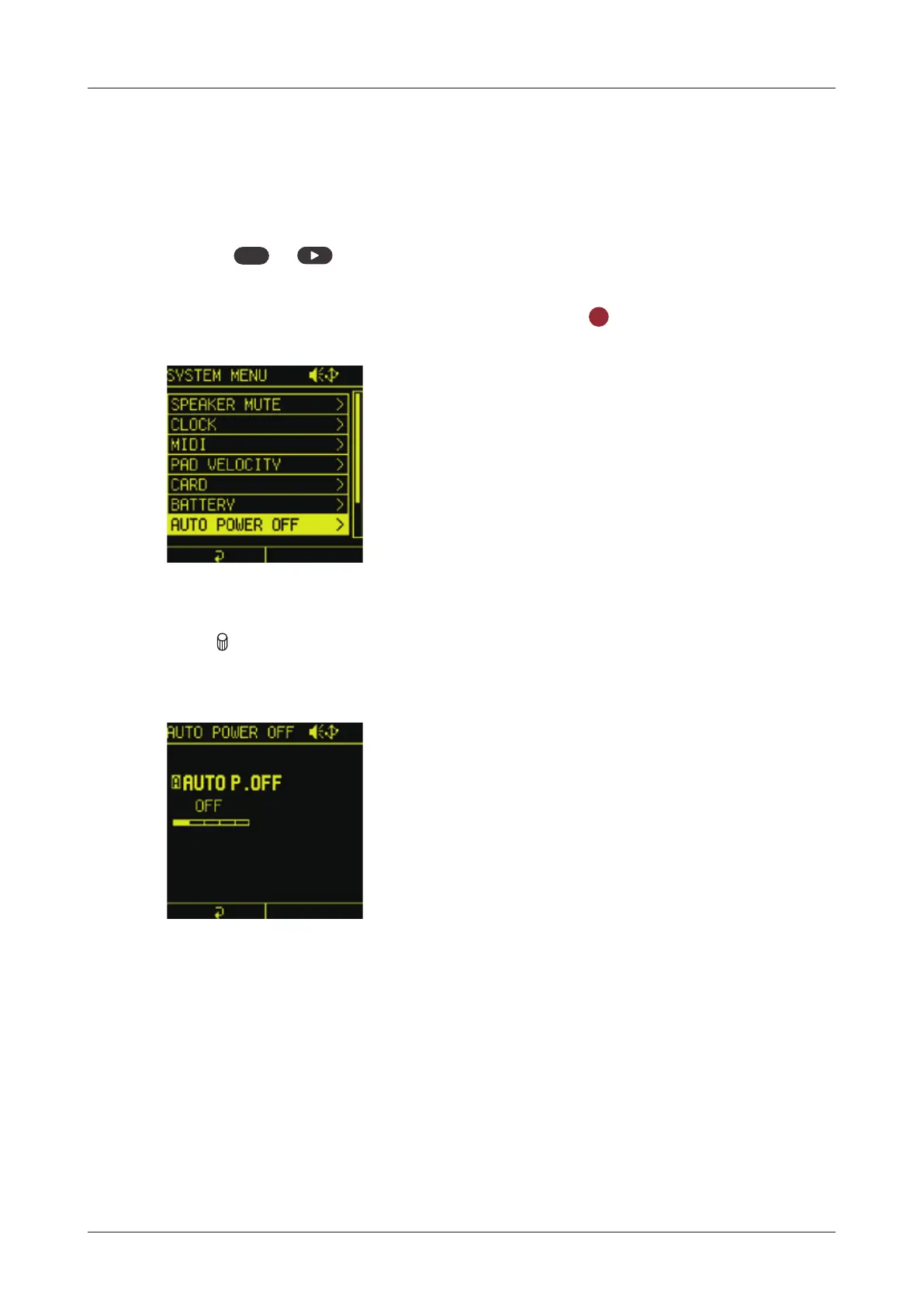
Automatic power o function
The time until automatic shutdown can be set.
1
Press
func
+ system to open the SYSTEM MENU.
2
Select AUTO POWER OFF and press the
OK
button.
3
Turn
A knob to select a time between 30 minutes and 6 hours (or
O to disable the AUTO POWER OFF function).
143



 To Next Page