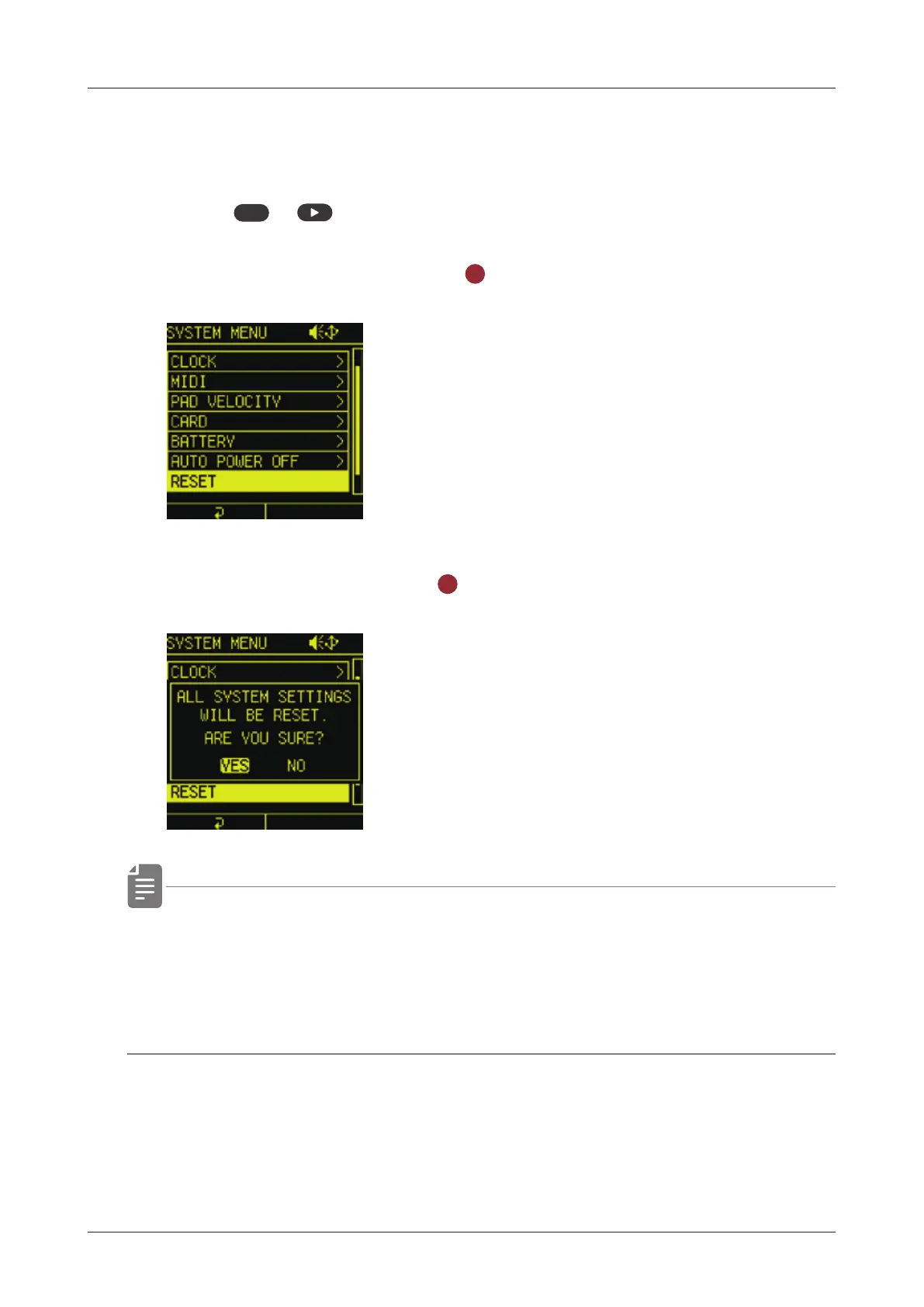
Resetting the unit to the factory default state
The Lo-12 XT can be restored to its factory default settings.
1
Press
func
+ system to open the SYSTEM MENU.
2
Select RESET and press the
OK
button.
3
Select YES and press the
OK
button.
• This does not erase the data in the external card storage.
To format the external card storage, see ( → P.140)
• It is recommended to back up the preset data to your PC/Mac.
14 4



 To Next Page