Pattern Playback and Basic Functions
Play a pattern from another project
1
Press
func
+
PAD
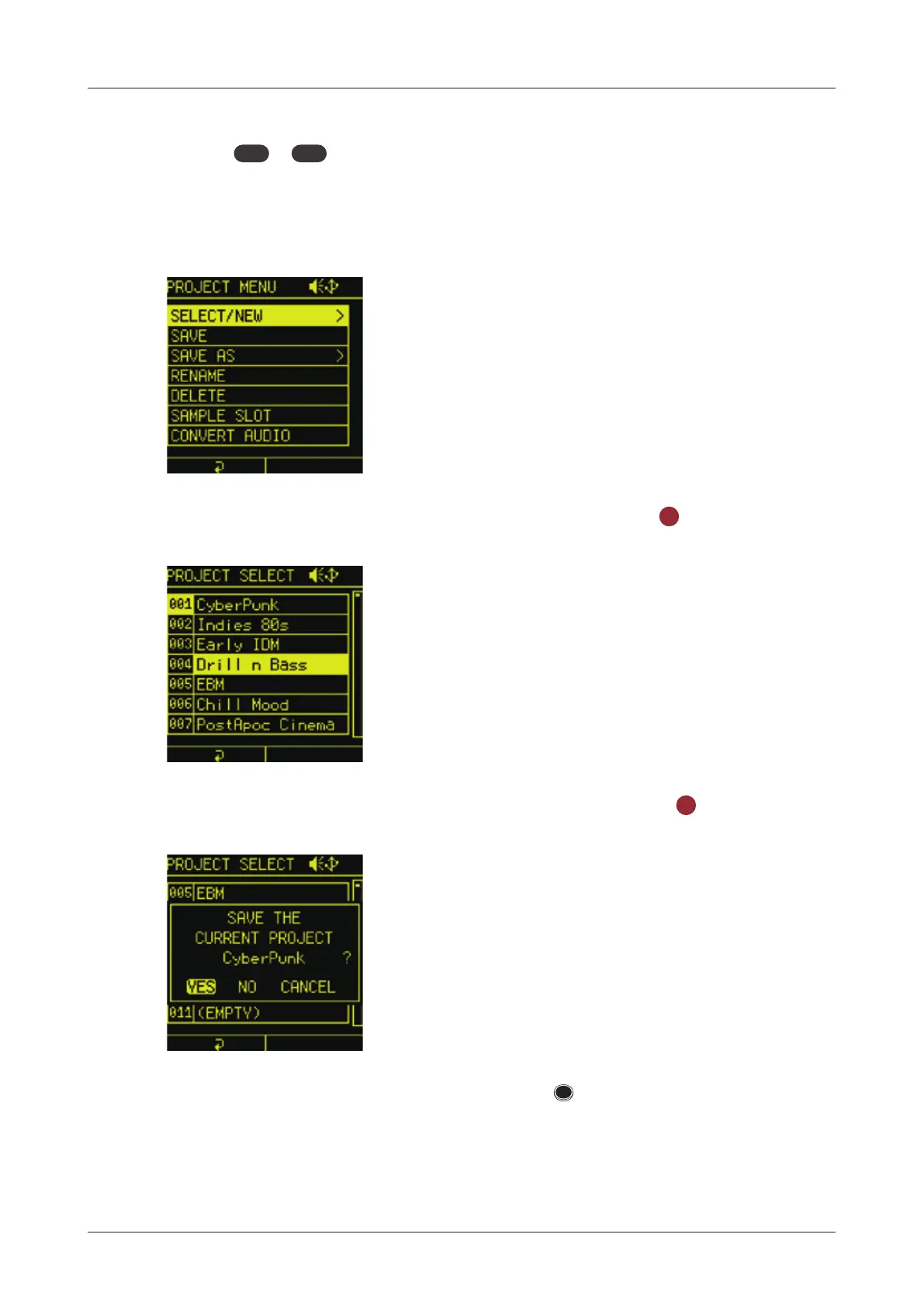
project to open the PROJECT MENU.
2
Select SELECT/NEW in the PROJECT MENU.
3
Select one of the preset projects and press the
OK
button.
4
Select YES to save the current project and press
OK
button.
Once the project is opened, follow the STEPs on P.17 to play a
pattern.
20



 To Next Page