Pattern Playback and Basic Functions
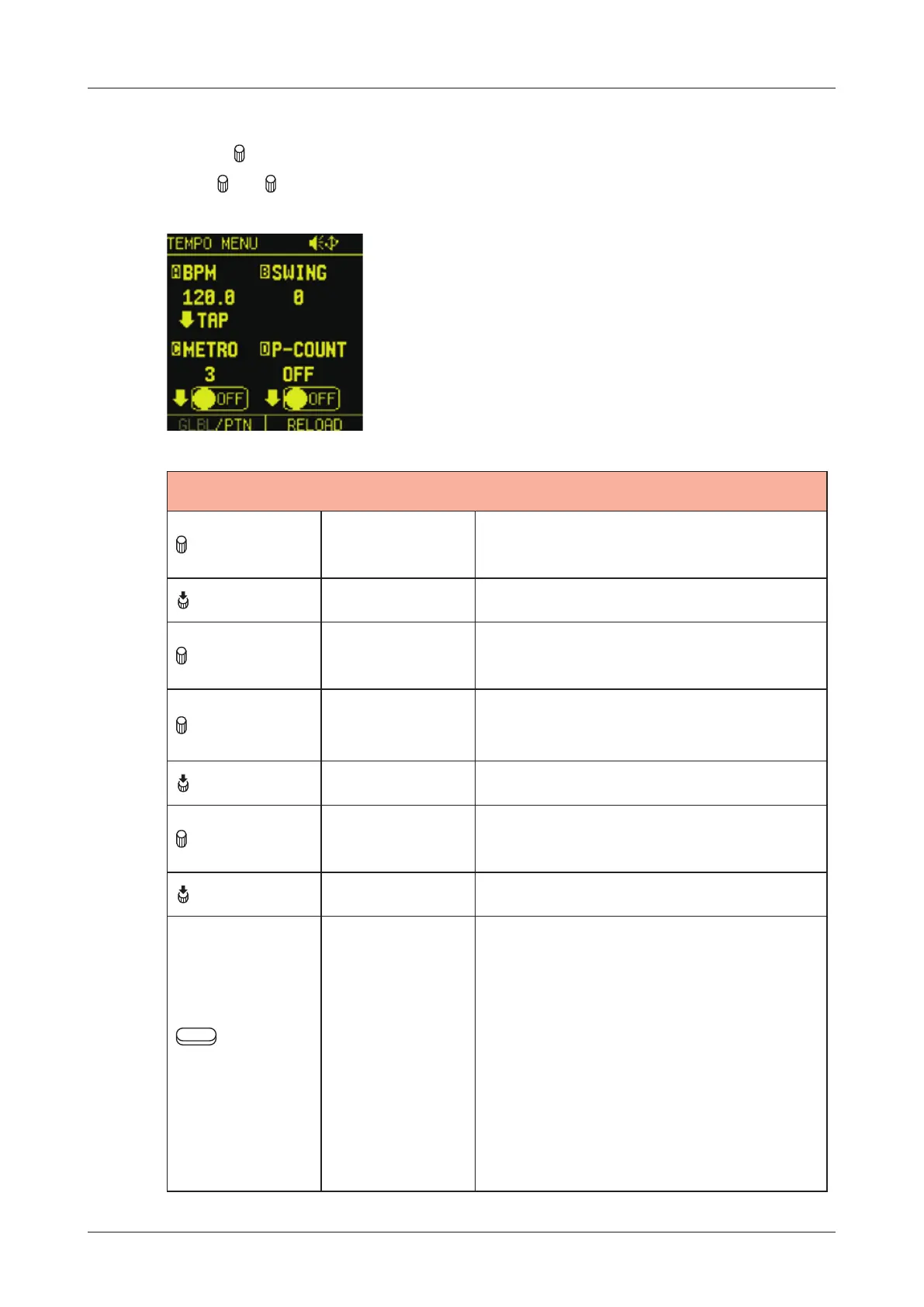
Changing the tempo
1
Press VLUE to open TEMPO MENU.
Turn
A - D knobs to edit.
TEMPO MENU
A knob BPM
40 - 250:
Set the pattern tempo
A (Push) TAP Set Tempo by tapping
B knob SWING
0% - 75%:
Set the SWING amount
C knob M-VOL
0 - 16:
Adjust Metronome volume
C (Push) OFF/ON METRONOME ON / OFF
D knob P-COUNT
1 - 16:
Set the pre-count number
D (Push) OFF/ON Pre-count ON / OFF
Auxiliary
left button
GLBL, PTN
P T N:
Whenever a dierent pattern is
selected, the BPM is reset using
the tempo saved in that pattern.
G L B L:
The current global BPM value will
continue to be used even when
a dierent pattern is selected.
21



 To Next Page