Track Operations
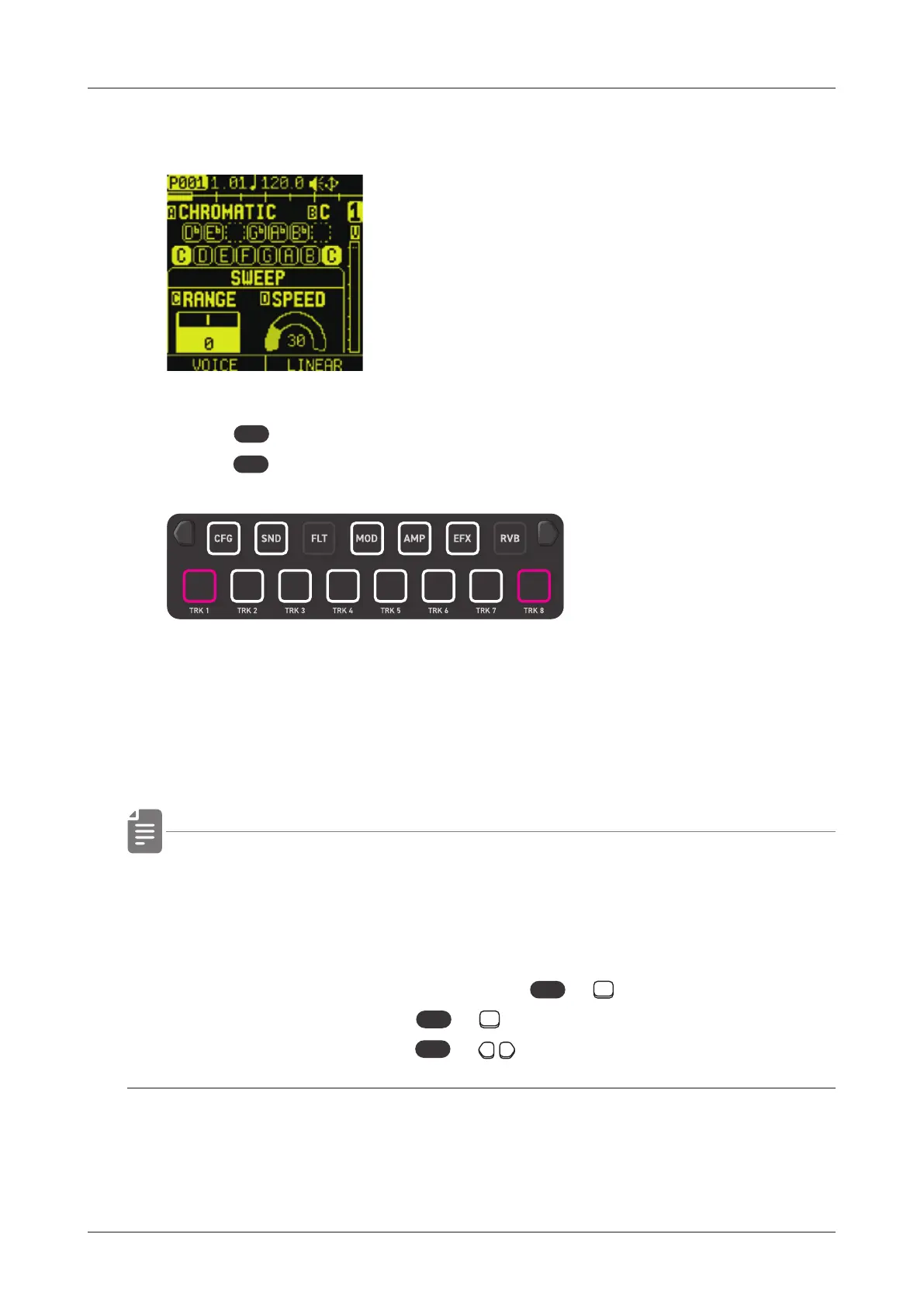
Playing in PAD mode
1
Press
PAD
to enter the PAD mode.
Press
PAD
on the SOUND page to display the PAD page.
While in the PAD mode, you can play the sample in a scale with
the 15 PADs. The root note of the scale will light pink each
octave.
• When the voice mode is set to SLICE, you can play slices with
15 PADs. ( → P.68)
• In the PAD mode, you can switch
parameter edit pages by pressing
func
+ PARAMETER PAD,
the tracks by pressing
func
+ TRACK PAD,
the pages by pressing
func
+ Page switches.
33



 To Next Page