Sample File Setup -Sampling-
Sampling
1
Press
func
button + sampling to open SAMPLING page.
2
Turn
A - D knobs to set sampling settings.
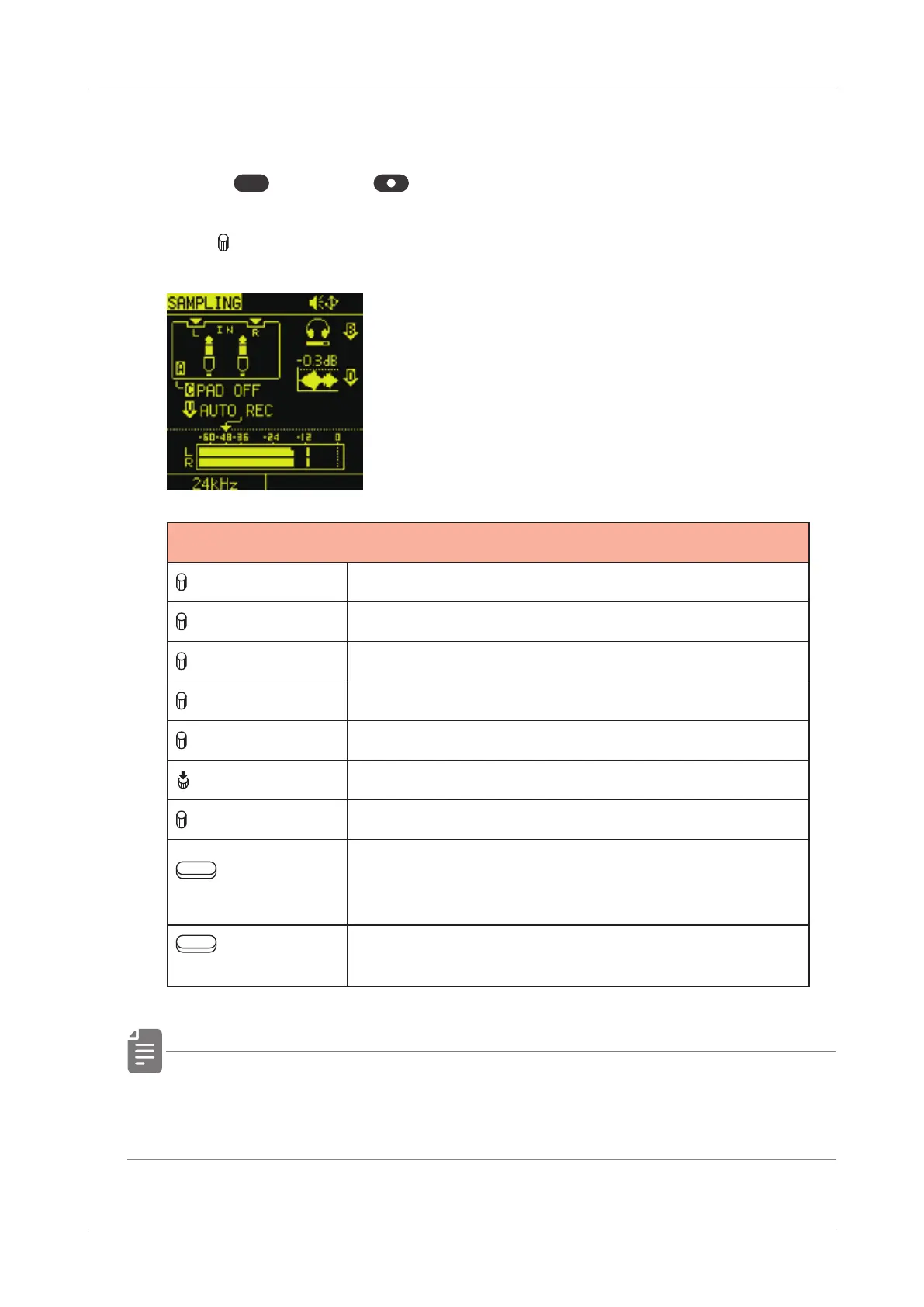
SAMPLING
A knob Selecting the recording source
B knob Adjusting monitoring level
B (Push) Monitoring ON/OFF
C knob Recording source settings
D knob Normalize ON/OFF
VALUE (Push) Auto recording ON/OFF
VALUE Auto recording Threshold
Auxiliary
left button
Selecting the sampling rate 12kHz / 24kHz
Recorded at the sampling frequency
indicated.
Auxiliary
right button
Turn ON to name after sampling is complete
• By turning on AUTO REC, sampling can be started automatically
for input signals that exceed the set level.
40



 To Next Page