EasyManua.ls Logo

Sonicware LoFi-12 XT - Recording Source Selection

Sonicware LoFi-12 XT
148 pages
Print Icon
To Next Page IconTo Next Page
To Previous Page IconTo Previous Page
Loading...
Sample File Setup -Sampling-
Selecting the recording source
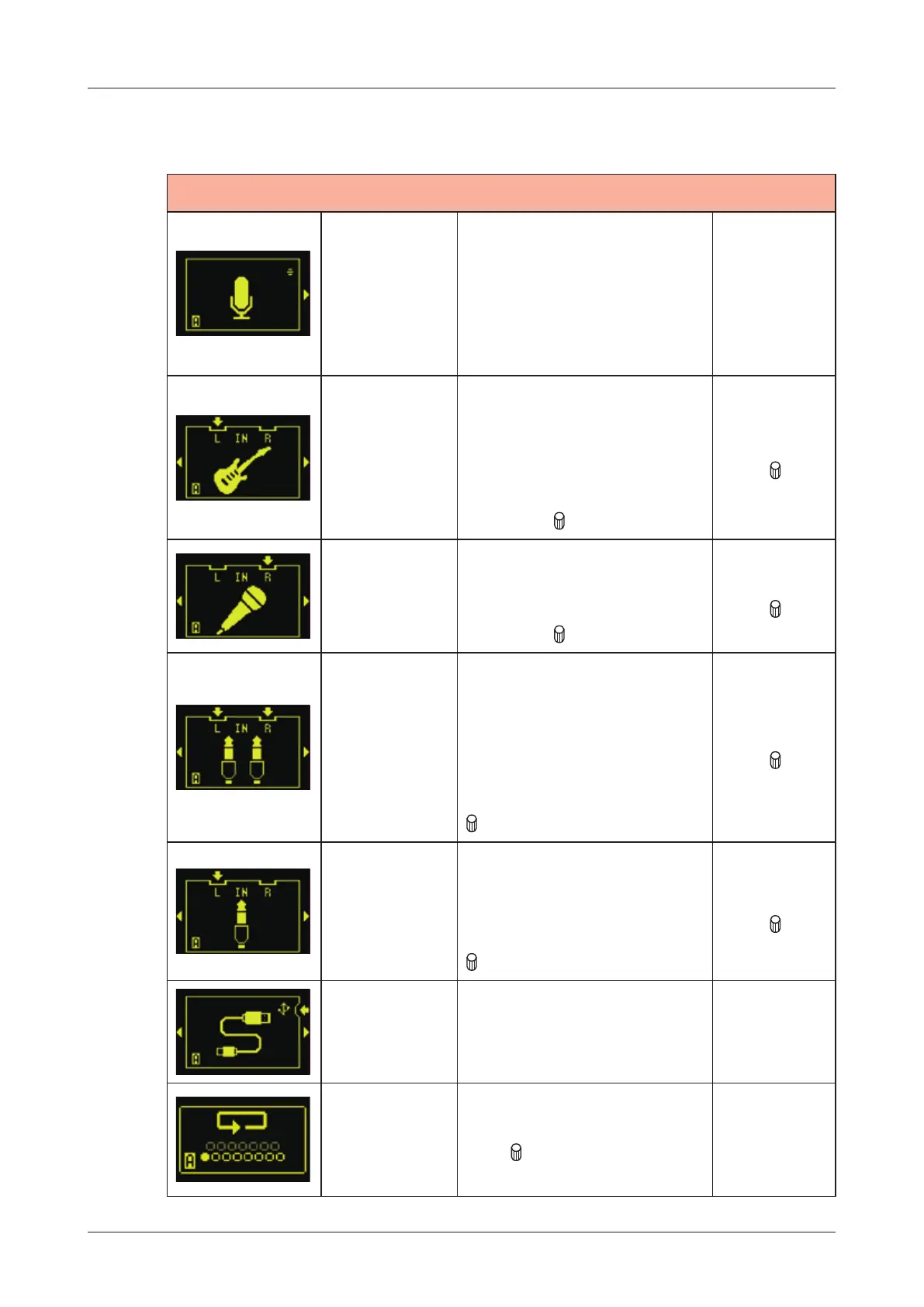
REC SRC
Built-in mic
Uses built-in
microphone.
Set the appropriate
volume using the
microphone gain knob
on the main unit.
Hi-Z
Connect and use high-
impedance instruments
such as guitar and
bass.
Setting the gain control
with the
C knob.
control
input gain
with
REC
VOL knob
Dynamic
mic
Connect and use a
dynamic microphone
Set the gain control
with the
C knob.
control
input gain
with
REC
VOL knob
Stereo line
input
Connect and a use
stereo line instrument.
Input signals are mixed
mono.
-20dB PAD can be
turned on and o󱐯 with
C knob.
control
input gain
with
REC
VOL knob
Mono line
input
Connect and a use
mono line instrument.
-20dB PAD can be
turned on and o󱐯 with
C knob.
control
input gain
with
REC
VOL knob
Resampling
Connect and a use
USB audio.
Resampling
Resampling the pattern to
play.
Tur n
C knob to select
track to resampling.
41

Related product manuals