Sample File Setup -Sampling-
3
Press TRACK PAD to select track to record sample.
4
Press
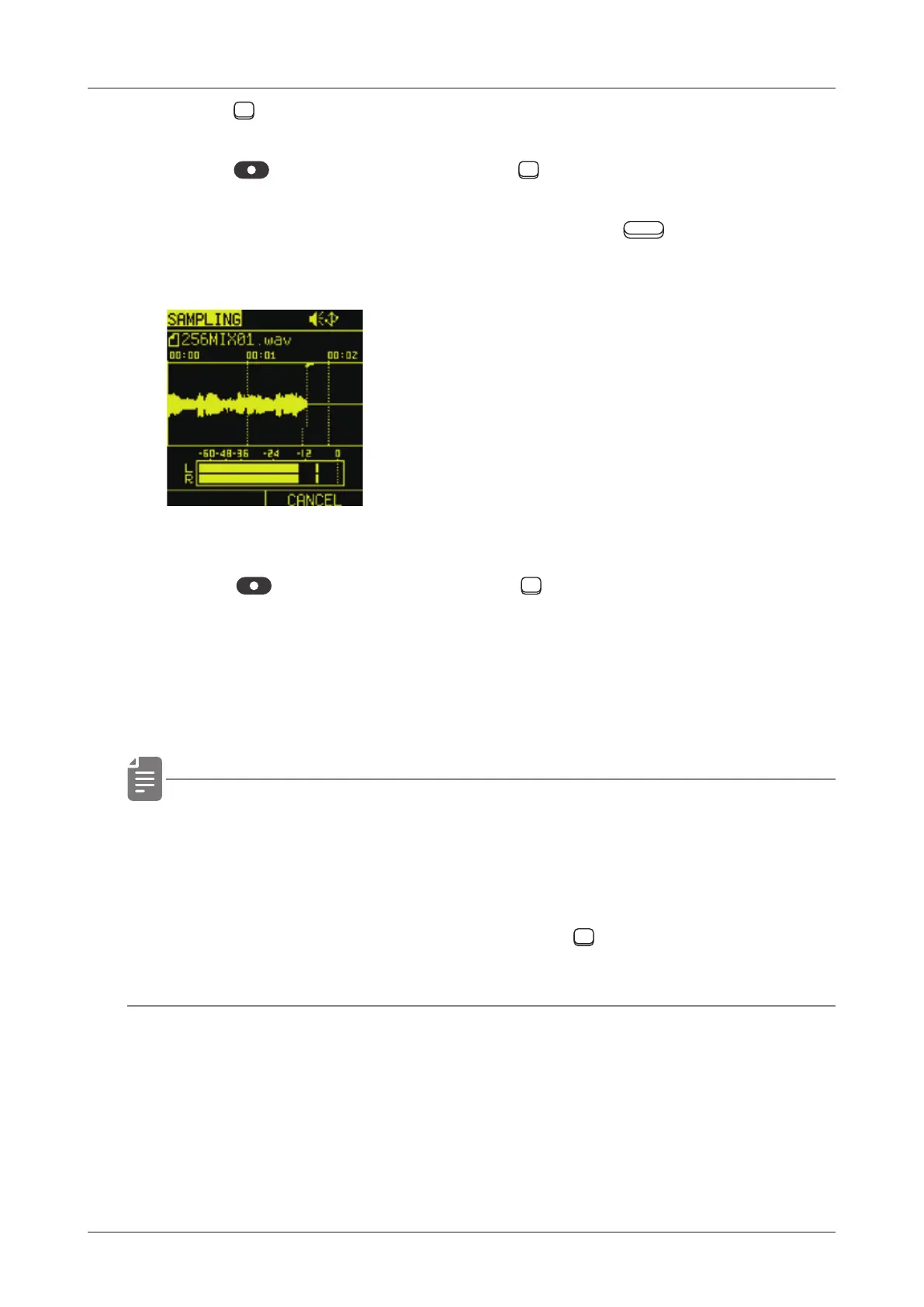
sampling or red blinking TRACK PAD to start
sampling.
Sampling can be interrupted by pressing the Auxiliary right
button CANCEL.
5
Press
sampling or red blinking TRACK PAD again,sampling
will be completed.
The sampling les are automatically loaded into the sample slots
and placed in the folder with the Pool \Audio\ ‘project name’.
• The maximum sampling time is 40 seconds.
Sampling automatically nishes when the maximum time is
reached.
• Also it can be start sampling to press TRACK PAD strongly
and hold,complete sampling to release nger.
42



 To Next Page