Sample File Setup -Converting-
4
Select the settings you want to convert and press the
OK
button
to check them.
CONVERT SETTINGS
12k Converts at a sampling frequency of 12kHz
24k Converts at a sampling frequency of 24kHz
L Uses only the L channel of the stereo le.
R Uses only the R channel of the stereo le.
L+R Stereo les sums to Mono
5
Select OK and press the
OK
button to execute the conversion.
If L or R is selected, "_L (or R)" will be added to the end of the le
name after conversion is completed.
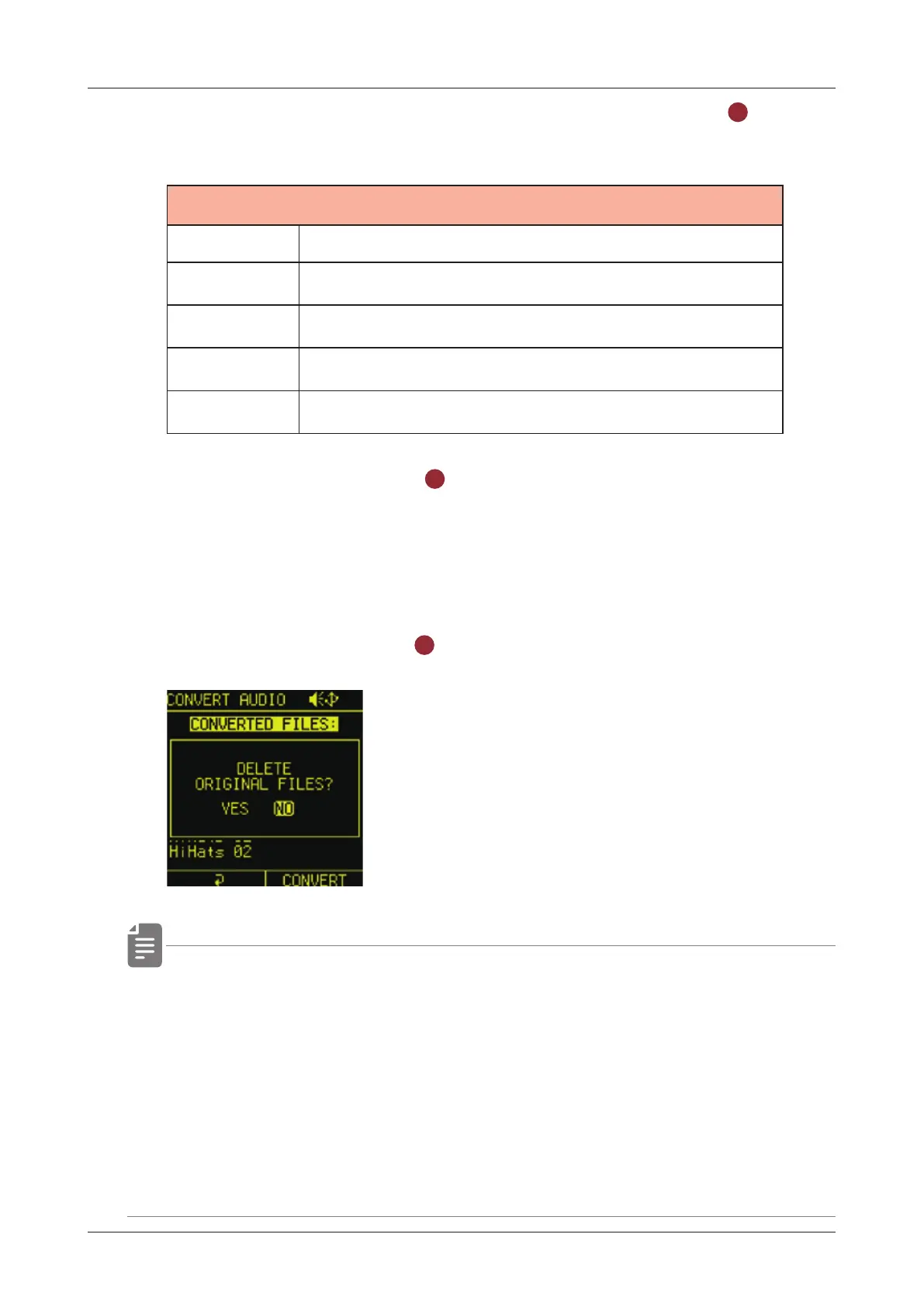
If you do not want to delete the original les after the conversion
is complete, select NO when DELETE ORIGINAL FILES is
displayed and press the
OK
button.
• The converted samples can be used by loading them into the
sample slots.( → P.48)
• The converted sample is stored in the "Converted_12k (or 24k)_
date tag" folder created in the Pool folder.
• When converting mono audio les, the L, R, and L+R settings
are ignored.
46



 To Next Page